
Best AI Ticketing System Options for Businesses
Ticket floods can choke any support team. Here are six AI ticketing system options and who they suit best. We’ll also note how a seasoned MSP like Advatek can help manage the rollout.
We analyzed 76 reviews, comments and questions from Trustpilot, Reddit and Quora about AI ticketing systems and found that 24% mentioned limited features and poor usability.
Need a deeper dive? Check our Best AI Help Desk Software for US Businesses guide.
1. Zendesk: An integrated support suite for multiple channels
Zendesk bundles ticketing, messaging, voice, and a knowledge base in one cloud platform. It fits midsize to enterprise teams that juggle email, chat, and social media.
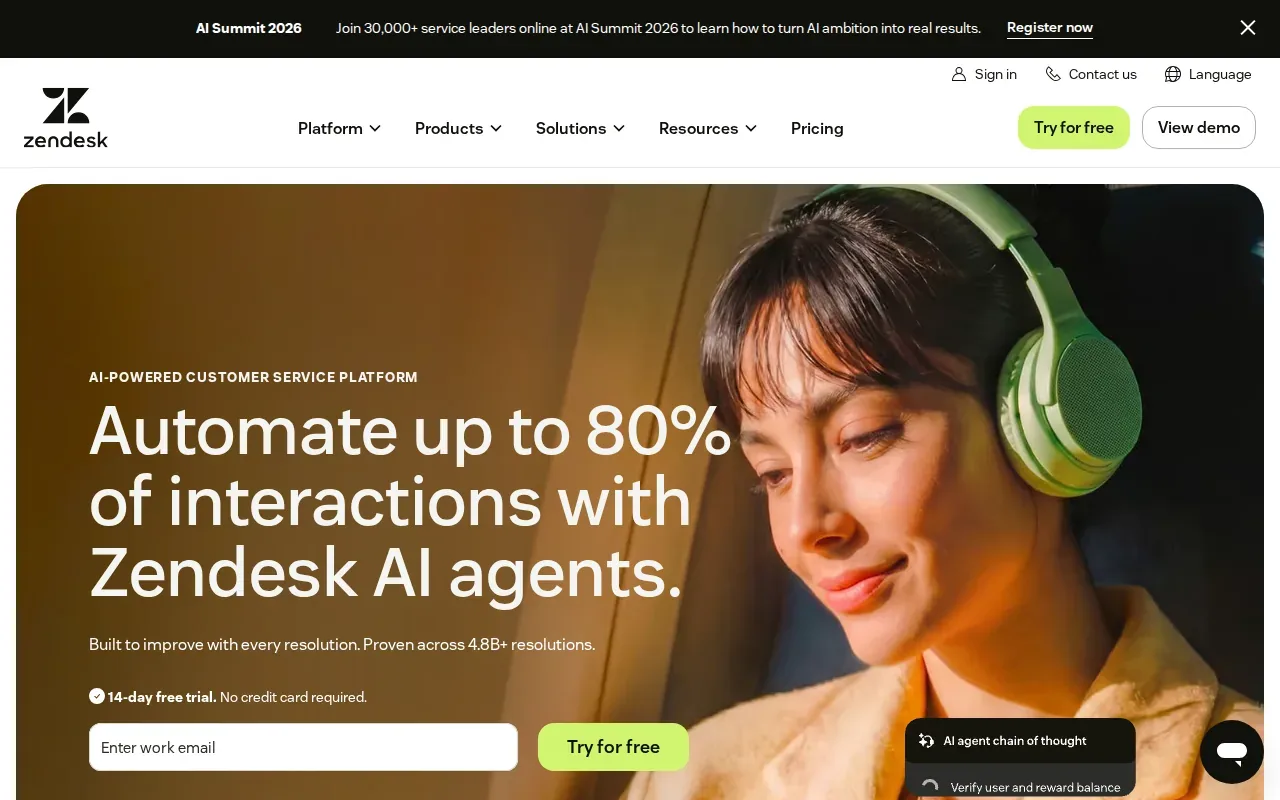
What makes it stand out? The suite ships with built‑in AI that suggests replies, routes tickets, and surfaces relevant articles. Zendesk’s Marketplace lists over 1,800 third‑party apps, so you can hook the system into CRMs, e‑commerce platforms, and security tools without writing code. The AI‑driven omnichannel routing trims manual triage, freeing agents for higher‑value work. Zendesk also offers advanced workflow automation.
Its audit logs and data‑access controls can help regulated groups, but confirm HIPAA or PCI requirements with the vendor before you rely on it. The trade‑off is a steeper learning curve for very small teams that don’t need the full suite.
2. Freshdesk by Freshworks: AI for routine support questions
Freshdesk offers an easy‑to‑use workspace that pulls tickets from email, phone, chat, and social channels. It’s a solid pick for SMBs that want a quick start without heavy IT overhead.
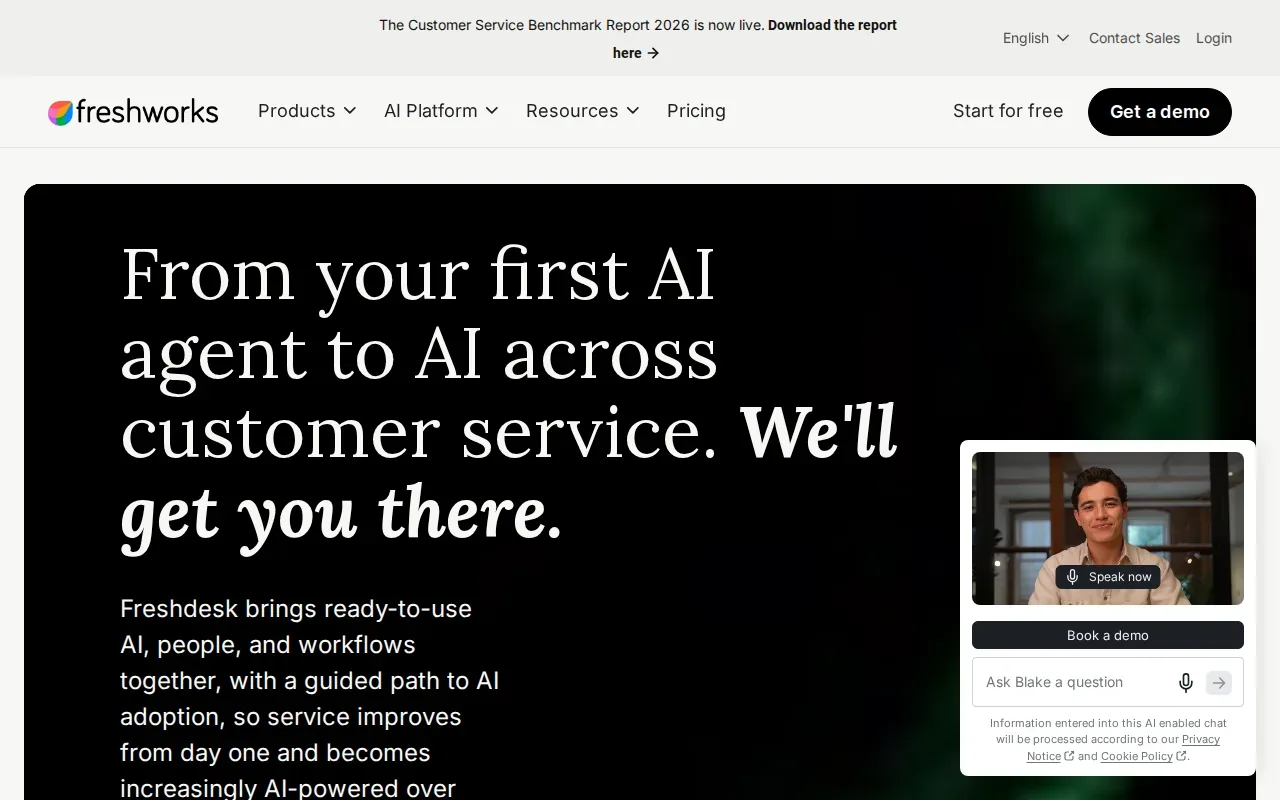
Freddy AI is designed to handle routine questions independently, from order status checks to refund processing.
A minor downside: deeper customizations sometimes need a bit of scripting, which may stretch a very lean support staff.
An MSP can pair a help desk like Freshdesk with 24/7 monitoring and patch management to keep the ticket pipeline healthy. For teams that need a partner to fine‑tune the AI, see our Best AI Automation Consulting Services page.
3. Zoho Desk: Ticket organization and reply support with Zia
Zoho Desk delivers an omnichannel inbox that routes email, live chat, social media, and web‑form tickets into a single view. It fits businesses that already use other Zoho apps, like CRM or Projects.
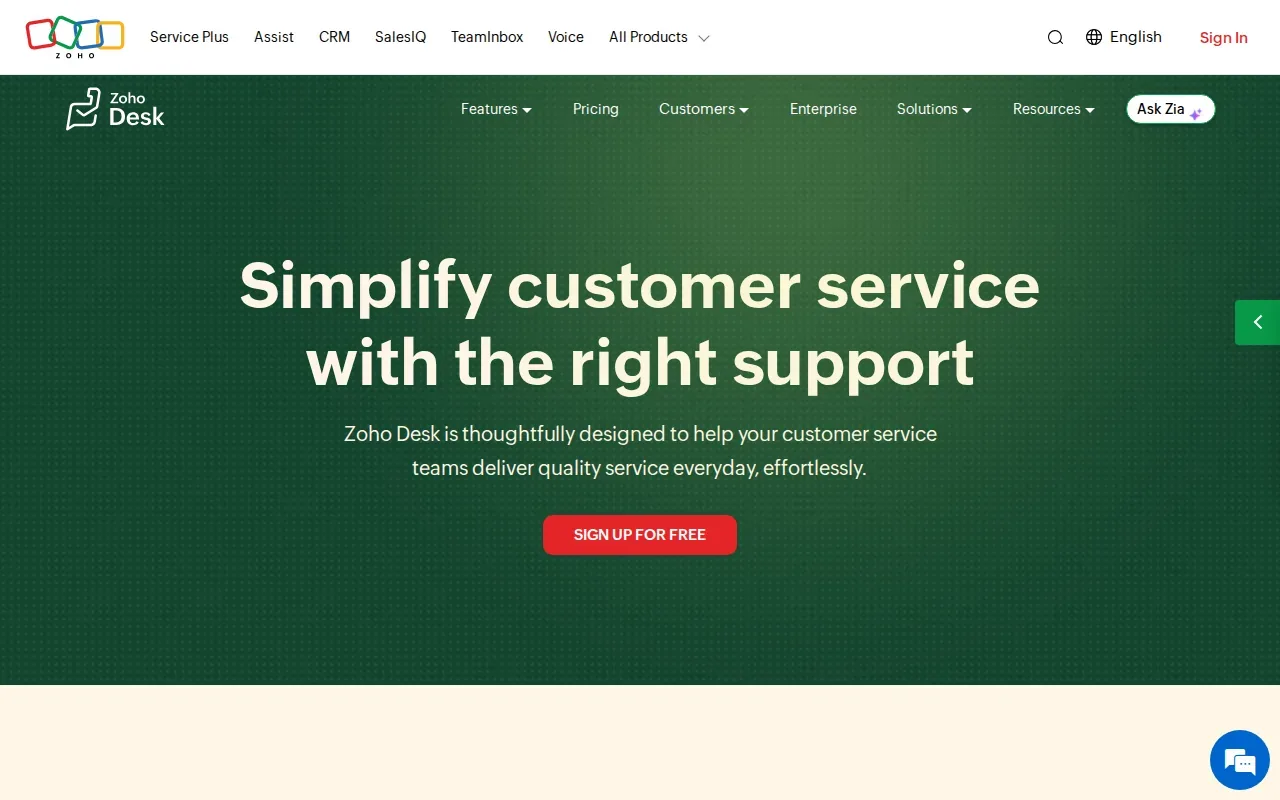
Zia, Zoho’s AI assistant, auto‑tags tickets, runs sentiment analysis, and offers reply suggestions drawn from your knowledge base. The auto‑tag feature helps agents find the right template fast, cutting response time. Zoho also offers Blueprint, a visual process designer that lets admins map out approval steps without code.
Businesses may need to connect ticketing with other systems, such as EMR or billing tools. The downside is a less polished UI compared with larger rivals, which can feel dated to power users.
4. Jira Service Management by Atlassian: A service desk for Jira teams
Jira Service Management (JSM) blends ITSM practices with the familiar Jira issue tracker. It’s built for tech teams that already live in the Atlassian ecosystem.
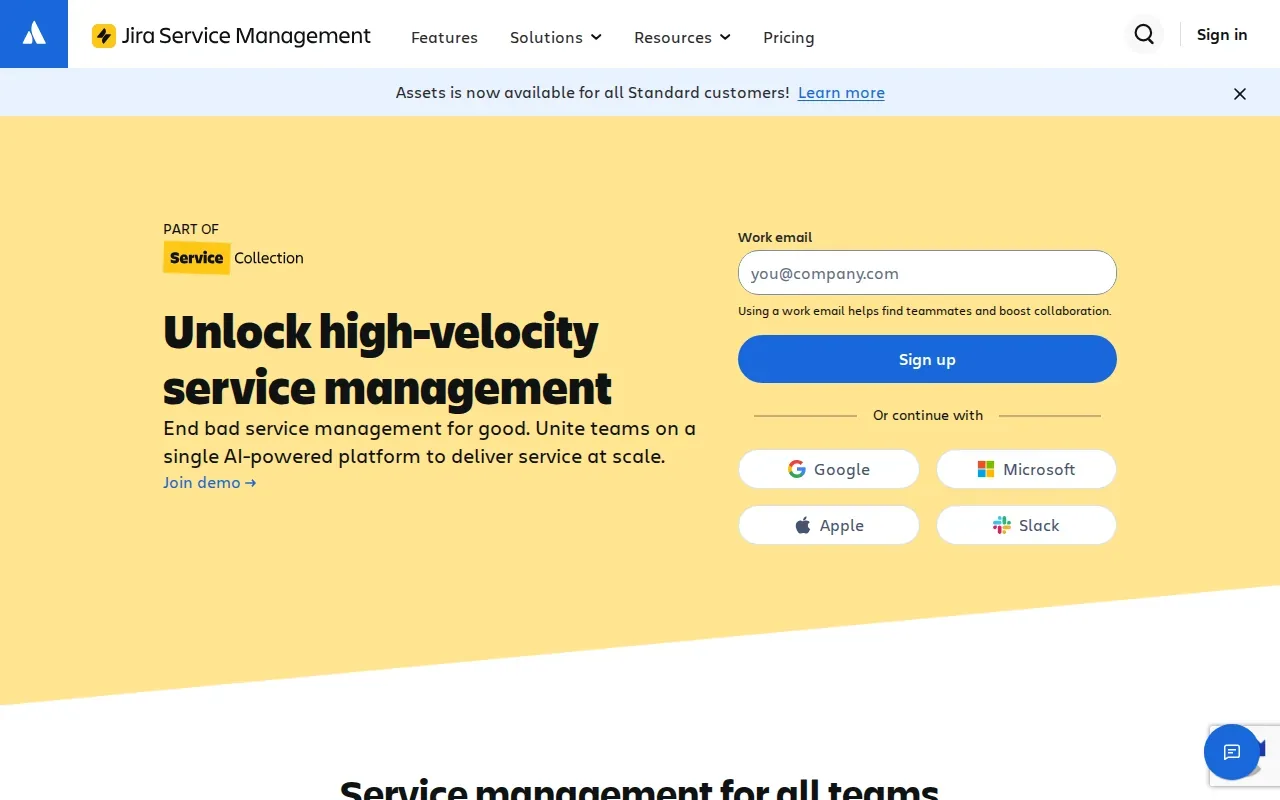
Rovo AI adds ticket summarization, automatic categorization, and smart routing based on historical data.
For organizations that need strict change‑management and asset tracking, JSM’s built‑in CMDB is a plus. Smaller support groups may find the feature set heavier than needed, and the UI can feel more technical than ticket‑first tools.
5. HappyFox: A customizable help desk with AI features
HappyFox provides a clean, brandable portal that handles email, chat, phone, and social tickets in one place. It works well for mid‑market firms that value a tailored look.
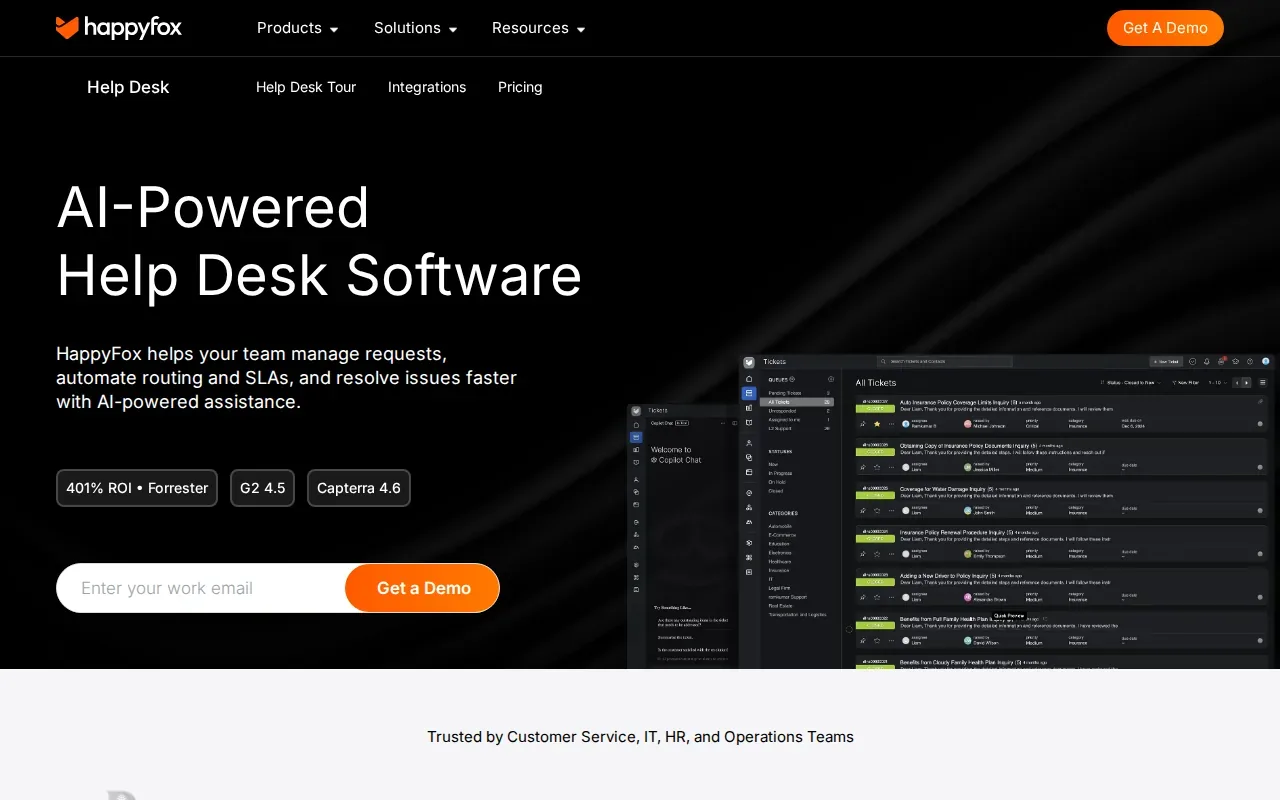
The platform’s AI layer offers reply recommendations, ticket summaries, and knowledge‑base article suggestions. Automation rules let you set triggers for SLA breaches, auto‑assign tickets, and send satisfaction surveys.
HappyFox connects to over 150 apps, including Salesforce and Microsoft Teams. Its reporting suite surfaces agent activity, ticket volume, and SLA compliance in real time. The main drawback is that advanced workflow customization often requires a bit of scripting, which can add complexity for teams without a developer.
6. Pylon: B2B support in shared customer channels
Pylon is a B2B support platform for teams supporting customers in shared channels. This makes it an option to consider when customer support takes place in those channels.
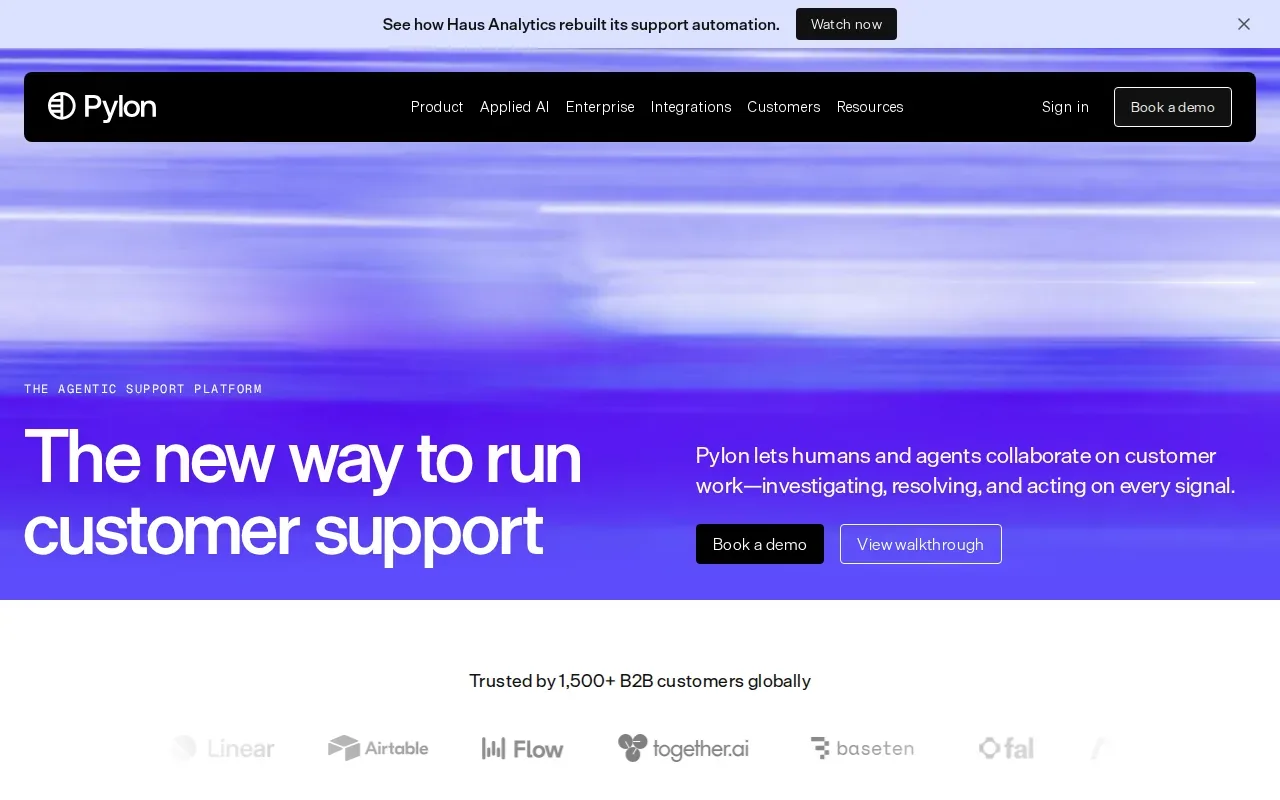
Pylon includes an AI Assistant. A qualified IT service provider can help assess the fit, plan how it would be used in daily support, and review data handling and staff workflows before implementation.
Without professional guidance, teams may overlook setup needs, workflow changes, or limitations. An MSP can help manage those considerations so AI support is aligned with business processes, compliance, and cybersecurity needs.
AI ticketing system comparison: Which platform fits your team?
| Platform | AI focus | Automation depth | Integration apps | Best for |
|---|---|---|---|---|
| Zendesk | AI routing, suggestions, copilot | Advanced workflows | ~1,800+ | Enterprises needing a full suite |
| Freshdesk | Freddy AI triage & reply | Medium | See website | SMBs seeking quick start |
| Zoho Desk | Zia auto‑tag, sentiment | Basic to medium | See website | Zoho ecosystem users |
| Jira Service Management | Rovo AI summarization | Medium | See website | IT/DevOps teams |
| HappyFox | AI reply, summary | Basic | 150+ | Mid‑market brands |
| Pylon | AI Assistant | Medium | See website | B2B SaaS support |
Frequently asked questions
What is an AI ticketing system?
An AI ticketing system uses artificial intelligence to classify, route, and sometimes resolve support tickets without human clicks. The AI layer can suggest replies, auto‑tag tickets, and generate summaries, which speeds up response times.
Can AI replace human agents?
AI handles routine queries and triage, but complex issues still need a human touch. Most vendors recommend a hybrid model where AI deflects easy tickets and humans handle nuanced cases.
How does compliance affect AI ticketing choices?
Regulated industries should assess whether a ticketing platform supports their compliance requirements. An MSP like Advatek can help evaluate controls and manage implementation.
Do I need a developer to set up AI automation?
Most platforms offer no‑code builders for AI agents and workflow rules, so a non‑technical admin can get started. However, deeper custom integrations often benefit from a developer or a managed‑services partner.
What’s the typical ROI for AI ticketing?
Returns vary. Time saved on triage and routine replies is the usual gain, and the exact return depends on ticket volume, how clean your knowledge base is and how well the AI is set up.
Conclusion
For teams that need a mature, all‑in‑one platform, Zendesk usually leads the pack. If you prefer a lighter, cost‑effective solution, Freshdesk or Zoho Desk are solid choices. Whatever you pick, let a trusted MSP handle the integration, security hardening, and compliance checks. Start with a pilot and then explore our Best AI Knowledge Base Tools and Services to keep your support docs in sync.
Download Franchise Information Report
Want to learn more about opening your own franchise? Fill out this form to get started: