
Best Cloud Backup Options That Are HIPAA Compliant
You need a backup plan that protects patient data and survives a ransomware hit. Below are five cloud backup services that healthcare teams often consider, with the HIPAA checks to run on each and who each fits best.
1. Eon: Data protection with ransomware recovery in view
Eon protects workloads across AWS, Azure and GCP and can spin up a queryable copy of your data in minutes. It’s best for health‑tech teams that run PHI in several clouds and need a single policy engine.

The platform adds automated policy enforcement, immutable snapshots and AI‑driven alerts that flag ransomware activity before it spreads. A signed Business Associate Agreement is an important HIPAA consideration, while immutable backups can support recovery planning.
Because Eon is a multi‑cloud service, you avoid the coverage gaps that native cloud tools often leave when PHI lives in more than one provider.
Key Takeaway: Eon’s cross‑cloud coverage and immutable snapshots make it a strong match for organizations that can’t afford a single‑provider blind spot.
2. Rubrik Security Cloud
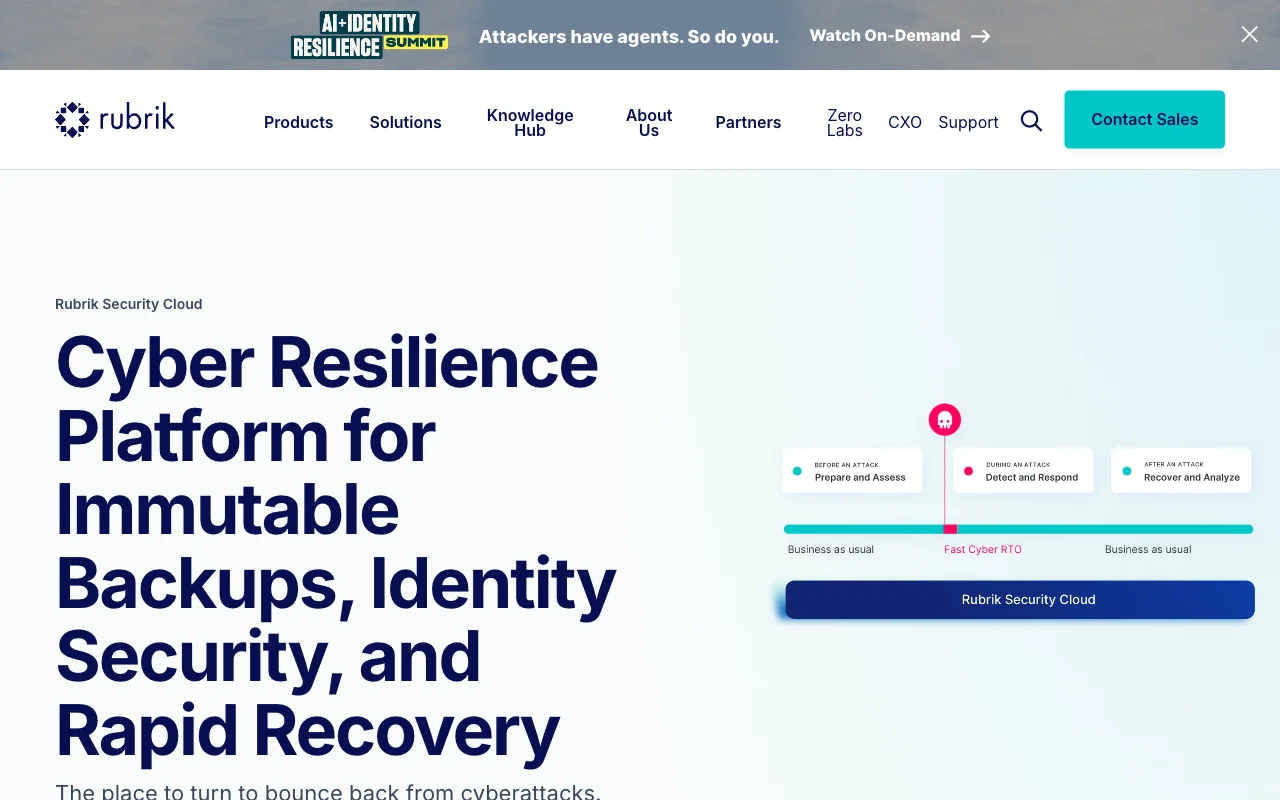
Rubrik blends backup, ransomware recovery and compliance reporting in one console. It’s built for large health systems that already run on‑prem storage and want to extend protection to the cloud.
Its licensing model can become pricey as data volume grows, so smaller clinics may look to lighter‑weight options.
Ask Rubrik for recovery-time figures from healthcare customers of a similar size before you commit. For a wider view of the options, see our guide to backup solutions for business.
3. Veeam Data Platform: Broad data protection and visibility

Veeam’s DataAI Command Platform adds unified visibility, governance and privacy controls across data, AI and identities. It’s a solid choice for midsize hospitals that need a single pane to monitor both on‑prem and cloud workloads.
The platform supports encrypted backups at rest and in transit, role‑based access controls. Confirm in writing whether Veeam or your hosting partner will sign a BAA for your setup.
Veeam also offers instant recovery of VMs and databases, which means you can get a patient record back in minutes instead of hours. The only hitch is that advanced AI‑driven analytics require an extra license tier.
Overall, Veeam gives you the breadth of coverage without locking you into a single cloud vendor.
4. Acronis Cyber Protect: Backup paired with cyber protection
Acronis bundles immutable backup, anti‑ransomware and endpoint security in one console. It’s aimed at smaller health practices that want strong protection without juggling multiple tools.
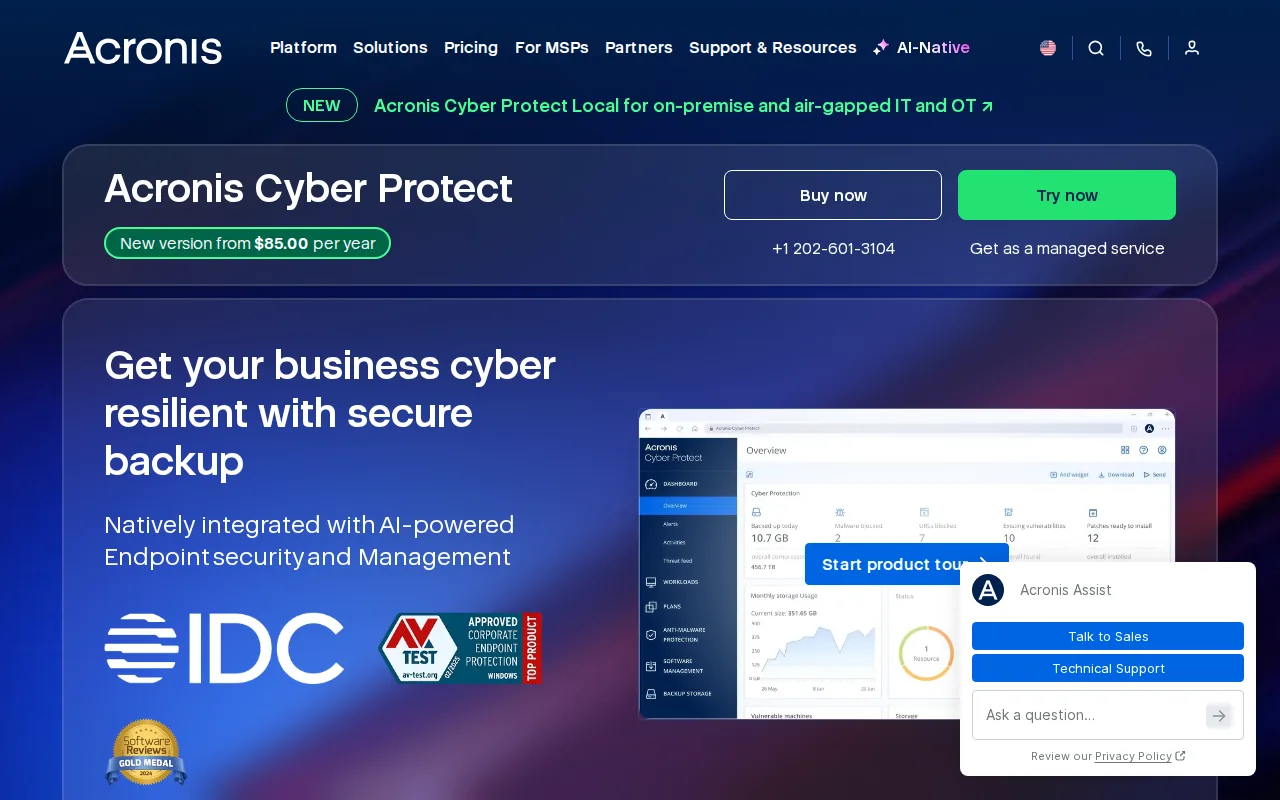
The solution provides AES‑256 encryption, a signed BAA and immutable backups that cannot be altered by ransomware.
Its integrated threat‑detection engine scans backup files for malware before they’re written, giving an extra layer of defense that many pure backup services lack.
One limitation is that Acronis stores data in its own data centers, so organizations with strict data‑residency rules must verify the US‑based locations meet their policies.
5. IDrive Business: Centralized backup for smaller organizations
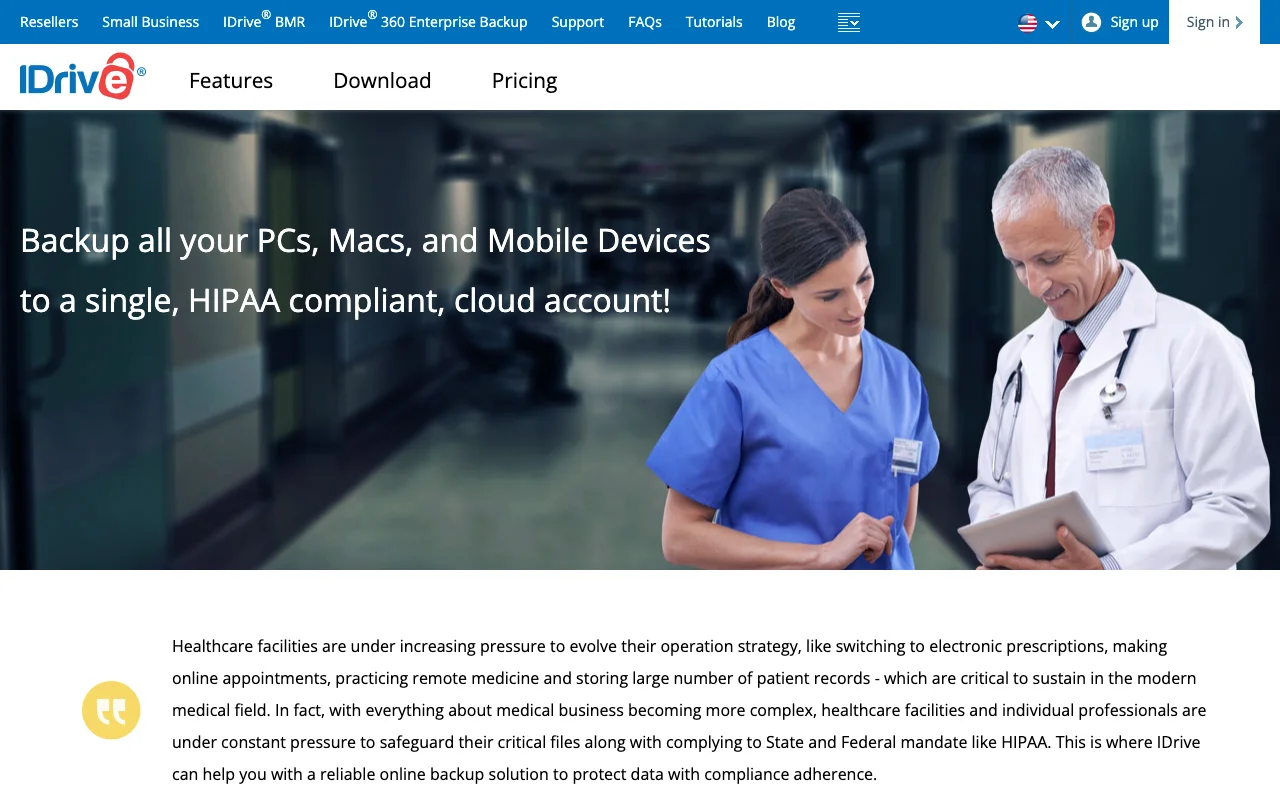
IDrive Business offers a single dashboard to back up PCs, Macs, servers and mobile devices. It’s a good fit for small clinics or home‑health agencies that need an easy‑to‑manage solution.
The service includes 256‑bit AES encryption, a BAA and versioned snapshots that can support your HIPAA retention and restore planning.
The trade‑off is that it lacks the deep‑cloud integration of the larger platforms, so restoring a full EMR database may require extra scripting.
Its published plans help tight budgets keep costs predictable. Our guide to cloud backup services for small business covers more options at this size.
Cloud Backup Options Compared: Fit and HIPAA Checks
Below is a quick side‑by‑side view of the five services. The columns focus on the controls that matter most for HIPAA compliance: BAA, encryption, immutable snapshots, and multi‑cloud support. Ask each vendor for recovery-time figures in writing.
| Option | BAA | Encryption (at rest & in transit) | Immutable snapshots | Multi‑cloud coverage |
|---|---|---|---|---|
| Eon | Yes | AES‑256 | Yes | AWS, Azure, GCP |
| Rubrik Security Cloud | Yes | AES‑256 | Yes | On‑prem + major clouds |
| Veeam Data Platform | See website | AES‑256 | Yes | Hybrid (on‑prem + AWS/Azure) |
| Acronis Cyber Protect | Yes | AES‑256 | Yes | Primarily its own data centers |
| IDrive Business | Yes | AES‑256 | See website | Single‑cloud (global) |
Pro Tip: When you sign a BAA, ask the provider for a copy of their immutable‑snapshot logs. Those logs are the proof you’ll need during a HIPAA audit.
For storage beyond backup, read our HIPAA compliant cloud storage guide.
FAQ
What makes a cloud backup HIPAA compliant?
A backup service is HIPAA compliant when it signs a Business Associate Agreement, encrypts data at rest and in transit, provides immutable copies and lets you audit access logs. Those safeguards map to the Security Rule’s technical requirements, but compliance also depends on how you set up and use the service.
Do I need a separate BAA for each cloud provider?
Yes. Every vendor that touches ePHI must have its own BAA that spells out how it protects the data. Without a BAA you can’t legally store PHI on that service.
How often should I test my backups?
At least quarterly. A successful test proves your RTO and RPO meet HIPAA‑driven risk assessments, and it lets you catch configuration drift before a real incident.
Can I mix on‑prem and cloud backups?
Absolutely. A hybrid approach lets you keep the most recent snapshots on‑prem for fast restores, while older copies sit in an immutable cloud vault for long‑term retention.
What’s the biggest risk if I skip immutable backups?
Without immutability, ransomware can encrypt or delete your backup copies, leaving you without a clean restore point.
Conclusion
For most healthcare teams, Eon offers the strongest multi‑cloud protection, while Rubrik and Veeam cover larger on‑prem estates. If you run a small practice, IDrive gives a simple, cost‑effective path. Talk to Advatek to map your data, get a signed BAA and set up a backup routine that meets the HIPAA timeline you need.
Download Franchise Information Report
Want to learn more about opening your own franchise? Fill out this form to get started: