
Best AI Data Analysis Tools for Business
Finding the right AI data analysis tool can feel like hunting for a needle in a haystack of dashboards and code. We’ve boiled the market down to six options that actually deliver insight without a PhD. Below is the shortlist, plus a quick checklist to help you pick the best fit for your team.
We analyzed 83 reviews, comments and questions from Trustpilot, Reddit, YouTube and Quora about AI data analysis tools and found that 18% mentioned inaccurate results.
1. ChatGPT by OpenAI: Quick analysis of uploaded files
ChatGPT’s Advanced Data Analysis (ADA) runs Python code on files you drop into the chat, turning raw CSVs into charts, stats, and written summaries. It’s a good match for busy managers who need fast answers and don’t want to write code themselves.
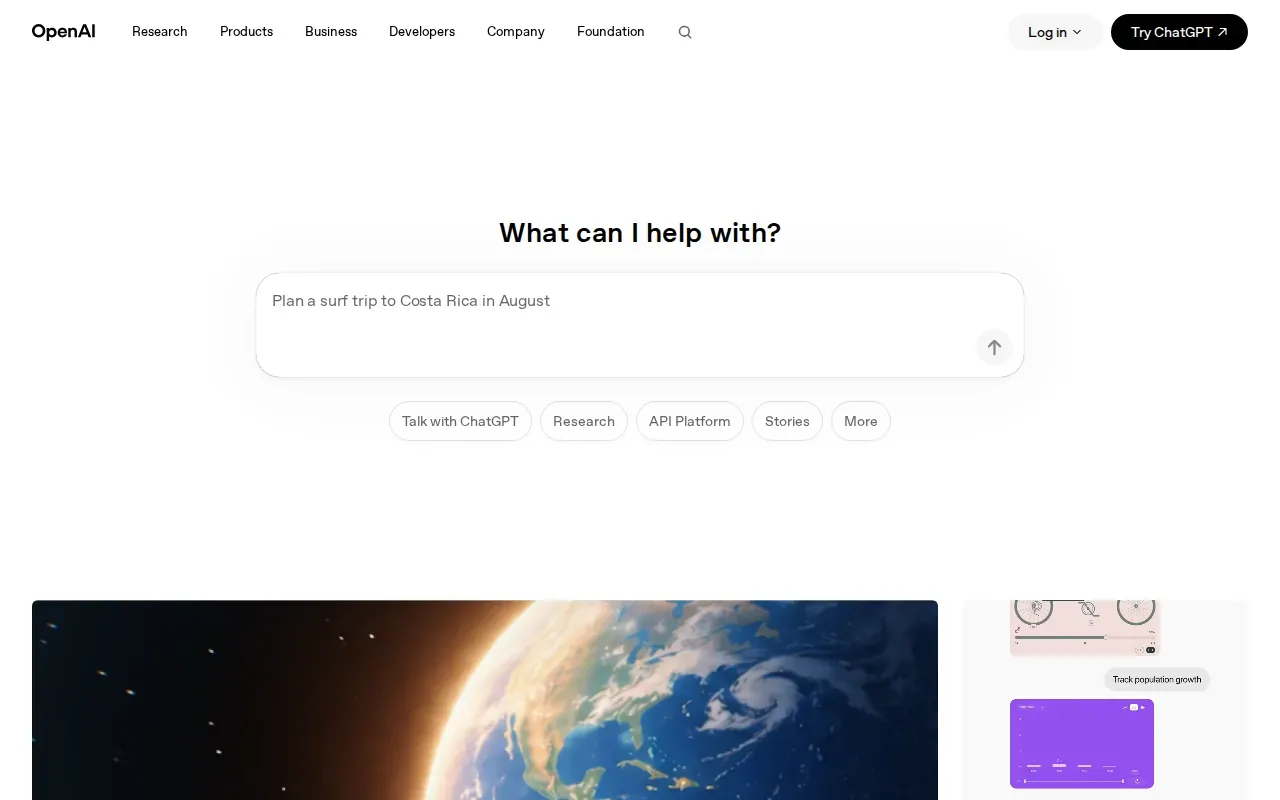
The feature is only on the Plus plan and higher, costing $20 per month. Because the tool executes Python in a sandbox, you get reproducible results without setting up a local environment. It shines on quick ad‑hoc queries, but it won’t replace a full‑scale BI platform when you need enterprise‑grade data governance.
2. Claude by Anthropic: Long-file interpretation and synthesis
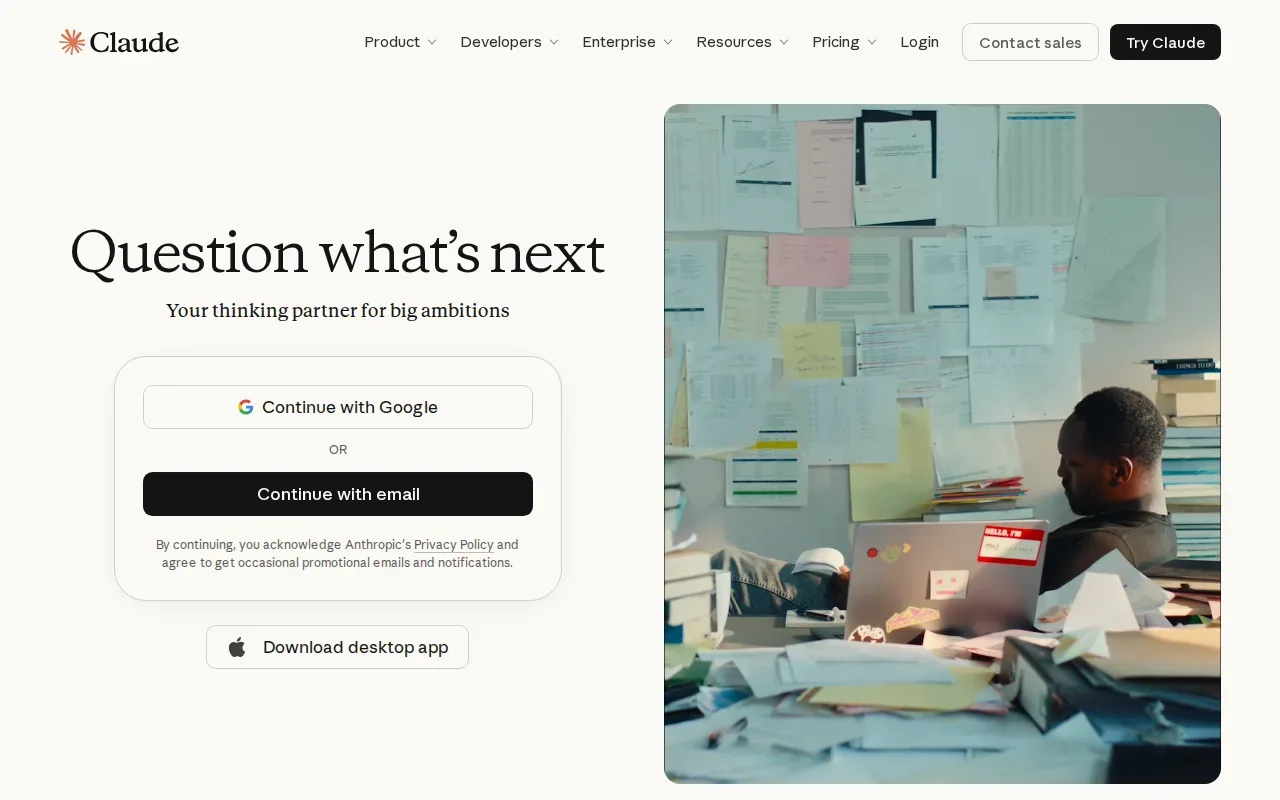
Claude can work with long files in a single conversation thanks to its large context window. It then writes natural‑language explanations, cleans the data, runs code, and creates charts, all while keeping the conversation context.
For regulated firms, a qualified IT service provider can help review data-handling needs before using sensitive patient or financial records. Professional guidance can help assess how an AI tool fits your business and its compliance needs.
3. Power BI by Microsoft: AI‑assisted dashboards and reporting
Power BI couples a drag‑and‑drop visual builder with Copilot, an AI assistant that answers natural‑language questions and generates smart narratives. If your team already lives in Microsoft 365, the integration feels smooth.
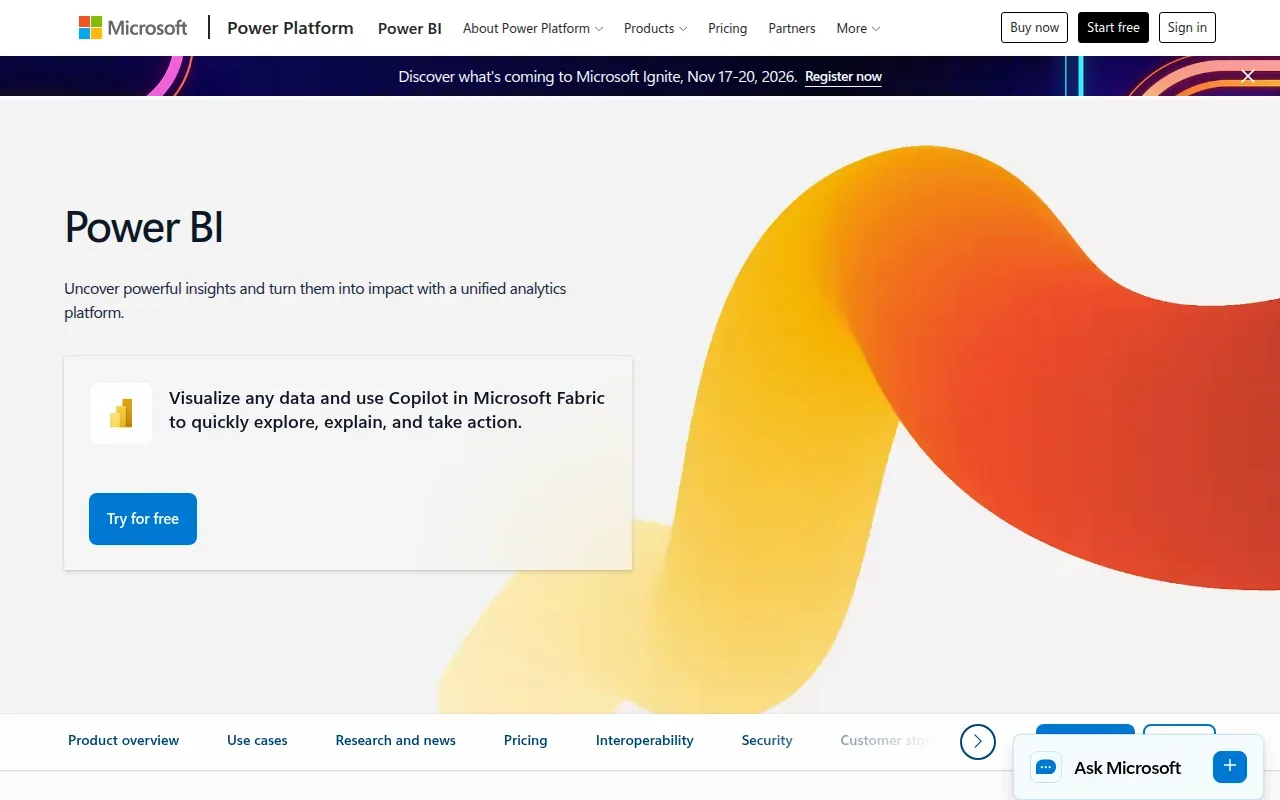
Pricing starts at $14 per user per month for Pro, and it’s free for Microsoft 365 E5 subscribers. The AI suggestions are probabilistic, so a quick sanity check is still recommended before acting on a model‑driven insight.
4. Obviously AI: Predictive analytics with less model building
Obviously AI lets business users build accurate machine‑learning models by typing plain English prompts. It handles data cleaning, algorithm selection, and hyper‑parameter tuning behind the scenes, then serves predictions via a REST API or a shareable web app.
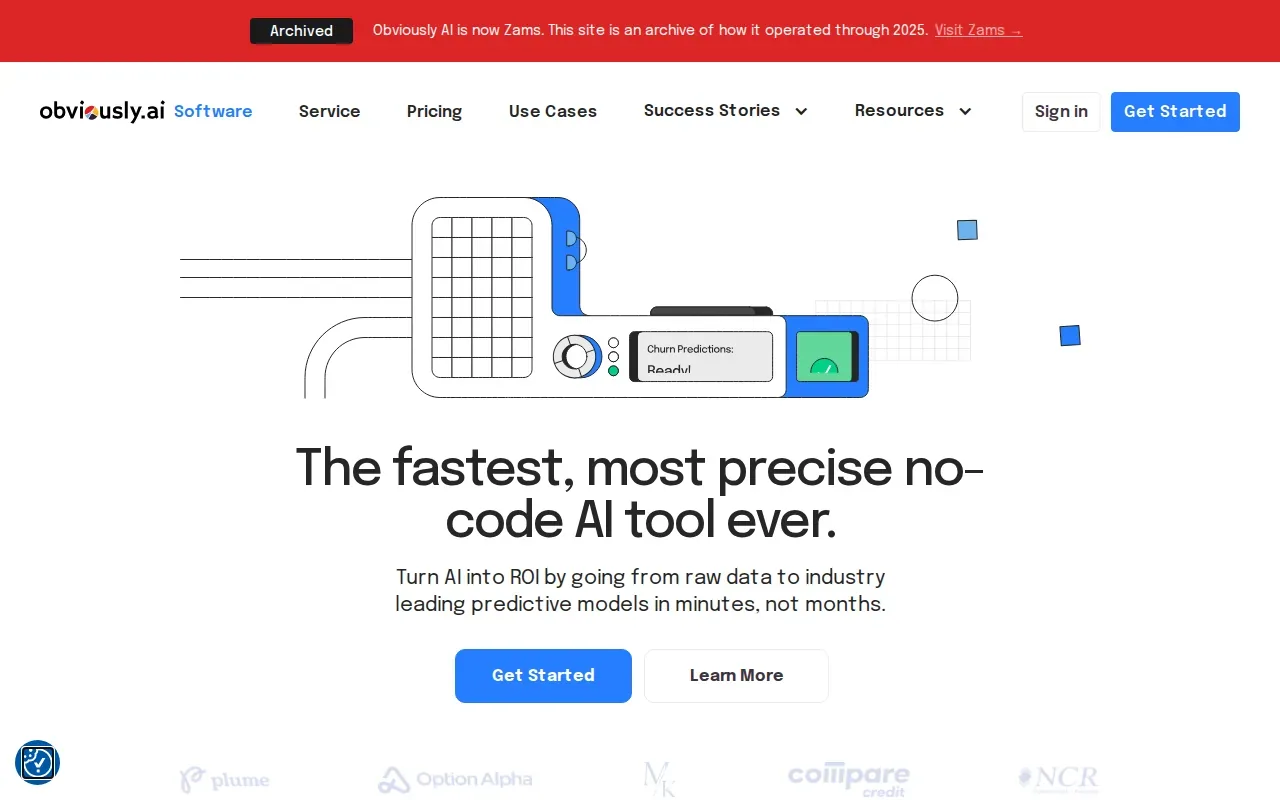
The Starter plan costs $75 per month for up to 2 users and 5 models, making it the most affordable no‑code ML platform in our list. Explainability is built in, each prediction comes with a plain‑English rationale, which satisfies many audit requirements. The trade‑off is limited control for data scientists who need custom feature engineering.
5. Rows: AI functions inside a modern spreadsheet
Rows turns a regular spreadsheet into a live AI‑powered workspace. You can type = and describe a task, like “summarize sales by region”, and the AI creates a calculated column or chart on the fly.
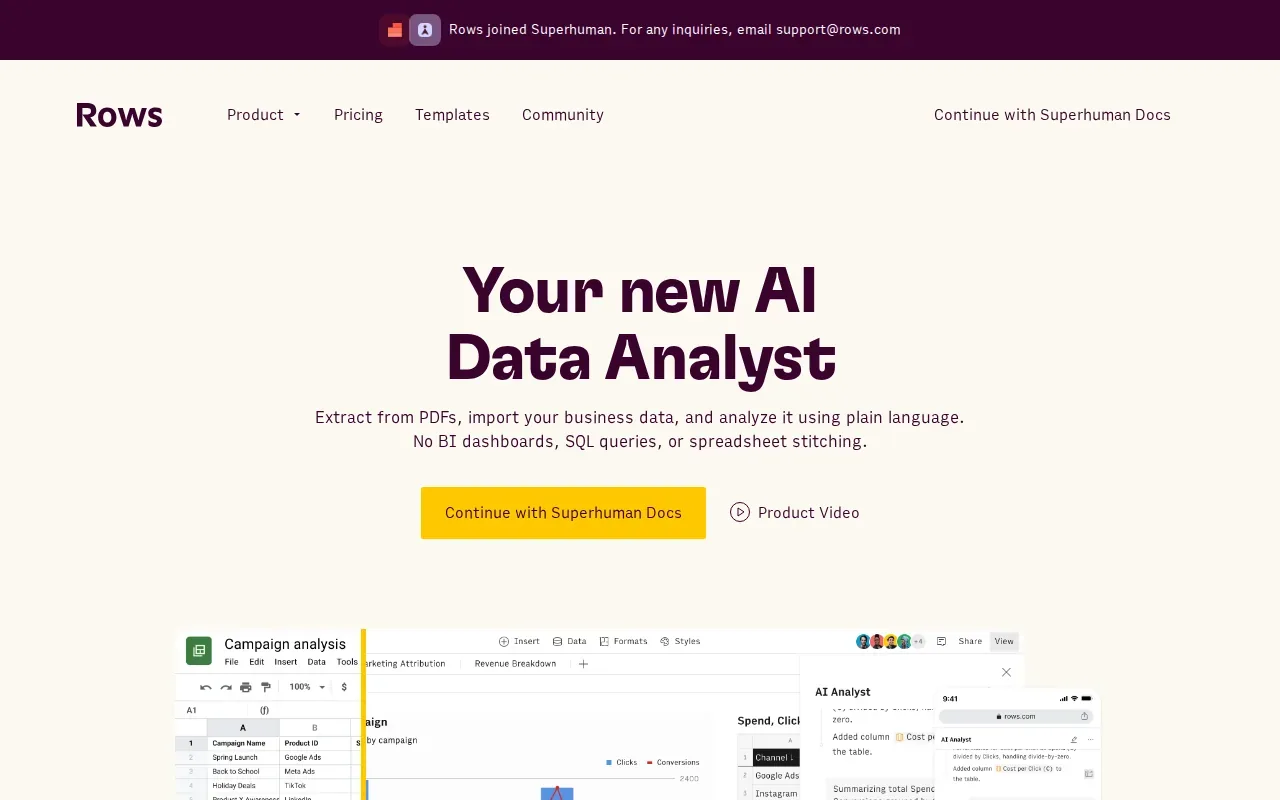
The tool pulls data from APIs, databases, and even web pages, then lets you ask “what‑if” questions without leaving the grid. It also offers sentiment tagging and automatic text classification, which can be handy for customer‑feedback analysis. Rows is free for basic use, with paid plans starting at $14 per user per month for advanced automation.
6. DataRobot: Governed predictive analytics for larger organizations
DataRobot provides an end‑to‑end enterprise AI platform that covers data prep, model building, deployment, monitoring, and governance. It’s built for teams that need strict audit trails and role‑based access.
There’s a 30‑day free trial, after which pricing is enterprise‑custom. Its governance features track model versions and user access, which helps when you prepare for audits. The learning curve can be steep for small teams.
Compare the AI data analysis tools at a glance
| Tool | AI core capability | Price (starting) | Best for | Compliance focus |
|---|---|---|---|---|
| ChatGPT | Advanced Data Analysis with Python | $20/month | Quick ad‑hoc insights | See website |
| Claude | Long‑context natural‑language analysis | See website | Large files, regulated data | See website |
| Power BI | Copilot natural‑language reporting | $14/user / mo | Microsoft‑centric orgs | See website |
| Obviously AI | No‑code predictive modeling | $75/month | Business analysts, fast ROI | Model explanations |
| Rows | AI‑powered spreadsheet functions | $14/user / mo | Teams that love Excel/Sheets | See website |
| DataRobot | Enterprise‑grade model governance | Custom (enterprise) | Large orgs with strict controls | See website |
Pro Tip: When budget matters, start with the free tier of Rows or the $20/month ChatGPT plan, then move up as your data‑maturity improves.
Frequently Asked Questions
What’s the biggest advantage of AI‑driven data analysis over manual spreadsheets?
The biggest advantage is speed, the AI can ingest a file, clean it, run statistical tests, and generate a visual in seconds, something that would take hours to do manually.
Do any of these tools support HIPAA‑compliant workflows?
Requirements depend on how a tool is configured and used. A qualified IT service provider can review your workflow before you use it with regulated data.
Can I integrate these tools with my existing Microsoft 365 environment?
Power BI integrates natively with Microsoft 365, and Advatek can help you wire up Copilot and data connectors securely.
Is there a free option for trying out predictive modeling?
Rows offers a free plan with basic AI functions, and ChatGPT’s free tier lets you experiment with simple data queries, though you’ll need a paid plan for the full Advanced Data Analysis feature.
How do I avoid vendor lock‑in when picking an AI analysis platform?
Choose a tool that exports models or predictions via standard APIs or REST endpoints, both Obviously AI and DataRobot support this, letting you move the model to another system later.
Key Takeaway: Most AI data analysis platforms bundle automation and insight generation; compliance suitability depends on configuration and the data involved.
Choosing the right solution often comes down to three questions: Do you need rapid, low‑code insights? Do you have strict compliance rules? And how much data volume will you handle? Advatek’s team can run a quick pilot to match your use case with the best tool, then handle the secure rollout.
Ready to get AI‑powered insight without the headache? Schedule a consultation with Advatek and let us set up, secure, and manage the platform that fits your business.
Download Franchise Information Report
Want to learn more about opening your own franchise? Fill out this form to get started: