
Best AI Document Automation Tools for 2026
Your inbox is probably full of PDFs, scanned forms, and faxed referrals. Those files slow care and waste staff time. Below are five AI document automation tools that actually work in regulated environments, and a quick guide on who each one fits best.
1. Azure AI Document Intelligence by Microsoft: Custom models with Azure governance
Azure AI Document Intelligence is a cloud‑based service that extracts text, tables, and key/value pairs from any document. It’s ideal for enterprises that already use Azure services and need strict data‑handling policies.
The platform offers prebuilt processors for invoices and receipts, plus the ability to train custom models on your own labeled data. Custom models let you define field schemas, strings, numbers, dates, so the output is ready for downstream systems without extra mapping. Azure also ships with built‑in OCR options for high‑resolution scans and barcode reading, which helps health‑care providers capture legacy fax images accurately.1
Because the service lives inside Azure, you can tie it to Power Automate, Logic Apps, or any API connector you already have. This means you can route extracted data straight into an EHR or a finance system without writing custom glue code. Business Process Automation: A How‑To Guide shows how we link Azure workflows to existing IT stacks.
One limitation is that custom model training requires a labeled dataset, so you’ll need time and expertise to get the most out of it.
2. Rossum: Template‑free extraction for fast onboarding
Rossum is a modern platform that reads documents without any pre‑built templates. It’s best for midsize providers who want to start automating quickly and scale later.
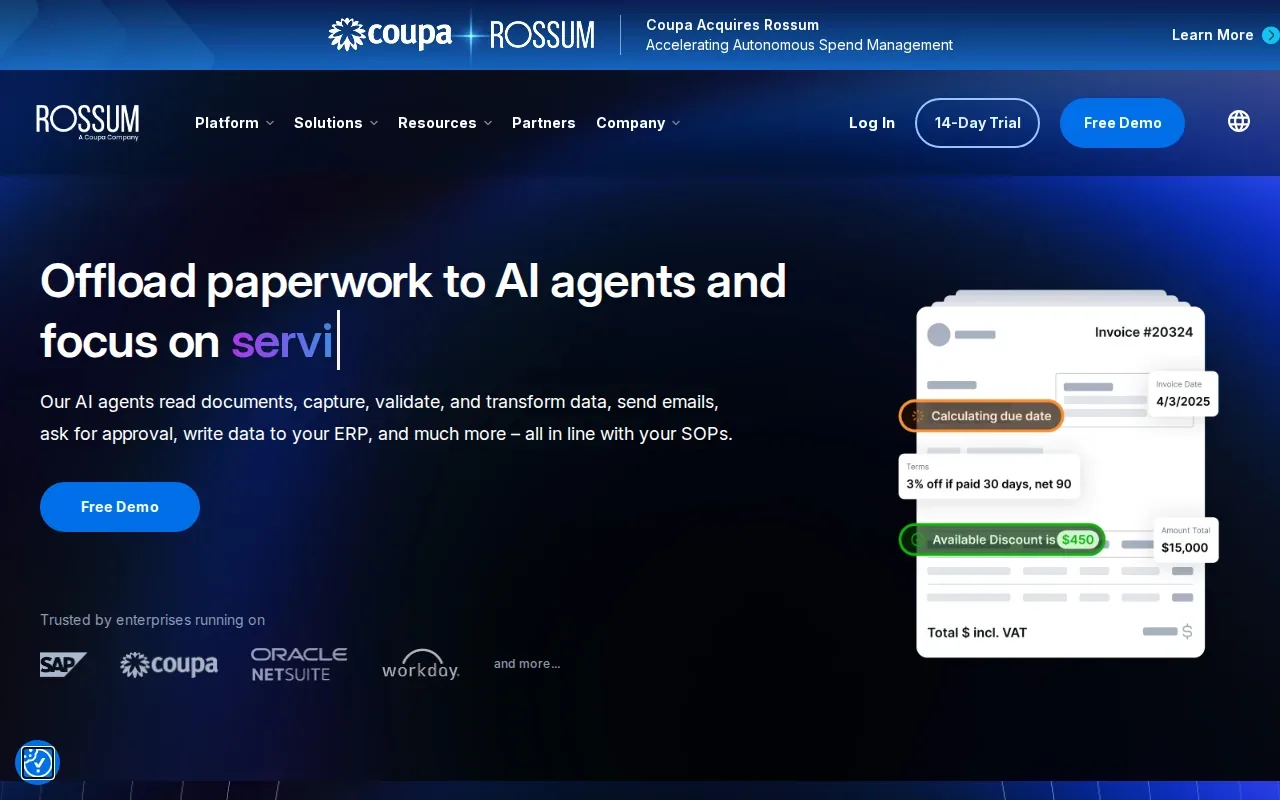
The engine uses AI confidence scores and built‑in validation checks to decide whether a field can be auto‑approved or needs human review. You can set per‑field automation rules so only the fields that meet your confidence threshold flow straight to downstream systems.
Rossum connects to major ERP and EHR suites via REST APIs, so data can be pushed into other business or health‑record systems without a middleware layer. The UI is clean and requires minimal training, so staff adopt it fast.
Because it’s template‑free, you may see a short learning curve while the AI builds up its knowledge base for unusual document layouts.
3. Hyperscience: Human review for regulated document workflows
Hyperscience provides a composable AI platform that blends advanced models with human‑in‑the‑loop review. It’s suited for highly regulated sectors like health‑care, finance, and government.
Hyperscience combines advanced models with human‑in‑the‑loop review and workflow orchestration for regulated document processing.
Integration is API‑first, so you can embed extraction directly into your existing document pipelines or use the no‑code trainer to tweak models for new document types. The system also logs every change for audit trails, which satisfies HIPAA and other compliance regimes.
One caveat: the strong feature set means the initial deployment can be complex, so you’ll likely need an experienced implementation partner.
4. mFax by Documo: Cloud fax with a native IDP layer
mFax is a HIPAA‑compliant cloud fax service that adds an intelligent document‑processing layer on top of incoming faxes. It works well for clinics and hospitals that still receive paper‑based referrals via fax.
The platform classifies each incoming fax, extracts key data points, and routes the document to the right patient chart in seconds. Because it runs in the cloud, staff can access faxes from any device without a dedicated fax machine. Integration hooks let you push data into major EHRs and practice‑management tools, reducing manual entry errors.
While the AI layer speeds up routing, the service still depends on the quality of the original fax scan, very low‑resolution faxes may need a human check.
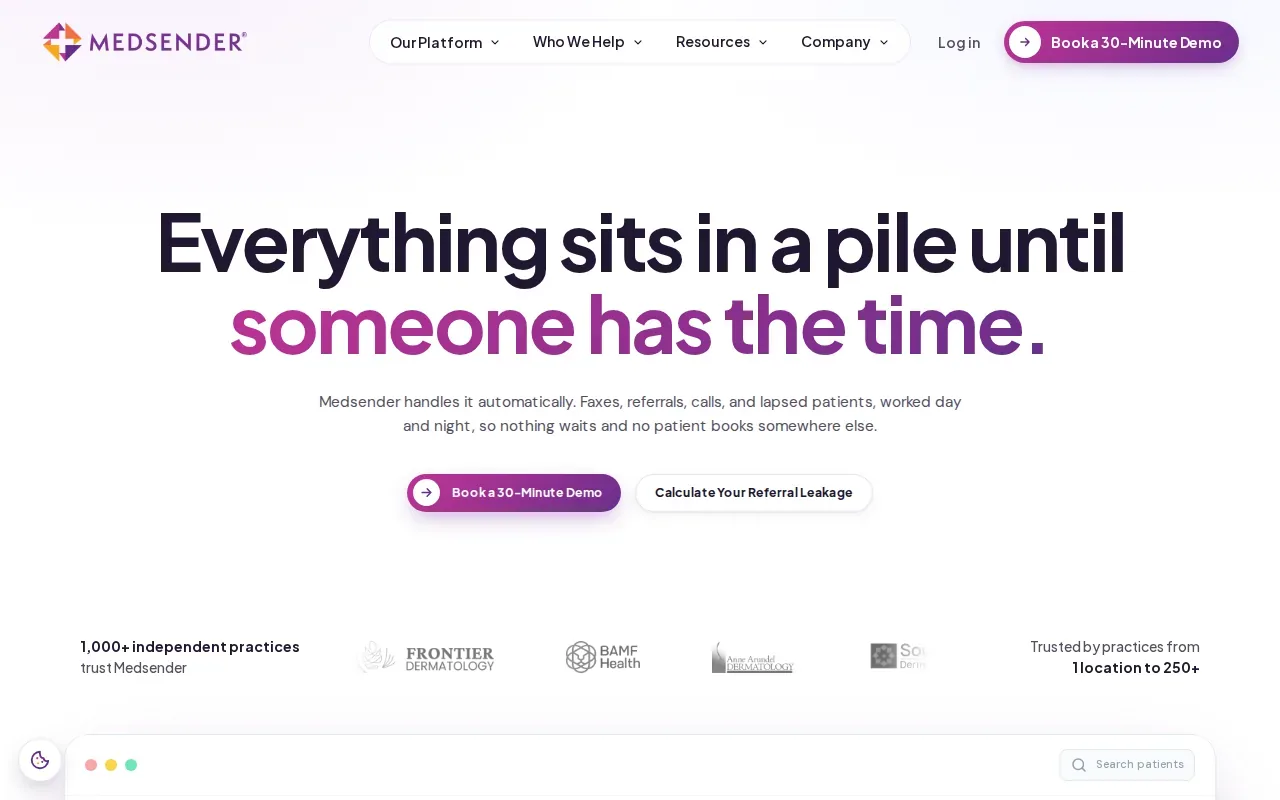
5. Medsender: AI fax labeling and EHR filing for healthcare
Medsender’s AI labels every inbound fax and files it to the correct patient chart in the EHR.
For a healthcare organization, adopting an AI workflow still requires planning around existing systems, staff processes, and privacy and security needs. A qualified IT service provider can help evaluate those needs and manage implementation.
Document automation may change how staff handle incoming records, so teams should confirm that the workflow fits their review procedures. Professional IT guidance can help identify integration and compliance considerations before the solution is put into daily use.
A capable IT service provider can also help the organization assess the risks and limitations of implementation and ongoing management.
AI document automation tools compared: best‑fit use cases
| Tool | Best‑fit scenario | Compliance focus | Typical integration point |
|---|---|---|---|
| Azure AI Document Intelligence | Large enterprises needing custom extraction models | Azure‑based governance, HIPAA via Azure policies | Power Automate / Logic Apps |
| Rossum | Fast onboarding for medium‑size providers | HIPAA‑ready API, data‑privacy controls | REST API to ERP or EHR |
| Hyperscience | Regulated workflows with human‑in‑the‑loop review | FedRAMP High, HIPAA audit trails | API or on‑prem SaaS deployment |
| mFax by Documo | Legacy fax conversion for clinics | HIPAA‑compliant cloud fax | API into EHR / practice‑management |
| Medsender | Referral capture for independent practices | HIPAA‑secured fax handling | Direct EHR integration |
Key Takeaway: Choose a platform that aligns with your document volume, required customizations, and compliance envelope.
How to choose the right AI document automation solution
- Do you need custom models or can you rely on pre‑built processors?
- Is human review mandatory for regulatory reasons?
- What existing systems (EHR, ERP, cloud) must the tool connect to?
- Does the vendor provide a HIPAA‑ready environment or do you need to add safeguards?
- What internal skill set do you have for model training and monitoring?
FAQ: AI document automation
What is AI document automation?
AI document automation uses machine‑learning models to read, extract, validate, and route data from PDFs, scans, or faxes without manual entry. The process speeds up workflows and reduces errors.
Can AI document automation handle handwritten forms?
Yes, modern platforms like Hyperscience and Azure’s custom models can recognize handwriting, though accuracy improves with higher‑resolution scans and may still need a human reviewer for low‑quality images.
Is HIPAA compliance built into these tools?
Most of the listed solutions, Azure, Rossum, Hyperscience, mFax, and Medsender, offer HIPAA‑ready environments or sign Business Associate Agreements, but you must configure encryption, access controls, and audit logging to stay compliant.
How much does it cost to start?
Pricing varies; Azure charges per‑page for OCR and custom models, Rossum pricing varies, and Hyperscience provides enterprise quotes.
Do I need an IT partner to implement these tools?
While a skilled in‑house team can handle basic setups, regulated industries benefit from an experienced MSP that can manage integration, compliance checks, and ongoing model monitoring. Advatek can help you plan and run a secure rollout.
Conclusion
For most healthcare groups, Azure AI Document Intelligence offers the most flexible custom‑model path, while Medsender gives the quickest win for fax‑based referrals. If you need human‑in‑the‑loop safeguards, Hyperscience is the safest bet.
Ready to automate? Get in touch with Advatek to map a secure, compliant AI workflow that fits your exact needs.
Download Franchise Information Report
Want to learn more about opening your own franchise? Fill out this form to get started: