
Best Backup Solutions for Patient Records in 2026
Lost patient files can shut a practice down in minutes. You need a backup that meets HIPAA, restores fast, and stays affordable. Below are the ten solutions that earn our pick, plus a quick checklist to narrow the field.
1. Advatek (Our Top Pick)
Advatek delivers managed IT, 24/7 security monitoring, and AI‑driven threat detection, all wrapped in a HIPAA‑ready backup service. It’s built for compliance officers and practice admins who want a hands‑off approach.
We handle encryption at rest with AES‑256, run automated daily snapshots, and keep immutable copies in a private cloud. The service includes a Business Associate Agreement (BAA) and quarterly audit reports, so you stay audit‑ready without extra paperwork.
Because Advatek runs the backup infrastructure, you avoid the overhead of managing hardware or licenses. The only downside is that larger enterprises may prefer a fully self‑hosted solution for extreme customization.

2. Backblaze B2 , Cost‑Effective Cloud Storage
Backblaze B2 offers low‑cost object storage with simple APIs. It’s a good fit for small clinics that need cheap, scalable space for imaging archives.
The service provides AES‑256 encryption at rest and supports versioning, which helps meet the 7‑year retention rule. Backblaze publishes its backup frequency, hourly snapshots for business accounts, so you know exactly when data is saved.
Pricing is transparent: you pay per gigabyte stored and per download. The main limitation is that B2 lacks built‑in ransomware detection, so you’ll need a separate security layer.

3. AWS Glacier , Archival for Long‑Term Retention
AWS Glacier stores data in a cold‑storage tier that costs pennies per GB per month. It’s ideal for practices that must archive records for many years but rarely access them.
Glacier encrypts data with AES‑256 and lets you set vault‑level access policies. Retrieval can take minutes to hours, which matches the use‑case of compliance‑driven archives.
Because it’s part of the Amazon ecosystem, you can link Glacier to other AWS services like RDS for automated database dumps.
One caveat: the restore fees add up if you pull large files often, so it works best for true cold storage.
4. Local NAS Appliance with Hybrid Cloud Backup
A local NAS appliance with its integrated backup software gives you on‑prem storage plus optional cloud sync. It works well for multi‑site clinics that want a local copy for fast restores and a cloud copy for disaster recovery.
The software supports AES‑256 encryption, versioning, and can push data to a range of cloud providers, including Advatek’s managed cloud.
The built‑in snapshot feature lets you roll back to a point‑in‑time within seconds, which is handy for ransomware incidents.
Its downside is the need for an IT staff member to maintain the NAS hardware and firmware updates.
5. Enterprise‑Grade Backup Solution for Healthcare
An enterprise‑grade backup solution is trusted by many healthcare organizations and offers AI‑driven automation, immutable backups, and rapid restores for major EHR systems.
It meets HIPAA by providing encrypted transport, AES‑256 at rest, and a signed BAA. The platform also includes a Recon Scanner that flags risky configurations before they become a breach.
Global SLAs let you define RTO/RPO targets per workload, which is useful for clinics with mixed workloads (EHR, imaging, billing).
The only drawback is the licensing cost, which can be high for very small practices.
Such solutions typically detail their security controls on their compliance pages.
Key Takeaway: An enterprise‑grade backup solution gives you fast, immutable restores and AI‑assisted monitoring, perfect for larger practices that can afford a premium license.
6. Acronis Cyber Protect , Integrated Backup and Security
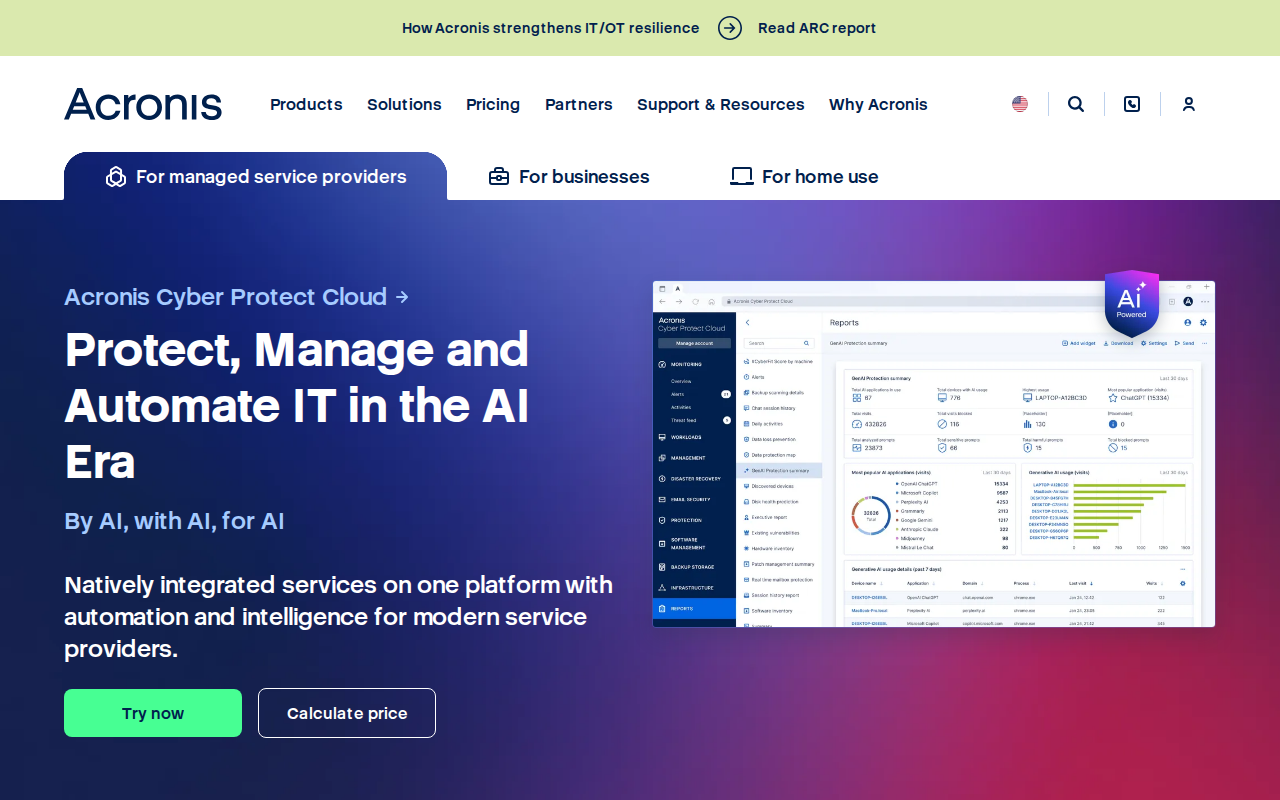
Acronis bundles backup, anti‑ransomware, and endpoint protection into one console. It encrypts data with AES‑256 and stores it in a hardened cloud that complies with HIPAA.
The platform’s AI‑based malware detection stops ransomware before it writes to disk, then automatically rolls back to the last clean backup.
Its unified dashboard reduces the number of tools you need to manage, which eases compliance reporting.
However, the UI can feel cluttered for staff who only need simple file backup.
7. Carbonite , Simple Cloud Backup for Small Practices
Carbonite offers a set‑and‑forget cloud backup aimed at 5‑15‑person clinics. It automatically backs up workstations, servers, and selected folders.
All data is encrypted with AES‑256 before leaving the office, and a BAA is included in the contract.
The service provides a web‑based restore portal that lets you retrieve individual files without reinstalling the client.
It lacks granular scheduling options, so you can’t set different backup windows for different data types.
8. Open‑Source Backup with Encryption
An open-source backup tool is free, community‑driven, and runs on Windows, macOS, and Linux. It supports AES‑256 encryption and can push backups to many cloud targets, including Backblaze B2 and Google Cloud.
Its built‑in scheduling lets you define daily or weekly jobs, and you can verify backup integrity with built‑in hash checks.
Because it’s open source, you control the code and can audit it for compliance, which appeals to security‑focused practices.
The trade‑off is a steeper learning curve and no native BAA; you must negotiate the agreement with your cloud provider.
9. Restic , Fast, Cross‑Platform Backup Tool
Restic is a command‑line backup program that focuses on speed and encryption. It stores data in any S3‑compatible bucket, making it flexible for practices that already use an object store.
All backups are encrypted with AES‑256 and deduplicated on the client side, which saves bandwidth.
Its simple configuration files let you version your backup policy, and it supports automated pruning of old snapshots.
The main downside is the lack of a graphical UI, so non‑technical staff may need help setting it up.
10. Cloud Archival Storage
Cloud archival solutions offer low‑cost, highly durable storage with quick retrieval. They can meet HIPAA requirements when customer-managed encryption keys are used and a Business Associate Agreement is in place.
Data is encrypted with AES‑256 by default, and lifecycle rules can automatically move older backups to colder storage tiers.
These services often integrate with healthcare APIs, making it easy to pull EHR exports directly into the archival storage.
Retrieval latency is typically seconds, but per‑GB retrieval fees can add up if data is accessed frequently.
Compliance settings for such services are detailed in documentation provided by the service provider.
How to Choose the Right Backup Solution for Your Practice
Start by mapping your practice size and data types. If you run an EMR system, you’ll need a solution that can ingest database dumps directly. Small offices may get away with a simple cloud service, while larger hospitals benefit from hybrid on‑prem + cloud setups.
Don’t forget to verify that the vendor provides a signed BAA and offers regular compliance reports.
Pro Tip: Ask the vendor for a 30‑day trial and run a test restore before you sign a contract.
What is the best backup solution for patient records?
The best backup solution balances HIPAA compliance, fast restores, and manageable cost. For most mid‑size practices, Advatek’s managed service hits that sweet spot.
Do I need a BAA for my backup provider?
Yes. A Business Associate Agreement is required under HIPAA whenever a third party may access ePHI. It spells out each party’s security responsibilities.
How often should backups run?
Backups should run at least daily, with more critical systems backed up hourly or continuously. Automated schedules reduce the risk of human error.
Can I store backups on a NAS?
You can, but a NAS alone isn’t enough for HIPAA compliance. Pair it with off‑site cloud copies and ensure the NAS uses encryption and immutable snapshots.
What’s the difference between Glacier and other cold storage services?
Glacier is designed for archival data you access rarely, with retrieval times of minutes to hours. Other cold storage services offer near‑instant access at a slightly higher cost, making them better for data you might need more often.
How do I test my backup?
Run a full restore of a sample patient record at least once a quarter. Verify that the data is intact, the restoration time meets your RTO, and the audit logs show the operation.
Ready to stop worrying about lost records?Try Advatek free →
We recommend Advatek as the first choice for most practices because it removes the admin burden while staying fully HIPAA‑compliant. Start your free trial today and let us secure your patient data.
Download Franchise Information Report
Want to learn more about opening your own franchise? Fill out this form to get started: