
Best HIPAA Compliant Email Encryption Options
A message can be encrypted and still leave your practice with gaps in access control, record keeping, or staff workflow. These HIPAA-compliant email encryption options differ in what they’re designed to do, so check the BAA and safeguards before sending patient data.
We analyzed 44 comments and questions from Reddit, Quora and YouTube about HIPAA‑compliant email encryption and found that 25% mentioned a Business Associate Agreement.
1. Advatek
Advatek provides cybersecurity and compliance services for healthcare organizations, including secure email hosting. We’re a fit for teams that want email protection managed alongside their broader IT and HIPAA work, rather than treating encryption as a stand-alone setting.
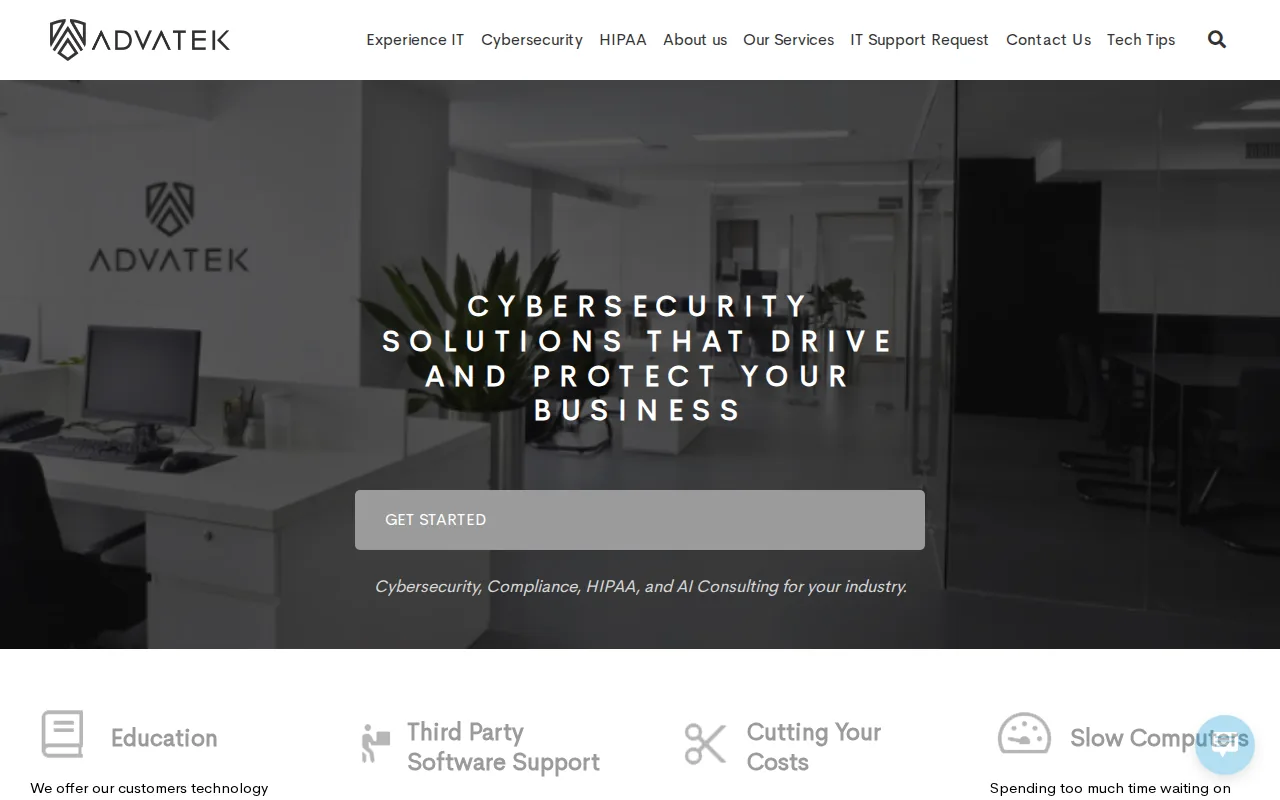
Advatek’s secure email hosting includes encryption and a Business Associate Agreement. The business also provides 24/7 security monitoring and patch management, plus compliance training to help staff follow the safeguards your organization sets. That can matter when a busy employee sends a message containing PHI, or when an IT manager needs to review account activity and security issues.
We recommend looking at the whole workflow: how staff send protected information, who can access accounts, and what happens when a suspicious message appears. Our HIPAA email rules overview explains the policies and staff practices that need to sit alongside technical controls. Advatek can also help healthcare teams review their compliance needs and manage ongoing IT safeguards.
Key Takeaway: Consider Advatek when you need managed email security with broader cybersecurity and compliance support.
2. MailHippo: Straightforward encrypted email for healthcare
MailHippo is an easy way for healthcare teams to send encrypted email. It may suit a practice that wants a focused option for secure message exchange, rather than a broader managed IT service.
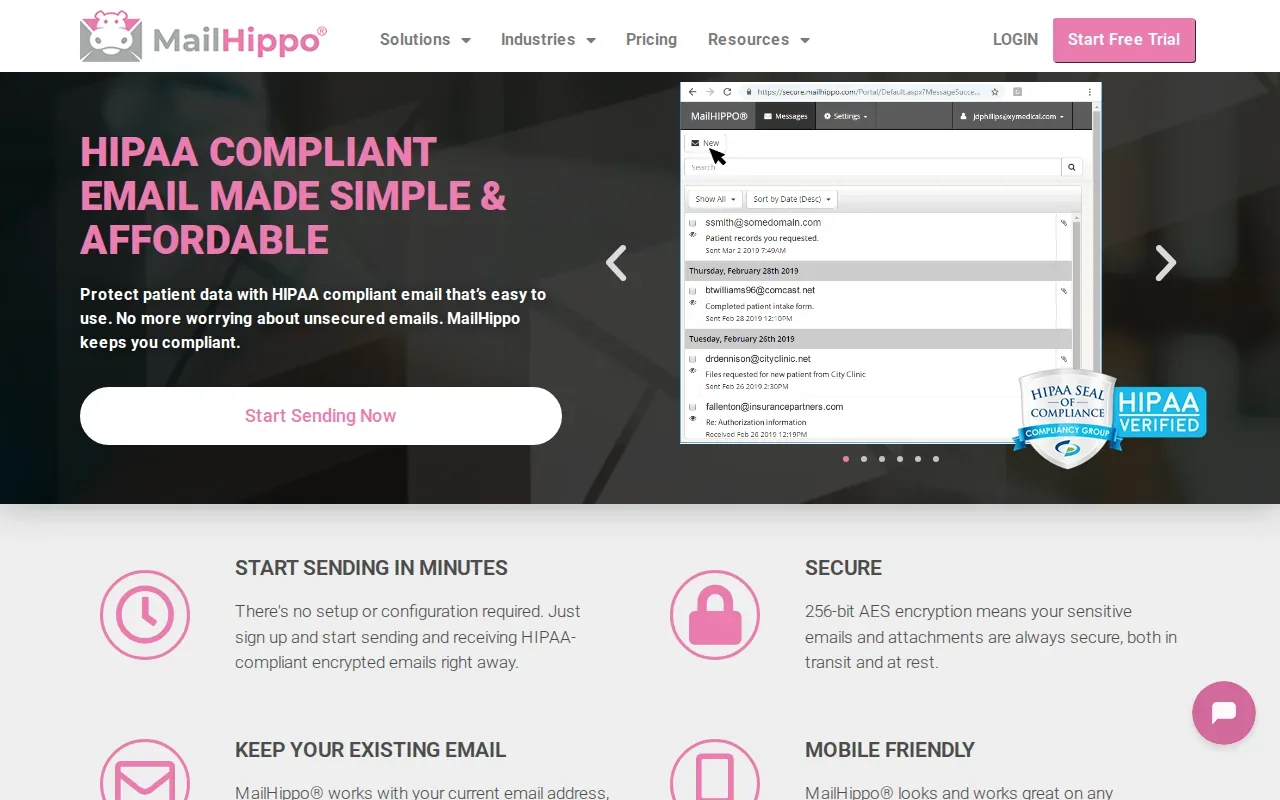
The available product information says MailHippo supports secure email for healthcare and provides a 30-day free trial. Treat those points as a starting place for a vendor review, not proof that your full email process meets HIPAA requirements. Ask whether the provider will sign a BAA, how messages are protected while sent and stored, and what controls are available for user access.
Before rollout, test the path a message takes when a staff member sends PHI to a patient or another provider. Confirm how the recipient opens it, what records your team can review later, and how long the message remains available. An encrypted message does not, by itself, set your retention policy or train staff to avoid placing PHI in a subject line.
3. MDofficeMail: Healthcare email with legal archiving
MDofficeMail is encrypted email for healthcare professionals with legal archival. It may fit a medical office that wants secure email and archiving considered together.
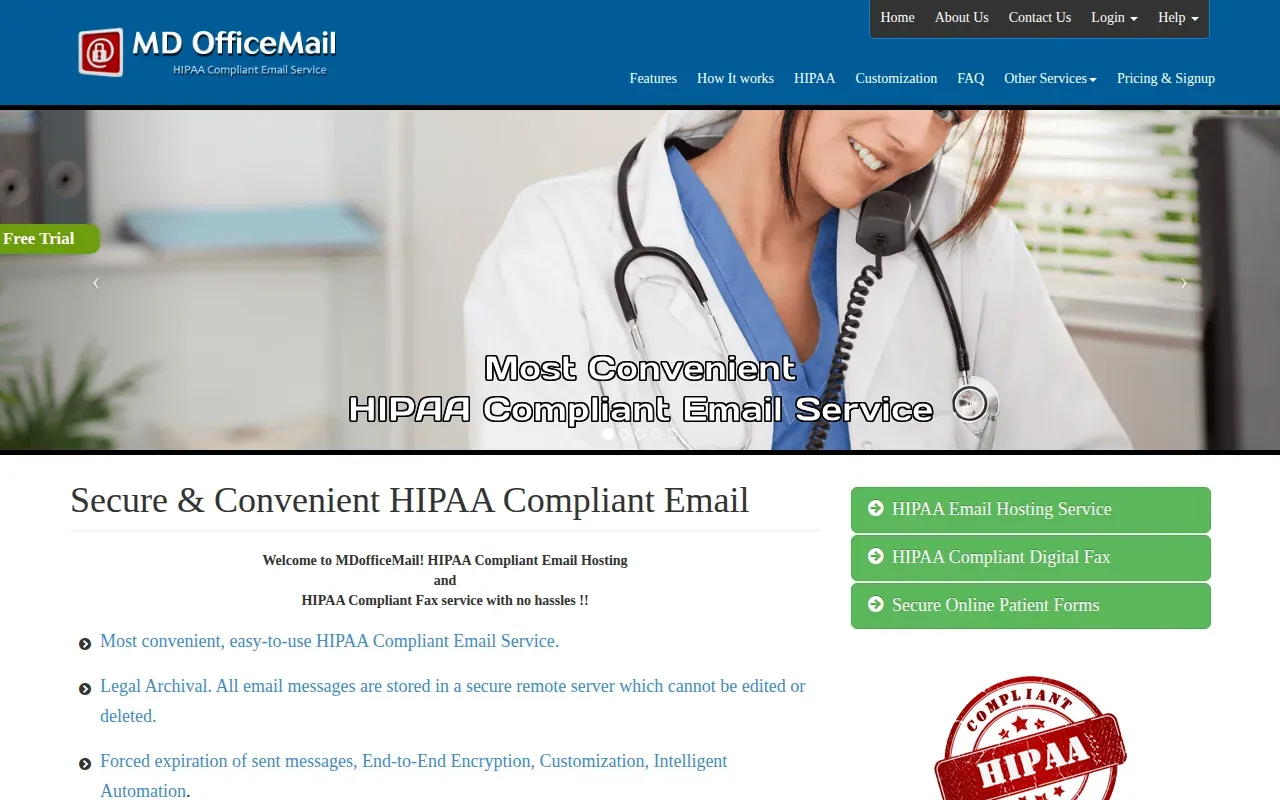
Its product information also warns users not to put PHI in subject lines because the subject line isn’t encrypted. That’s a useful reminder for any practice: a secure message body won’t protect sensitive details typed into a visible subject. Staff guidance should make clear what belongs in the subject, what belongs in the message, and when to use a secure method.
Ask how the archive supports your organization’s retention and retrieval needs. Retention rules can depend on the records involved and applicable state requirements, so don’t assume that an archive setting alone settles the question. Our email archiving overview for medical practices covers the separate decisions around keeping and finding email records.
MDofficeMail is worth considering when archival is part of the need, but confirm the agreement and safeguards that apply to your use before sending PHI.
4. RMail by RPost: Email encryption with tracking and proof
RMail by RPost combines email privacy and compliance tools with functions to track, prove, e-sign, encrypt, share, certify, and control email. It may suit organizations that need more than a basic send-and-receive workflow.
Those functions point to a broader message-handling use case. For example, a team may want proof of a message event or a way to manage a document sent by email. But a list of features isn’t the same as confirmation that a specific workflow meets your HIPAA requirements.
Before choosing it for PHI, ask which features apply to your account and whether the provider will sign a BAA. Then check how the organization controls access and reviews email activity. If your team uses tracking records during a complaint or audit, decide who is responsible for reviewing those records and how they fit your retention policy.
RMail is a candidate for teams that value proof and control features. Make the BAA and the day-to-day safeguards part of the same review.
5. modusCloud by Vircom: Cloud email security for broader threat protection
modusCloud by Vircom is a cloud-based email security solution designed to protect organizations from a wide range of email threats. It may be a fit for healthcare groups looking at email threat protection as part of their security work.
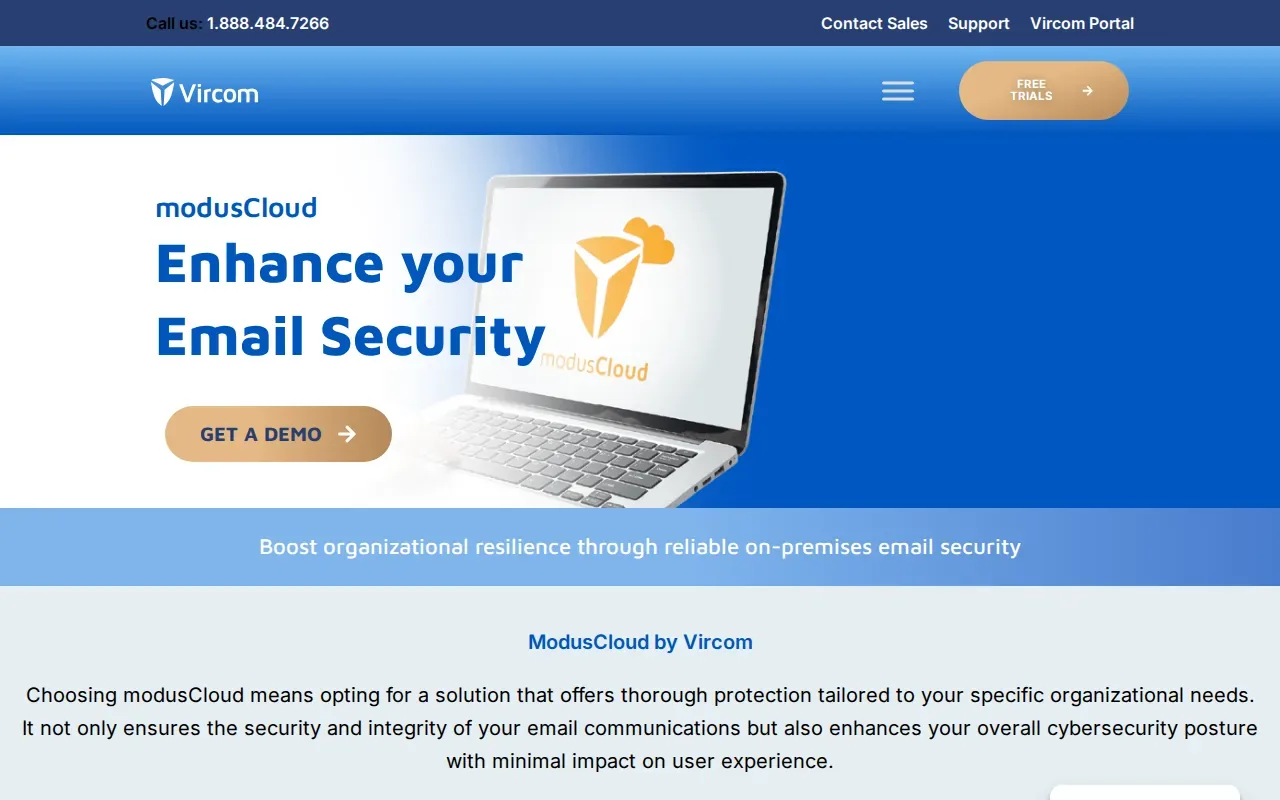
For a HIPAA use case, assess more than threat protection. Ask how PHI is encrypted in transit and at rest, whether the provider will sign a BAA, and what access controls and audit records are available. Also check how the service fits with the organization’s current email setup, because staff need a clear process for sending sensitive information.
Think about a compromised inbox, too. Encryption can help protect a message while it moves or sits in storage, but an attacker with access to a mailbox may be able to see messages available to that account. Ask whether message expiry is available and how the team can respond when an account is at risk.
Use modusCloud as an email security candidate, then verify its healthcare safeguards against your own risk assessment.
6. Aspida Mail: Secure email for IMAP-enabled devices
Aspida Mail is a way to send, receive, and store sensitive data securely. Its setup works with any IMAP-enabled device, which may suit teams that need to use email across compatible devices.
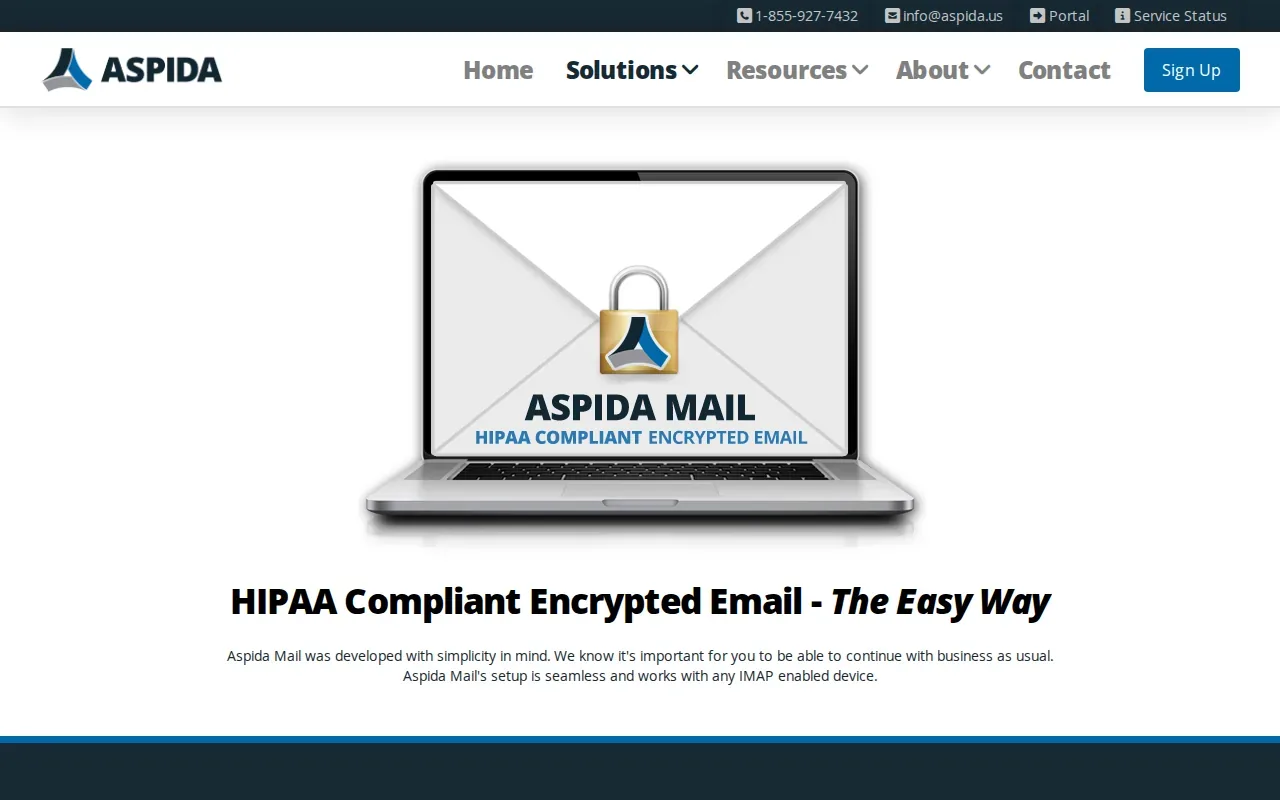
That device flexibility makes setup and account control important parts of your review. Confirm which devices staff will use, how the organization will manage sign-in, and how it will remove access when a worker no longer needs an account. Set a rule for reporting a lost device or a suspected mailbox takeover.
Before staff use Aspida Mail for PHI, verify the BAA and the safeguards that apply to your configuration. Check encryption during transmission and storage, along with audit records and retention options. The product description supports secure sending, receiving, and storage, but your own setup still needs policies and trained users.
7. SendSafely: End-to-end encryption across existing business tools
SendSafely embeds end-to-end encryption into tools teams already use, including email, help desks, CRMs, and AI chatbots. It may fit an organization that wants encrypted exchanges to connect with more than email alone.
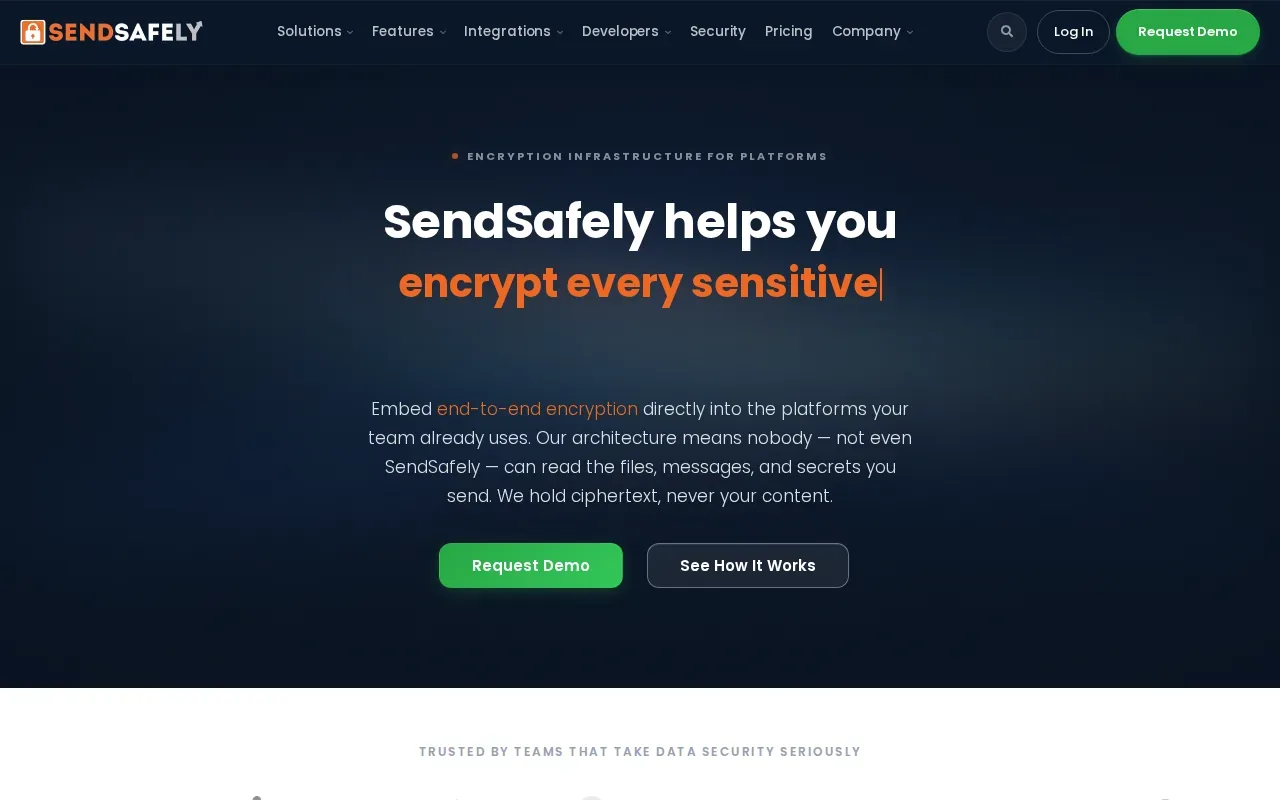
Its focus is encryption across existing work tools. That can be useful when staff handle patient-related communication in more than one place, but each connected workflow needs its own review. Confirm whether the integrations your team plans to use are covered by a BAA and whether the setup supports your access, audit, and retention needs.
| Decision point | What SendSafely states | What your team should verify |
|---|---|---|
| Where encryption can fit | Email, help desks, CRMs, and AI chatbots | Which integrations your team will use and how each handles PHI |
| Encryption approach | End-to-end encryption | How the provider’s BAA applies to your workflow |
| Compliance operations | No specific operational detail is included in the product summary | Access controls, audit records, retention, and incident response |
That last check matters. Encryption is one control, not a substitute for the policies and safeguards required across the organization.
How to compare email encryption options
Start with the safeguards you need, then match the product to the work your staff actually do. The HIPAA Security Rule calls for appropriate safeguards to protect electronic PHI, including controls for access and transmission. Review the rule’s scope when assessing safeguards.
- Confirm the BAA. Ask whether the email provider will sign a Business Associate Agreement for the services that handle PHI. A BAA sets out responsibilities between the parties; it doesn’t replace your own safeguards.
- Check encryption in transit and at rest. Find out how messages are protected while moving between systems and while stored. Ask what happens when a recipient uses a different email service.
- Review account access. Set individual accounts and strong sign-in controls. Ask whether multi-factor authentication is supported and can be required for staff.
- Ask about audit records and response. Your team needs a way to review activity and investigate a suspected account breach. Know who checks the records and what steps staff should take when something looks wrong.
- Set retention and expiry rules. Decide what must be kept, for how long, and who can retrieve it. Message expiration may reduce how long a sensitive message remains available, but it doesn’t replace a records policy.
- Train for minimum necessary use. Staff should share only the PHI needed for the task. Keep patient details out of subject lines, and give employees a clear way to report a misdirected message.
Free consumer email accounts such as Gmail or Outlook.com shouldn’t be treated as ready for PHI just because a message can be encrypted. Check the account type, agreement, and administrative controls. The provider relationship matters when a service provider handles protected information.
HIPAA doesn’t make encryption alone a full compliance program. Administrative policies, staff training, access management, and ongoing risk review still matter. A signed BAA also doesn’t certify your organization as compliant; it addresses the provider relationship.
Can your staff spot a message that contains PHI before it goes out? Advatek can help healthcare teams review email safeguards alongside 24/7 monitoring, patch management, and compliance training.
Pro Tip: Test a normal staff workflow before launch, including a message to an outside recipient, a lost-device report, and a request to retrieve an archived email.
Ready to review your healthcare email safeguards? Ask Advatek about a free HIPAA audit and a clear plan for the next steps.
FAQ
Does email encryption alone make an email service HIPAA compliant?
No, encryption alone doesn’t make an email service or an organization HIPAA compliant. You also need the right provider agreement and safeguards for access, activity review, transmission, and staff practices. Check how the service works in your own setup, then document the policies your team follows when PHI is sent or received.
Does an email provider need to sign a BAA?
Yes, when an email provider handles PHI on behalf of a covered entity or business associate, the relationship generally calls for a Business Associate Agreement. Confirm that the agreement covers the service and configuration you plan to use. A BAA explains responsibilities between the parties, but your organization remains responsible for its own safeguards.
Should healthcare teams use free Gmail or Outlook.com for PHI?
Don’t assume that a free consumer account is suitable for PHI. A familiar email brand or an encrypted message doesn’t confirm that the account has the needed agreement and administrative controls. Check the exact account and service terms with the provider, and use a properly reviewed option for patient information.
Should a healthcare email system support multi-factor authentication?
Yes, multi-factor authentication is a useful access safeguard for accounts that may contain PHI. It asks users to prove their identity with more than a password. Confirm that the service supports it, decide which users must use it, and include account recovery and lost-device steps in staff training.
How long should a healthcare organization keep email?
There isn’t one retention period that safely answers every email question. The right policy depends on the records involved and the federal or state rules that apply to your organization. Set a retention schedule with your compliance and legal advisers, then check that your email archive can support the way you need to preserve and retrieve records.
Conclusion
Advatek is our recommendation for healthcare teams that want email safeguards managed alongside cybersecurity and compliance support. Before sending PHI, confirm the BAA, review access and retention controls, and map the staff workflow. Ask Advatek about a free HIPAA audit to identify the next steps for your organization.
Download Franchise Information Report
Want to learn more about opening your own franchise? Fill out this form to get started: