
Best HIPAA Compliant Fax Service Options
A fax can move patient records in seconds, but the wrong plan can leave your practice exposed. The leading options can be compared for BAAs, encryption, audit trails, integrations, and day-to-day fit. Here are the best HIPAA compliant fax service options, with a clear use case and caveat for each.
1. Advatek: Managed compliance and cybersecurity support for fax workflows
Advatek is the best fit for healthcare organizations that want a managed partner, not another login for staff to remember. We support HIPAA compliance, cybersecurity, managed IT, and ongoing monitoring through managed cybersecurity services for healthcare around the full fax workflow.
We will review how your team sends and receives documents, check access rights, and help align your fax process with your broader security plan. That matters when faxing touches email, cloud storage, user accounts, printers, or an electronic health record. Our IT Support Company – Advatek team can also take over patch management, employee training, and day-to-day technical issues.
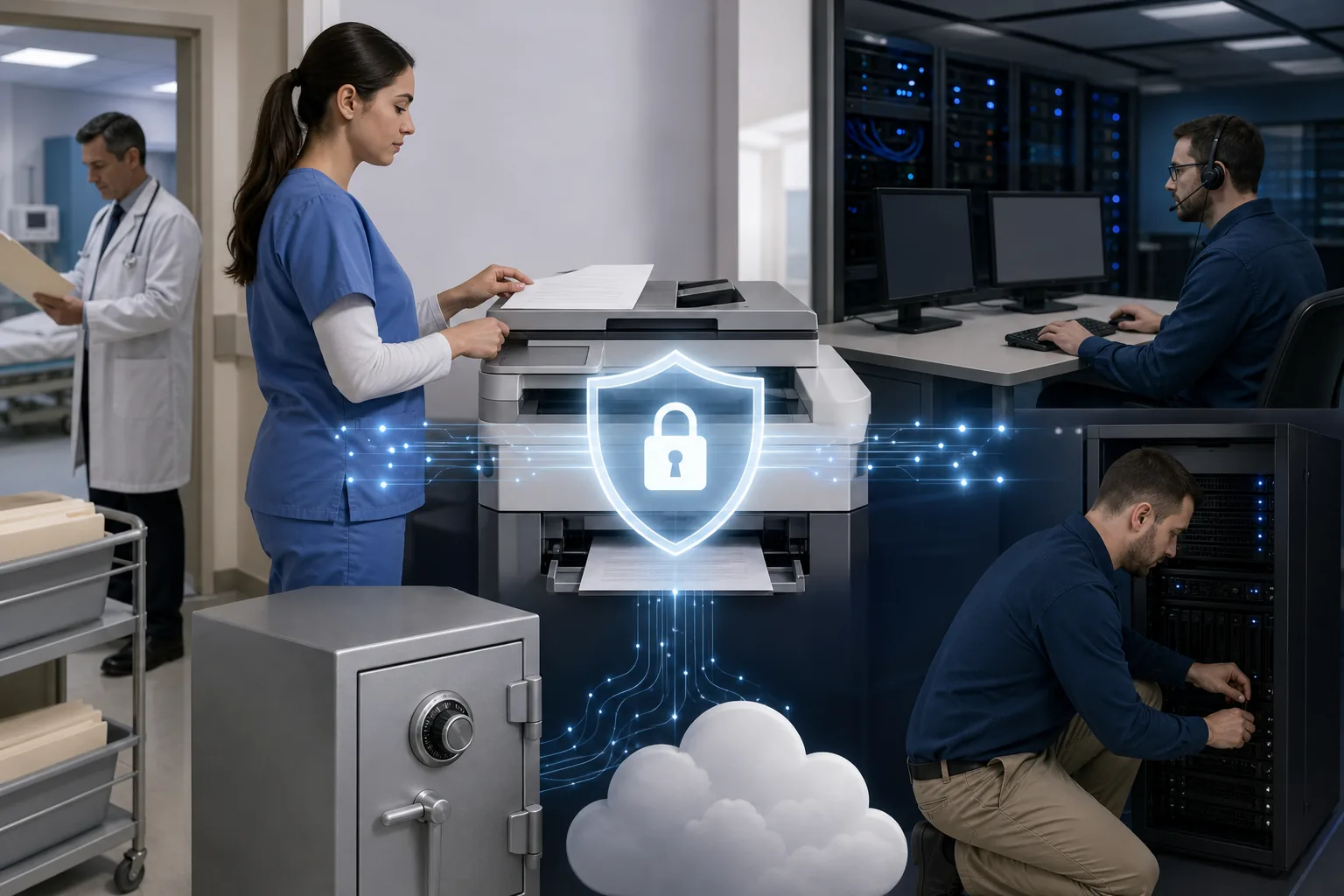
The caveat is simple: Advatek is not a standalone fax app with a public page-count plan. We work as the IT and compliance layer around your tools. Choose us when you need someone to manage risk across the business, not only send documents.
2. Fax.Plus: Flexible coverage from solo clinics to health systems
Fax.Plus is a strong choice for teams that need web, mobile, and programmatic fax access. It has HITRUST certification, plus REST API, webhook, EHR, and patient portal integration options.
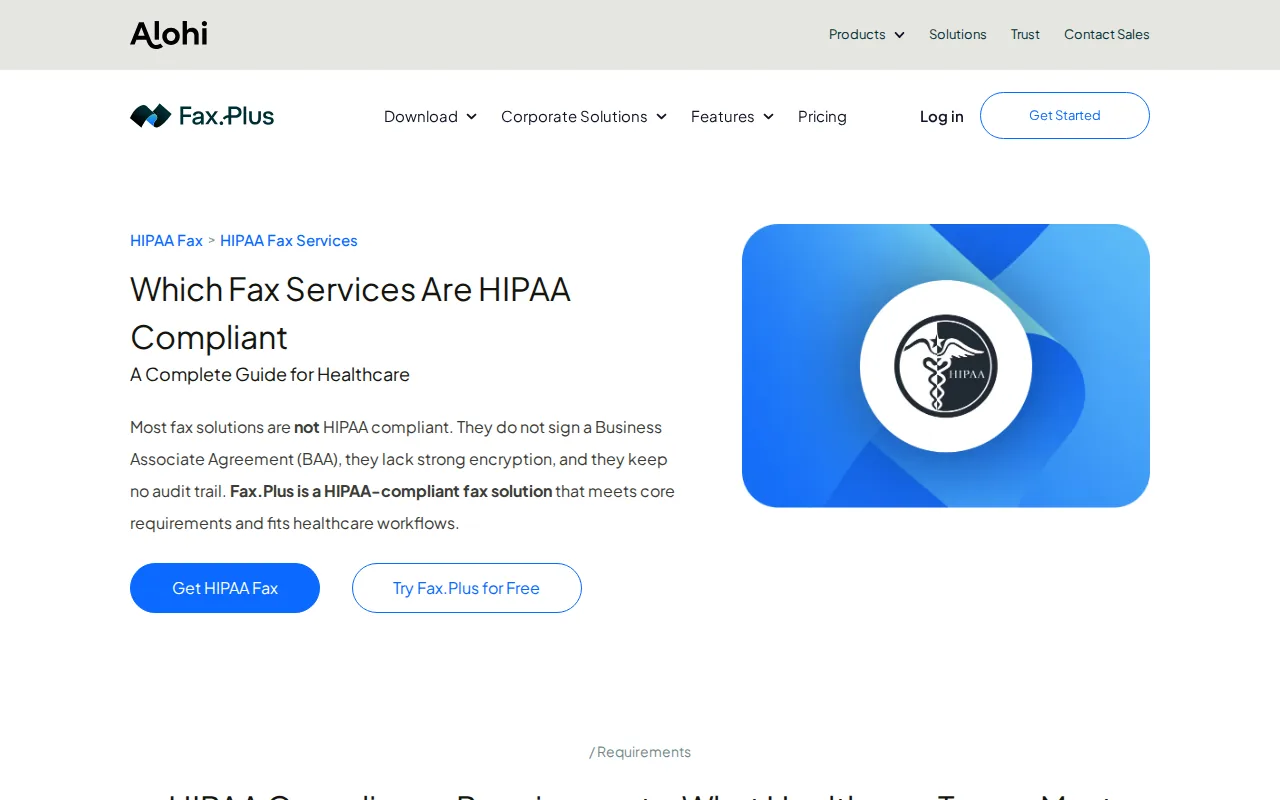
The service works well when a clinic starts with browser-based faxing but may later connect fax events to another system.
One warning matters more than the rest. HIPAA support may depend on the plan you buy, so confirm the BAA and security settings in writing before sending PHI. A free or basic account should never be treated as safe for patient records just because the brand also sells an enterprise tier.
We would shortlist it for a distributed team that wants a modern interface and room for future integrations.
3. Documo: Mobile-first faxing for distributed care teams
Documo fits small clinics, home health agencies, solo providers, and care teams that work away from one desk. Its strongest use case is mobile faxing as a daily workflow rather than a backup for a machine.
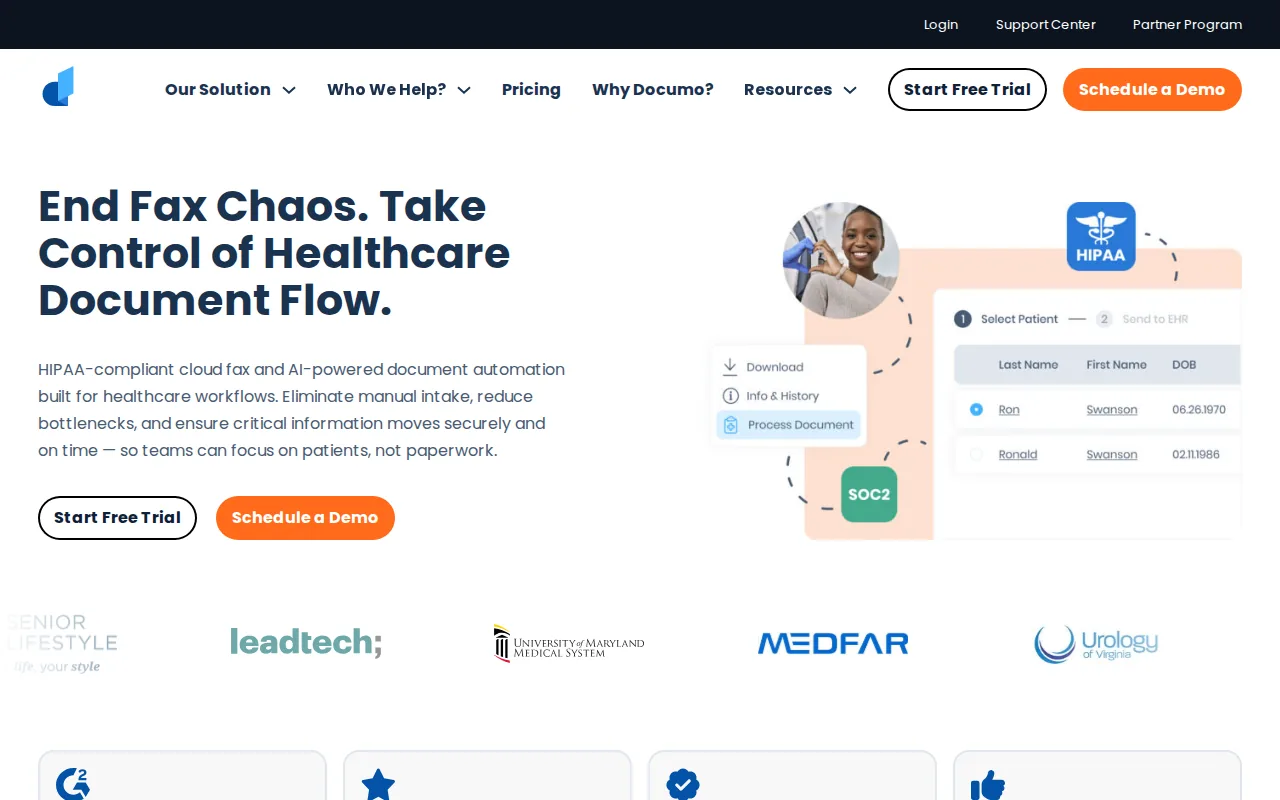
A field nurse may need to send an order after a visit. An administrator may need to receive a referral while working at another site. A mobile-first service reduces the need to scan paper at a central office, but the team still needs clear rules for device access and document storage.
Documo is worth a closer look when staff need flexibility across locations. Buyers should ask about the exact BAA terms, audit records, retention controls, and integration scope included in their plan. Mobile care workflows also need IT oversight beyond the fax app itself; teams can review mobile care technology considerations when planning implementation.
It may be more than a very small office needs if fax volume is low and staff only send a few documents each week.
4. iFax: Straightforward cloud fax with broad security certifications
iFax is aimed at small and midsize teams that want cloud fax without complex identity or workflow features. It has HIPAA, SOC 2, and ISO 27001 certifications.
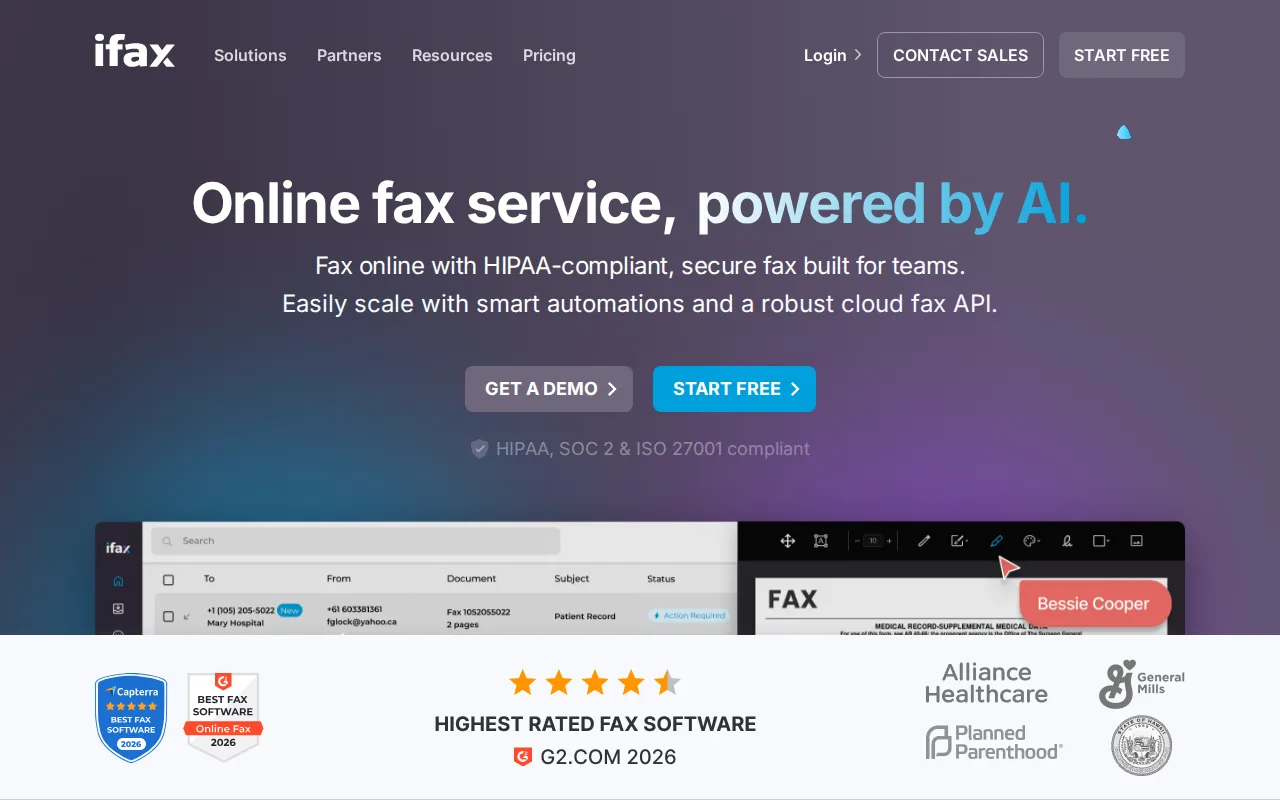
Its basic appeal is ease of use. Staff can work through a web interface, while a cloud setup removes the need for a physical fax machine and analog line. That helps a clinic support remote staff and avoid paper piling up near a shared device.
Look closely at access controls and audit exports before purchase. A service can transmit documents securely while still leaving a practice with weak user permissions. If an employee can see every incoming record, the technical encryption does not solve the access problem.
iFax makes sense for an SMB that wants a clean cloud workflow. It is less suited to a team that needs custom EHR automation or a tightly managed identity system.
5. WestFax: Entry-level cloud fax for low-volume practices
WestFax is a reasonable match for solo practitioners and very small clinics with modest fax volume. It is an entry-level option for teams that do not need advanced workflow or identity features.
Its value comes from keeping the setup small. A practice can move away from a physical machine and use online faxing without buying a larger communications platform.
That makes the price-versus-compliance lesson clear: a higher monthly fee does not automatically mean better protection. Buyers should still confirm which compliance and recordkeeping features are included in the selected tier.
We would consider WestFax for low volume. As the office adds locations or needs custom routing, bring in a qualified IT service provider to review the wider workflow.
6. sFax: HITRUST-oriented option for growing healthcare organizations
sFax is designed for healthcare buyers that expect stronger procurement checks as they grow. It can fit mid-market organizations seeking a HITRUST-certified cloud fax service.
That focus can help when a compliance team wants more than a vendor’s general claim of security. Ask for the current certification scope, the BAA for your account, data retention terms, and a sample audit report. Certification names matter, but scope matters just as much.
The tradeoff is cost. A Standard plan starts at $37 per month for 350 pages. That is higher than several other options, yet price alone cannot prove stronger compliance. Your procurement team should compare the actual controls and documents.
sFax is a better fit for a growing organization than a solo office that sends occasional referrals.
7. eFax Corporate: Enterprise faxing for standardized organizations
eFax Corporate suits larger organizations that already standardize on its network or need enterprise-level fax administration. eFax Corporate has HITRUST certification and suits a different buyer than small practices.
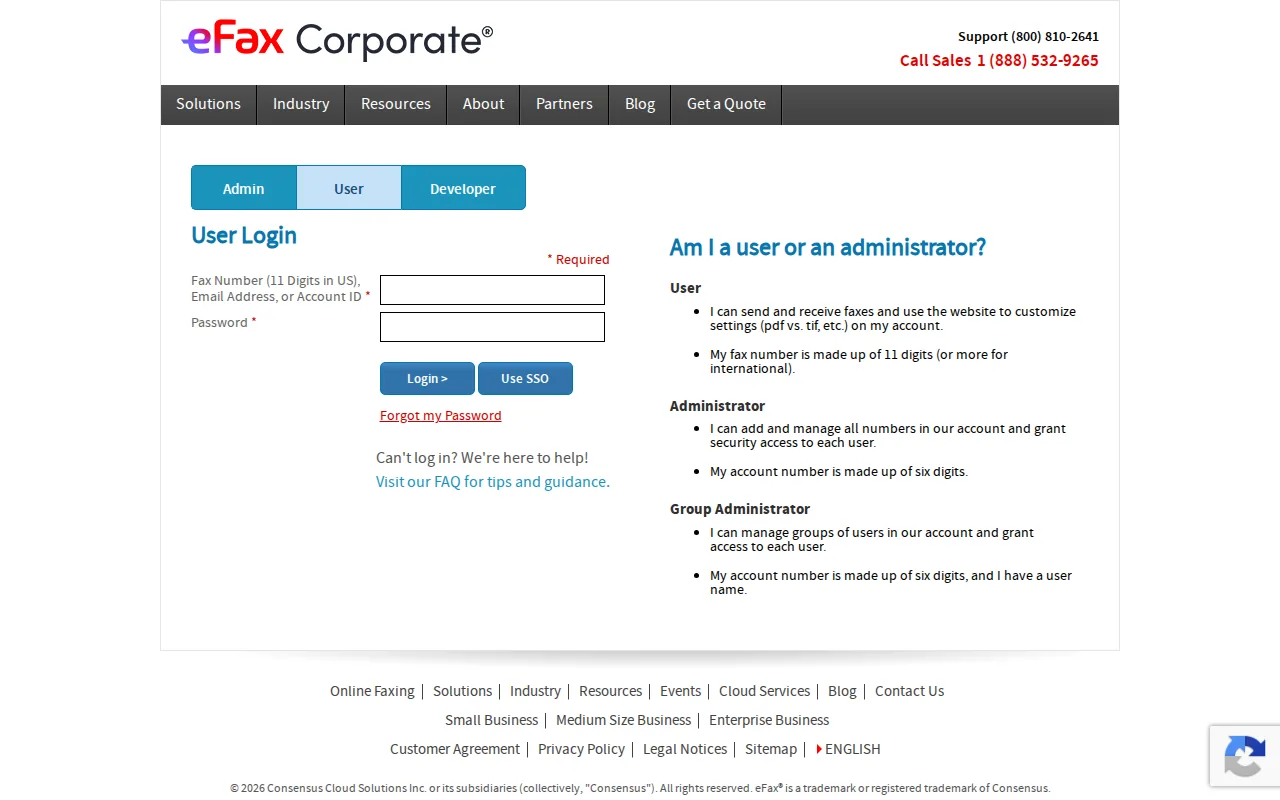
Large hospitals often need consistent rules across departments. They may also need vendor review documents, managed numbers, support for high volume, and integration planning. Those needs can make a corporate product easier to govern than separate accounts purchased by individual teams.
Still, confirm the exact product and contract scope. A corporate brand can have several plans, and the compliance terms may differ between them. We also suggest reviewing how the service handles inactive users, departed employees, retention, and exported audit data.
Comparing fax administration with secure email hosting pricing options can provide a useful parallel. Fax and email often share the same human mistakes.
8. Concord Cloud Fax: Large-system document workflow modernization
Concord Cloud Fax is aimed at large healthcare systems that want to modernize document workflows, not only replace a fax machine. Pricing is available on request.

This type of service may fit a health system with many departments, locations, and document paths. The key question is how incoming faxes move after delivery. If staff still download files into random folders, the cloud fax service has only solved one part of the problem.
Ask for workflow maps, retention rules, audit access, integration details, and a plan for legacy fax numbers. A migration can fail when a department loses an old number or when no one owns the new routing rules.
Technology works best when the process and ownership are clear; related workflow information can support planning.
9. RingCentral Fax: Faxing within a unified communications stack
RingCentral Fax is best for organizations that already want a unified communications system. It supports sending and receiving through desktop, web, and mobile channels, so fax can sit beside other business communication tools.
Fax can support scheduling, batch faxing, alerts, reporting, cover pages, and email-to-fax, depending on the selected plan. It can also connect with other business communication tools.
Volume is the main decision point. A plan starting at $22.99 per month may make sense for a team that also needs the wider communications stack. It can be a poor fit for a solo practitioner who sends only a small number of pages.
Review contract length, renewal terms, API availability, and the scope of any certification before signing. Confirm current product details and plan limitations directly with the provider, or work with a qualified IT service company to evaluate how the fax service fits your healthcare compliance and cybersecurity needs.
10. mFax: Simple cloud faxing for solo practitioners
mFax is a simple option for solo practitioners who want browser and mobile access without a physical fax machine, with a starting price of $11 per month.
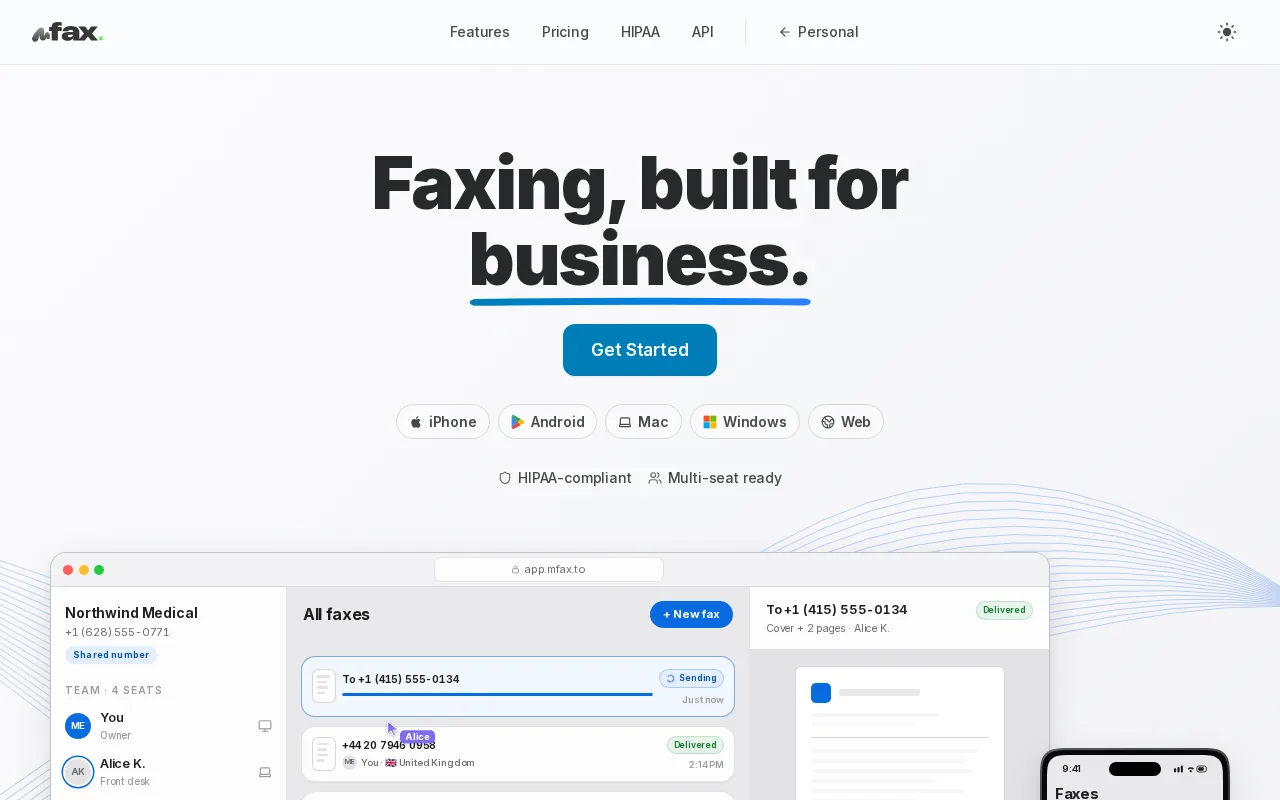
That low entry point can help a small office test cloud fax without committing to a larger communications suite. The main operational gain is location freedom. A provider can send a referral from a laptop or mobile device instead of waiting beside a shared machine.
Before using it for PHI, verify the BAA, encryption at rest, encryption in transit, user permissions, and audit export process for your exact account. A small practice still needs a written process for wrong numbers, failed delivery, and document deletion.
mFax is a sensible starting point when the workflow is simple. Choose a more managed setup when several locations or departments share records.
HIPAA Compliant Fax Service Comparison Table
Use this table as a first filter, not as a final compliance decision. Public comparison data is incomplete: certifications are missing for many providers, and integration details are not always disclosed. We count a service as usable only after the buyer verifies the BAA on the exact plan.
What to Look for Before Choosing a HIPAA Compliant Fax Service
Start with the BAA. A vendor that touches PHI should sign one before your team sends patient data. Then confirm encryption in transit and at rest, unique user accounts, role-based access, and an audit trail that records sender, recipient, time, status, and delivery result.
- Technical safeguards: encryption, MFA, access controls, session limits, and tamper-resistant logs.
- Administrative safeguards: risk reviews, staff training, incident response, and clear ownership.
- Physical safeguards: controlled data-center access, device rules, and protection for printed documents.
- Workflow controls: recipient verification, approved cover sheets, retention limits, and a process for failed faxes.
HIPAA permits faxing PHI when reasonable administrative, physical, and technical safeguards protect it. Include HIPAA audit and risk assessment services in your wider vendor risk assessment.
A cover sheet should identify the sender, recipient, destination number, date, and page count without exposing unnecessary PHI. A short disclaimer can tell an unintended recipient to stop reading and report the error, but a disclaimer cannot fix a wrong number or weak access control.
Pro Tip: Ask the vendor to show the exact BAA, sample audit record, retention setting, and plan-level security terms before your first PHI transmission.
FAQ
What makes a fax service HIPAA compliant?
A HIPAA compliant fax service needs a signed BAA, suitable safeguards, encryption, access controls, and complete audit records. The BAA must apply to the plan and account you actually use. Marketing language alone is not enough. Your team also needs recipient checks, staff rules, and a response plan for misdirected or failed faxes.
Does HIPAA allow healthcare providers to send faxes?
Yes, HIPAA allows faxing PHI when the organization uses reasonable safeguards. A cloud fax service should protect data during transmission and storage, limit access to authorized users, and retain useful delivery records. Staff must still verify the recipient and avoid placing unnecessary patient details on the cover sheet.
Does every plan from a HIPAA fax provider include a BAA?
No, every plan does not include a BAA. Some vendors limit HIPAA support to enterprise or healthcare tiers. Confirm the BAA before sending PHI, then check whether the plan includes encryption, audit logs, user controls, and the integrations your workflow needs.
Is cloud fax safer than a physical fax machine?
Cloud fax can reduce paper exposure and add access controls, encryption, and searchable audit records. It is not automatically safe. A misconfigured account, shared login, open inbox, or wrong recipient can still expose PHI. We recommend reviewing the full process, including printers, email alerts, storage, and user training.
How much does a HIPAA compliant fax service cost?
Pricing varies by pages, users, integrations, and compliance tier. The reviewed options range from low-cost solo plans to custom enterprise quotes. A higher price does not prove stronger compliance. Compare the total monthly cost with the BAA, audit trail, encryption, support, number porting, and overage terms included.
Conclusion
For most healthcare organizations, we recommend choosing the fax service that matches your workflow, then having Advatek review the account, access rules, and surrounding systems. Your next step is to request the plan-level BAA and a sample audit log before migrating a single patient document.
Download Franchise Information Report
Want to learn more about opening your own franchise? Fill out this form to get started: