
Best Managed Detection and Response Services
A firewall can block known threats, but it can’t investigate every alert on its own. Managed detection and response (MDR) pairs security monitoring with human investigation and response, so your team has help when an alert needs action. Here are five providers plus Advatek, with the known service details and the questions we’d ask before choosing.
We analyzed 39 comments and questions from Reddit and Quora about managed detection and response services and found that 28% mentioned differences between MDR and SOC.
1. Advatek: Integrated IT, cybersecurity, and compliance support
Advatek combines managed IT services with cybersecurity and compliance support. We’re a fit to consider when your organization wants security monitoring alongside day-to-day technology management, especially if your work involves sensitive health or business data.
Advatek offers 24/7 monitoring and patching, backup and restoration, server management, email hosting, and third-party software support. Patch management means applying software fixes that address known issues. Backup and restoration help prepare your business to recover data after loss or damage.
That mix can matter in a healthcare office or home health agency where a security alert is only one part of the day’s IT work. A managed provider can help keep systems patched while staff focus on patient care. Advatek also provides cybersecurity compliance support and staff security awareness training.
For teams that need help with health data protection, we’d look at how monitoring fits into their broader compliance work. Our managed cybersecurity services for healthcare page covers that wider service context. AI can also help with business tasks, but it needs careful setup, access rules, and ongoing review. A qualified IT provider can help your team manage those risks instead of leaving configuration to staff without security support.
Ask how the service handles an alert after hours, who contacts your team, and what response actions are included. We can discuss your security and IT needs together, then clarify which services fit your environment.
2. Expel Managed Detection and Response: Managed SOC with an AI and automation engine
Expel Managed Detection and Response is a managed security operations center service with an AI and automation engine called Ruxie. It may suit small and mid-size organizations that want managed monitoring using a first-party endpoint detection and response agent.
Expel monitors endpoints, identity, cloud, and network. Ruxie triages events, while analysts investigate and make decisions. Expel reports a 13-minute mean time to respond. When comparing that figure with another provider’s promise, confirm what starts and stops the clock, which incidents count, and whether it refers to response, containment, or remediation.
AI can sort and enrich alerts quickly, but it doesn’t remove the need for a person to judge what an alert means in your environment. For a clinic, for example, an alert that affects a shared workstation may need a different response from one involving an unused test machine. Ask whether your team can see investigation notes and what actions the provider may take without approval.
When reviewing an AI-assisted service, ask which steps are automated and when a human analyst takes over. That distinction helps you judge whether automation supports your team’s response needs or simply speeds up alert sorting.
3. Taegis MDR by Secureworks: 24/7 monitoring and investigations
Taegis MDR by Secureworks provides security monitoring and investigations 24 hours a day, seven days a week.
This may fit an organization that wants around-the-clock monitoring and investigations. Before signing, ask what data sources are included in your proposed scope and how the provider hands findings to your internal IT staff.
Monitoring is only one part of incident handling. Your team should know who can isolate a device, disable an account, or approve another response step. We’d also ask how the provider shares evidence and what information is included in an incident summary. Those points matter when the IT lead is also managing routine support work.
If you’re comparing monitoring with incident handling, our incident response services comparison covers response models and service fit. Use it to frame questions about escalation, authority, and the handoff between analysts and your staff.
For a co-managed arrangement, confirm which tasks stay with your team. For a fully managed arrangement, ask what decisions the provider can make on your behalf. A clear division of work prevents delays when an alert needs attention outside business hours.
4. Rapid7: A potential fit for organizations invested in its ecosystem
Rapid7 may appeal to organizations already invested in its ecosystem. Its MDR service combines native and third-party security data, with vulnerability and asset risk information used to add context to investigations.
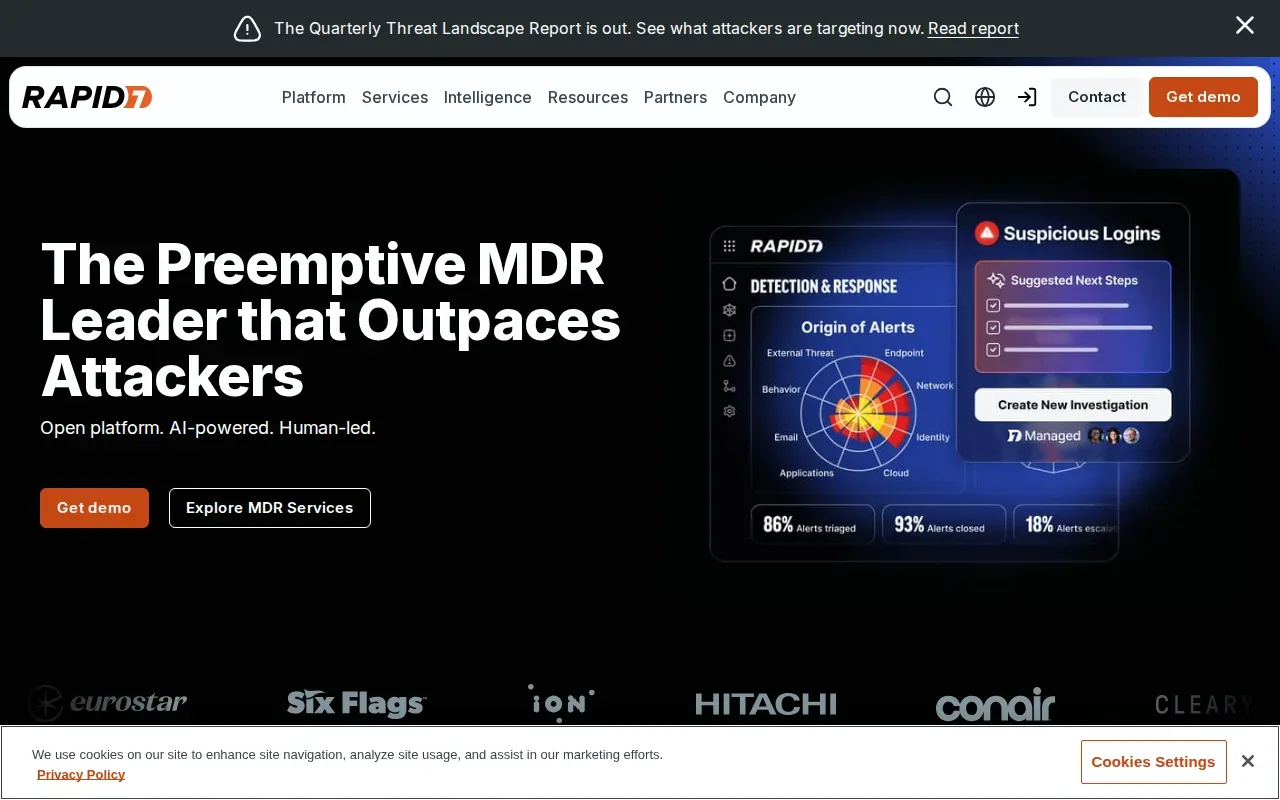
That context can help analysts weigh an alert against the asset’s exposure. A warning tied to a system with known vulnerabilities may call for a different review than a similar signal on a lower-risk device. Rapid7 also provides analyst guidance and response support, with an AI-powered security operations center helping with triage and investigation.
Rapid7’s pricing model is modular and tied to platform components. Ask which service components are included.
Teams with existing Rapid7 tools should map their current setup against the proposed service before comparing costs. Check whether the scope covers the assets you need monitored, and ask how exposure findings reach the people responsible for fixing them.
Choose this path when the existing ecosystem is a real operational advantage, not just a familiar name. A proposal should show how the service fits the tools and workflows your team already uses.
5. Critical Start: 24/7 MDR with IT/OT and unmanaged-asset coverage
Critical Start offers 24/7 MDR with signal coverage designed to identify unmanaged assets, plus IT and operational technology support. That scope may interest organizations that need to account for devices beyond the standard managed workstation list.
An unmanaged asset is a device that may connect to the environment without being tracked through the usual IT process. In a facility, that could mean equipment connected to a network but absent from the current asset register. Ask how the service identifies these devices and what information your team receives when it finds one.
Ask how the quote defines an endpoint, how non-endpoint assets are treated, and whether the proposed service includes the IT/OT support your environment needs. A rate alone won’t tell you whether the scope matches your asset mix.
For an organization with clinical or facility systems on the network, ask how the provider coordinates with the staff who maintain those systems. The response plan should make clear who approves changes and how service interruptions are handled.
Pro Tip: Ask each provider to explain how it discovers assets your IT team hasn’t already inventoried. The answer can show whether its coverage fits your actual environment.
6. ESET MDR: A provider to evaluate for managed security coverage
ESET MDR is another provider to include when building a shortlist. Use a discussion with the provider to establish which assets it would monitor, how analysts investigate alerts, and what response actions fall within the service.
Check the scope against your own needs rather than assuming that every MDR service covers the same data. Ask whether the proposed scope includes endpoints, cloud services, network activity, or identity signals that matter to your organization. Then ask how an alert moves from detection to investigation and into an action your team can track.
For regulated teams, clarify what documentation the service can provide for internal reviews and how evidence is handled during an incident. A service may help with threat response, but compliance work also depends on your policies, records, and day-to-day controls. Make sure the contract describes the handoff between the security provider and your compliance lead.
Ask for a sample report or a walk-through of the analyst workflow before deciding. That lets your IT lead see how findings are presented and what information staff need to act. It also helps compare the service with an existing security team or managed IT provider.
Compare the MDR options: coverage, service model, and fit
MDR typically combines monitoring with investigation and response by security staff. It differs from endpoint detection and response, or EDR, which focuses on endpoint activity and tools. Extended detection and response, or XDR, brings data from more than one security area together. A managed security service provider may cover a broader set of security or IT tasks, depending on the agreement.
These labels don’t settle what a contract includes. Compare the written scope: which data sources feed monitoring, who investigates alerts, and who can take action. Network traffic, endpoint logs, cloud workloads, and identity activity are all useful areas to ask about, but don’t assume every provider includes each one.
| Option | Known service angle | Fit to assess | Question to ask |
|---|---|---|---|
| Advatek | 24/7 monitoring and patching, with managed IT and compliance support | Organizations seeking security and IT support together | Which monitoring and response tasks are in the proposed scope? |
| Expel Managed Detection and Response | AI-assisted triage with analyst review; endpoint, identity, cloud, and network coverage | Small and mid-size organizations using a first-party EDR agent | How is its response-time measure defined? |
| Taegis MDR by Secureworks | 24/7 monitoring and investigations within its platform | Teams seeking continuous monitoring and investigation | Which data sources and response actions are included? |
| Rapid7 | Uses security data with asset and vulnerability risk context; modular pricing | Organizations invested in the Rapid7 ecosystem | Which components and asset types appear in the quote? |
| Critical Start | 24/7 MDR with unmanaged-asset identification and IT/OT support | Organizations with assets that need IT/OT coverage | How are unmanaged assets found and handled? |
| ESET MDR | Evaluate the proposed monitoring, investigation, and response scope | Teams considering managed security coverage | Which signals and actions are included in the agreement? |
Pricing needs the same care. Rapid7 pricing is modular and tied to individual platform components, so ask each provider what its quote is based on. For any quote, ask how costs change as devices are added and whether investigation or response work has separate terms.
We recommend comparing the service agreement alongside the technical scope. Our MDR pricing questions for law firms can help frame a discussion about pricing structure and documented service terms. Keep the checklist focused on what your own team needs to operate.
Evaluation questions for your shortlist
- Which systems and data sources are monitored?
- Is coverage fully managed, co-managed, or a mix?
- What does the provider investigate, and which response actions can it take?
- How are after-hours escalations sent to your team?
- How are response-time targets measured in the contract?
- What reports help your IT and compliance leads review the work?
Also ask how threat hunting works. A provider may search for signs of compromise before a standard alert fires, but you’ll want to know how often hunts occur and how findings reach your team. Threat intelligence can add context about active threats; ask how that context changes the investigation or response.
Key Takeaway: Choose based on the written coverage and response duties, not the MDR label alone.
Frequently asked questions
What do managed detection and response services include?
Managed detection and response services usually combine security monitoring with alert investigation and response support. The exact scope depends on the provider and contract. Ask which systems send data, who reviews alerts, and which actions the provider can take. Also confirm how the provider contacts your team when it needs approval or sees an incident that affects business operations.
How is MDR different from EDR and XDR?
MDR is a managed service that adds people and response work to security monitoring. EDR focuses on detecting and responding to activity on endpoints such as computers and servers. XDR brings security signals from multiple areas into a shared view. A provider may use EDR or XDR technology as part of MDR, so review the service scope rather than relying on the acronym.
Is MDR a good fit for a small business?
MDR can fit a small business that needs continuous monitoring but doesn’t have a security team available around the clock. The right fit depends on its systems, risk needs, and ability to act on provider alerts. Ask whether the service can work with your current tools and whether staff know who handles each response task.
What should we ask about an MDR response-time SLA?
Ask what event starts the response clock, what action counts as a response, and which incident types are covered. A stated response time can refer to an analyst acknowledging an alert, beginning an investigation, or taking a containment step. Put the definition, reporting method, and escalation process in the service agreement.
Does MDR help with HIPAA compliance?
MDR can support security monitoring for a healthcare organization, but it doesn’t by itself make an organization HIPAA compliant. The organization remains responsible for its policies and safeguards. Ask what records the provider supplies, how incident information is shared, and how its work fits with your compliance lead’s existing review process.
Conclusion
For organizations that want security monitoring alongside managed IT and compliance support, we recommend starting with a scope review with Advatek. Bring your asset list and the response questions above, then ask us to map the needed coverage and next steps for your business.
Download Franchise Information Report
Want to learn more about opening your own franchise? Fill out this form to get started: