
Best HIPAA Compliant Document Storage Options
Finding a safe place for patient files feels urgent when you run a clinic or a nursing home. You need encryption, audit trails, and a partner who can keep the system up‑to‑date. Understanding the broader requirements in HIPAA compliance in healthcare IT can help you evaluate whether a document-storage solution is properly configured. Below are the best HIPAA compliant document storage options and who they fit best.
For a deeper look at how managed IT can boost health‑tech, see IT Healthcare: IT Support, IT Support Solutions in Florida USA.
1. Advatek — Managed compliance, cybersecurity, and document‑storage support
Advatek delivers a full‑stack service that combines 24/7 security monitoring, AI‑driven threat hunting, and a signed Business Associate Agreement. We handle patch management, vulnerability scans, and regular compliance reviews so your team can focus on patient care.
Our platform ties into popular EHRs and Microsoft 365, letting clinicians open records directly from their workflow without extra logins. The integration layer is built by our engineers, not a generic plug‑in, so data never hops through an uncontrolled third‑party.
Because we own the infrastructure, we can roll out emergency updates in minutes, something a DIY cloud setup can’t promise. The trade‑off is that you rely on us for day‑to‑day operations, so you’ll need a clear service‑level agreement.
Read about our Home Health Software and IT Support Services in Florida, USA and Home Health Software in Florida for examples of how we tailor solutions to smaller providers.
2. Kiteworks — Strong governance for sensitive file sharing
Kiteworks offers a unified platform that encrypts data at rest and in transit, then adds an AI Data Gateway to monitor how files move across the network. The AI engine flags unusual access patterns and gives admins a clear chain‑of‑custody view.
It ships with a Microsoft Outlook plugin, private large language models, and data‑catalog services that let you tag PHI for quick retrieval. All of this runs under a signed BAA, so you stay covered during audits.
The solution can be hosted on‑premise or in a private cloud, giving you flexibility if you have strict residency rules.
Key Takeaway: Kiteworks is the only vendor in our list that markets AI‑based data‑flow control.
3. Tresorit — End‑to‑end encryption for privacy‑focused teams
Tresorit encrypts files on the user’s device before they ever touch the cloud, meaning even Tresorit’s staff can’t read the content. The zero‑knowledge model meets HIPAA’s confidentiality rule and keeps data unreadable if a breach occurs.
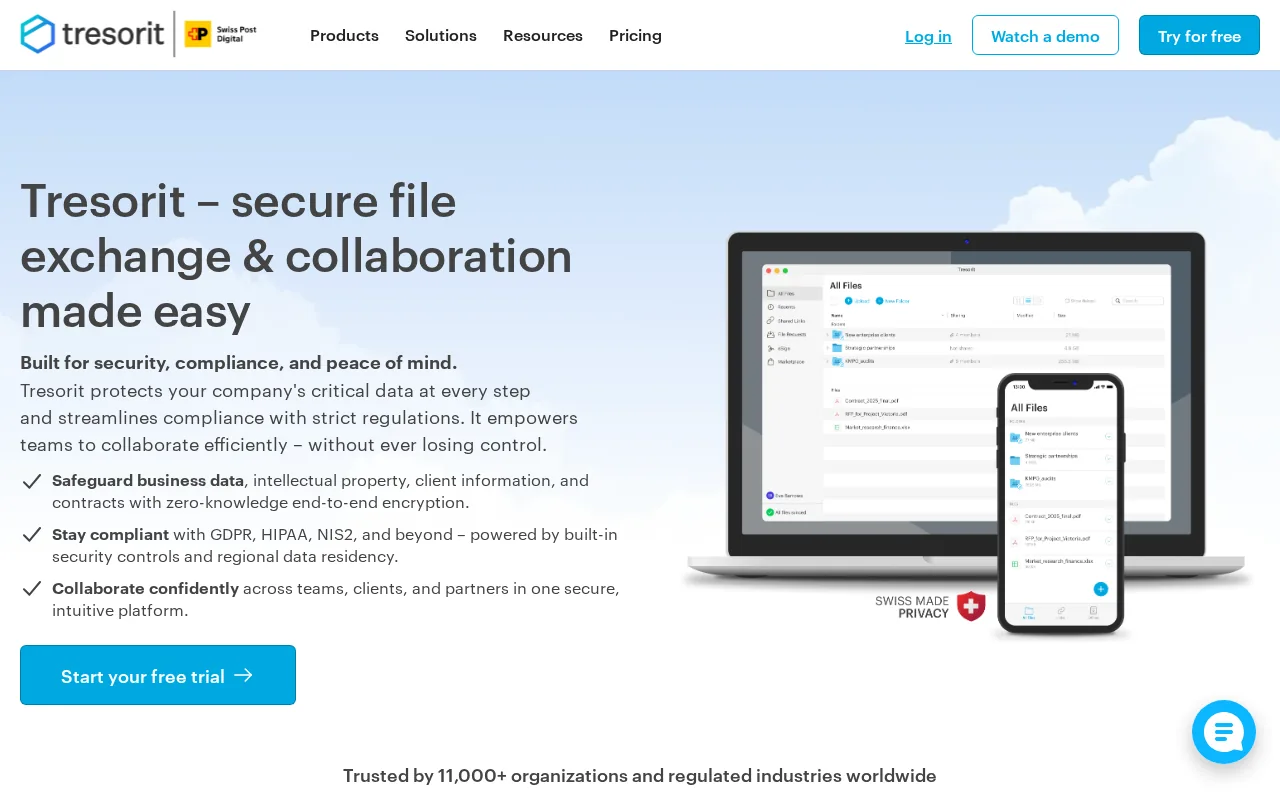
A Business Associate Agreement is available, and the platform supports granular access controls that let you lock down records by role or department.
The trade‑off is that you must manage encryption keys yourself, which adds a step for IT teams that lack dedicated security staff.
Strong encryption matters when protecting sensitive records. Also, check out Best HIPAA Security Training for Medical Staff, Top 10 for staff‑level best practices.
4. Citrix ShareFile — Familiar collaboration with business integrations
ShareFile feels like a classic file‑sharing app, but it adds AES‑256 encryption, audit logs, and a BAA for healthcare users. The platform integrates directly with Outlook and Gmail, so clinicians can send secure links from their everyday email client.

Admins can set expiration dates, require passwords, and enforce granular permissions without writing code.
Because the UI mirrors consumer tools, training time is short, but you’ll still need to configure the security settings properly to stay compliant.
Pro Tip: Pair ShareFile with a managed IT partner to automate policy checks and keep your BAA current.
5. Box — Broad integrations for connected healthcare workflows
Box offers advanced encryption, role‑based permissions, and audit trails that satisfy HIPAA’s technical safeguards. What sets it apart is the depth of integrations: it talks directly to EHR systems, Microsoft 365, and Google Workspace, letting staff move files without leaving their primary apps.

The platform provides a signed BAA and lets you enforce data‑residency rules, which is handy for organizations that must store data in specific states.
Box’s admin console can generate compliance reports with a few clicks, but the breadth of settings can feel overwhelming without a specialist to guide you. A managed IT provider can also help pair document storage with a tested backup solution for patient records, so recovery planning is considered alongside everyday access.
HIPAA Compliant Document Storage Comparison Table
| Feature | Advatek | Kiteworks | Tresorit | ShareFile | Box |
|---|---|---|---|---|---|
| Encryption (at rest & in transit) | AES‑256, TLS 1.2+ | AES‑256, TLS 1.2+ | Zero‑knowledge, AES‑256 | AES‑256, TLS 1.2+ | AES‑256, TLS 1.2+ |
| AI‑driven governance | — | AI Data Gateway | — | — | — |
| Key integrations | Custom EHR, Microsoft 365, API hooks | Outlook plugin, private LLMs | — | Outlook, Gmail | EHR, Microsoft 365, Google Workspace |
| Managed service option | Yes – full‑stack MSP | Hosted or on‑premise | Self‑service | Self‑service | Self‑service |
For more on how a managed IT partner can keep these systems secure, see Maintaining HIPAA Compliance, IT Security Service in Florida, USA.
Frequently Asked Questions
What makes a storage service HIPAA compliant?
A storage service is HIPAA compliant when it offers encryption at rest and in transit, signs a Business Associate Agreement, and provides audit logs and access controls that meet the Security Rule.
Do I need a BAA for every vendor?
Yes, any service that can see or handle protected health information must have a signed Business Associate Agreement before you store PHI on it.
Can I use Box with my existing EHR?
Box integrates with many EHR platforms through APIs, so you can link patient records directly from the EHR without exporting files manually.
Is the AI feature in Kiteworks worth the extra cost?
The AI Data Gateway helps spot unusual file movements and keeps a clear chain‑of‑custody, which can reduce audit fatigue for larger health systems.
How does Advatek’s managed service differ from a DIY cloud setup?
Advatek monitors your environment 24/7, applies patches instantly, and handles compliance paperwork, so you avoid the hidden labor of maintaining security yourself.
Are there any hidden fees for these platforms?
Pricing varies by user count and feature set; most vendors charge per‑user licenses, and some add fees for extra storage or premium integrations. Review the vendor’s pricing page for exact numbers.
Conclusion
If you want a partner that handles the tech and the compliance paperwork, Advatek is our recommendation. Reach out to start a security assessment and see how we can lock down your document storage today.
Download Franchise Information Report
Want to learn more about opening your own franchise? Fill out this form to get started: