
Best HIPAA Compliance for Dental Offices
HIPAA applies to dental practices that transmit health information electronically in a covered transaction, such as an insurance claim. The hard part is choosing tools that protect daily work instead of adding more tasks. We recommend Advatek first for practices that need managed support, then compare the point solutions below by job, risk, and fit.
1. Advatek
Advatek is a managed cybersecurity and IT service for dental offices that want one team over the full compliance program. It fits small and mid-sized practices that lack a full-time security lead.
We combine 24/7 security monitoring with compliance training, proactive management, and AI-driven threat detection. That means we can watch systems after staff leave, help keep policies current, and respond when a warning needs human review. We also help connect security work with daily business goals, such as reducing downtime or making staff handoffs safer.
In the seven-solution sample behind this shortlist, Advatek is the only managed-service model. It is also the only option that pairs managed support with AI-driven threat detection. The limitation is simple: a managed service needs access, planning, and an ongoing working relationship. It isn’t a set-and-forget purchase.
We can take over the technical work while your office keeps control of patient care. See our dental cybersecurity services when you need a broader security plan.
2. HIPAA-Secure Cloud Fax
HIPAA-Secure Cloud Fax is a focused option for practices that still send referrals, insurance claims, or records by fax. It suits teams that want to replace exposed paper and shared fax machines.

The workflow is digital, encrypted, and audit-ready. The research source also identifies MFA, encryption, and recovery needs as part of the setup. That matters when a referral contains an X-ray or treatment plan and several people need to see the same transmission record.
A cloud fax tool handles fax risk. It does not cover staff training, policy work, workstation security, or breach response. Ask who signs the BAA, how access is logged, and how the service connects with your practice-management system before you move records into it.
For a small office, this can be a clean first fix. It should still sit inside a wider HIPAA plan.
3. HIPAA-Compliant Email
HIPAA-Compliant Email is for dental teams that send PHI by email. It fits offices that share X-rays, referrals, insurance files, or treatment updates with patients and other providers.
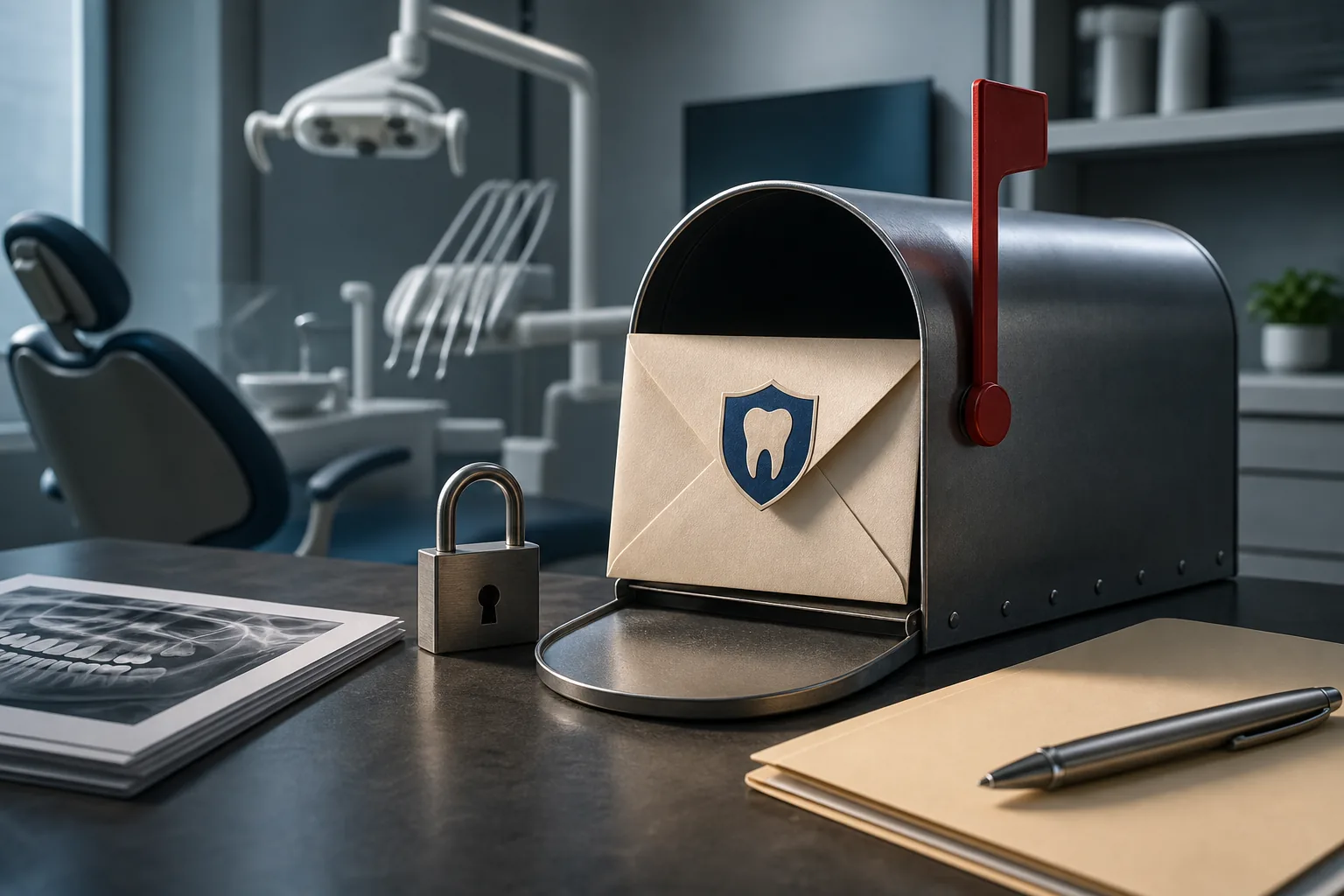
Encryption alone doesn’t settle the question. Organizations using PHI in a cloud email service should confirm that the provider offers a BAA and configure the service according to its HIPAA guidance. Provider terms may not cover third-party add-ons, so an office must review every connected app.
That caveat is easy to miss. A staff member can use a compliant mailbox and still create risk by sharing a public link or adding an unapproved extension. We recommend unique accounts, least-privilege access, MFA, and a clear rule for sending sensitive attachments.
This option improves one communication channel. It won’t replace a risk assessment or a managed response plan.
4. HIPAA Vault WordPress Hosting
HIPAA Vault WordPress Hosting is a hosting option for dental websites that collect patient information. It fits practices with online forms, appointment requests, or other website workflows that may receive PHI.

The listed safeguards include encryption, security monitoring, logging, and protected infrastructure. Those controls address a common gap: many offices treat a website as marketing only, even though a form may collect a name, health question, or appointment detail.
Before choosing this route, map every form and plug-in. Confirm who can access submissions, where data is stored, how long it stays there, and whether each vendor needs a BAA. A secure host cannot fix a form plug-in that sends data to an unapproved service.
This is a useful website layer. It is not a full compliance program.
5. HIPAA Vault Cloud Backups
HIPAA Vault Cloud Backups focuses on encrypted storage and recovery. It suits a dental office that needs a safer copy of practice data after device failure, accidental deletion, or a security incident.

The key question is whether the team has tested recovery, not simply whether a backup job ran.
We advise practices to define who can restore data and what approval is needed. Review backup age, retention, access logs, and recovery time with the provider. Also check whether backups include every system that holds PHI, rather than only the main file server.
Backups reduce recovery risk. They don’t stop phishing, weak passwords, or unsafe email.
6. HIPAA-Secure Hosting
HIPAA-Secure Hosting provides a broader hosted environment for offices that want protected infrastructure managed outside the practice. It may fit teams moving away from local servers.
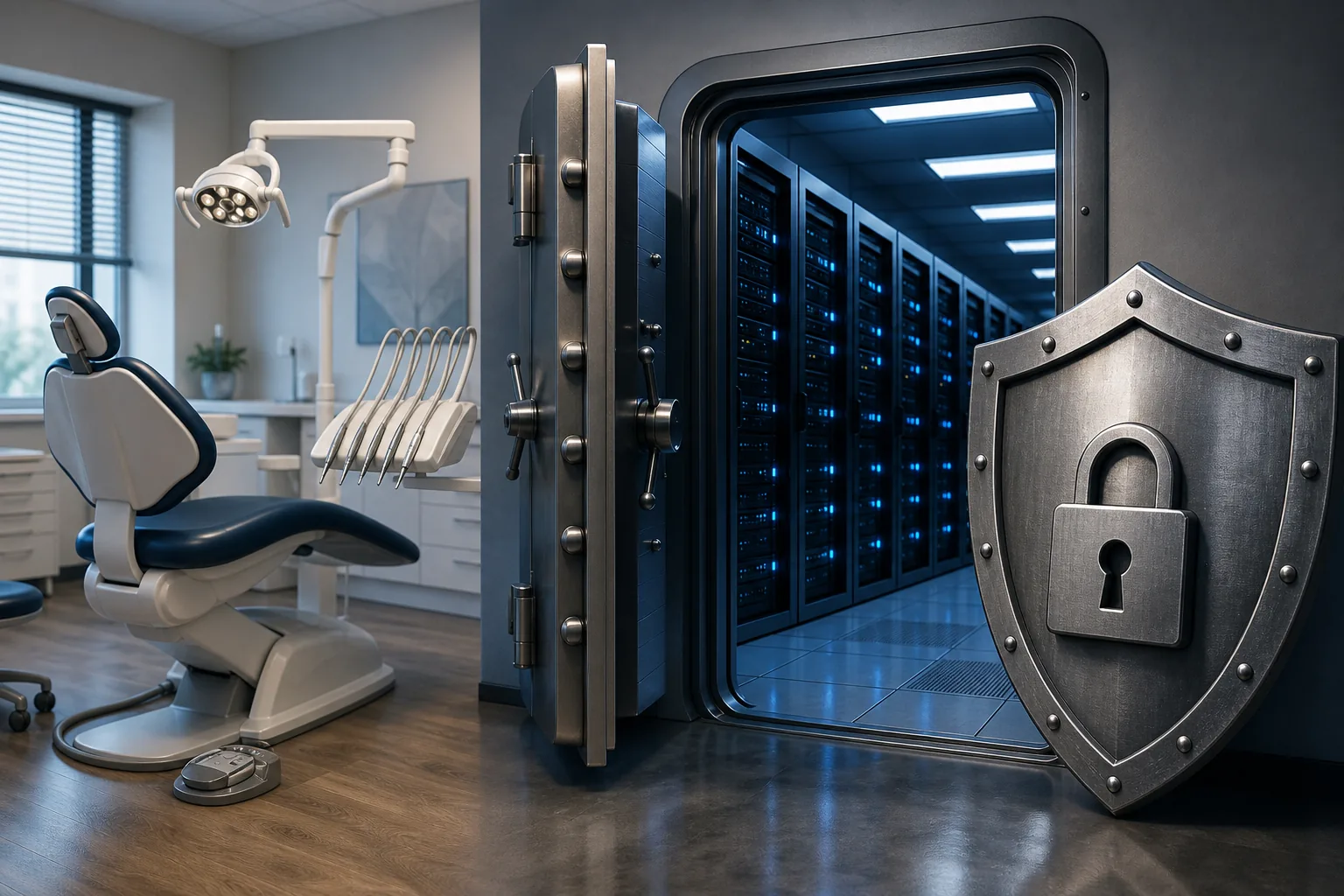
The listed controls include encrypted storage, redundant backups, 24/7 monitoring, access restrictions, role-based permissions, and MFA. Together, those controls support the Security Rule’s technical safeguard goals. Still, the office must decide which users need access and remove accounts when staff leave.
Hosting also raises operational questions. Ask how the provider handles downtime, restores data, records incidents, and supports audits. Integration details matter too.
Hosted infrastructure can simplify ownership. It does not remove the practice’s duty to manage people and process.
7. Acronis Email Archiving for Microsoft 365
Acronis Email Archiving for Microsoft 365 is aimed at MSPs serving healthcare clients, including dental offices that need email archiving. It fits practices already using Microsoft 365 through an IT provider.

The source identifies Microsoft 365 and the Acronis Cyber Protect Cloud console as integrations. It also lists AES-256 encryption at rest and real-time email capture. Those details make this option easier to assess than products that say little about integration.
Archiving can help preserve a record of messages, but retention rules still need a policy. Decide which mailboxes are covered, who can search archives, and how patient access requests are handled. Also confirm the BAA and the provider’s role in incident response.
This is a strong email record layer. It won’t replace endpoint protection, training, or a practice-wide risk analysis.
8. Ongoing HIPAA Compliance and IT Support
Ongoing HIPAA compliance and IT support can help offices that need continuing assistance with both compliance and technology. It suits practices that cannot assign these duties to one internal employee.

A managed program should include a risk assessment, written policies, recurring staff training, access reviews, incident handling, and vendor BAA tracking. It should also cover patch management, which means keeping software updated before known flaws become easy entry points.
Training must reach every worker who handles PHI, including new hires and temporary staff. HIPAA and OSHA work can share part of the training calendar, but each subject still needs its own required content and records. Keep proof of attendance, course topics, dates, and trainer details.
Advatek fits this category while adding AI-driven monitoring and technology consulting. The caveat is cost and coordination. A provider must learn your systems instead of handing you a generic binder.
9. In-House Compliance for Solo Dental Practices
In-House Compliance for Solo Dental Practices is a lower-complexity model where the dentist or office manager owns the program. It fits a small office with stable systems and enough time for regular reviews.

The owner still needs a designated compliance lead, written policies, a risk analysis, staff training, access controls, and a breach response plan. A solo dental practice is a HIPAA covered entity when it transmits health information electronically in a covered transaction. Business associates also need signed BAAs when they create, receive, maintain, or transmit that information.
Start with an asset list. Include computers, cloud apps, email, phones, website forms, backups, paper records, and portable devices. Then document who can access each item and why. A written checklist can help organize questions, but it doesn’t configure systems or make judgment calls for you.
This model can work. Its weak point is maintenance when patient care fills the day.
10. Multi-Location Dental Compliance
A multi-location dental compliance program is designed for groups that need shared rules across several offices. It fits organizations with central billing, shared systems, or different local workflows.

The program should set one baseline for identity management, MFA, password control, backups, incident reporting, and staff training. It also needs local checks because a clinic may use a different printer, website form, referral process, or vendor.
Access management becomes harder as people move between sites. A dental-focused password system can centralize payer portals, vendor logins, and MFA codes, but the group must still review permissions when a role changes. Keep an owner for each system and a record of approval.
Scale brings better consistency only when someone measures it. Review open risks by location and give leaders a clear budget for fixes.
Compare the 10 HIPAA Compliance Options
The right pick depends on the gap you need to close. Point tools work well for a single workflow. Managed programs make more sense when the office needs someone to keep the whole system moving.
| Option | Best fit | Main strength | Key limit |
|---|---|---|---|
| Advatek | End-to-end support | Managed IT with AI-driven threat detection | Needs an ongoing service relationship |
| HIPAA-Secure Cloud Fax | Fax-heavy offices | Encrypted, audit-ready fax workflow | Does not cover the full practice |
| HIPAA-Compliant Email | PHI by email | Encryption with a signed BAA | Configuration remains the office’s job |
| HIPAA Vault WordPress Hosting | Web forms | Protected website infrastructure | Plug-ins still need review |
| HIPAA Vault Cloud Backups | Data recovery | Encrypted, redundant backup storage | Requires tested recovery plans |
| HIPAA-Secure Hosting | Hosted systems | Access controls with MFA | Practice policies still apply |
| Acronis Email Archiving | Microsoft 365 users | Real-time capture and stated integrations | Focused on email archiving |
| Managed compliance support | Growing practices | Ongoing review and technical help | Provider quality varies |
| In-house compliance program | Small stable offices | Direct owner control | Time and skill constraints |
| Multi-location compliance program | Multiple locations | Shared standards at scale | More systems and access reviews |
Only Advatek and Acronis showed an automation capability, through AI-driven threat detection or real-time email capture. That gap is worth discussing with any provider. You can also compare broader tools in our HIPAA compliance software comparison.
What to Look for Before Choosing a Dental HIPAA Solution
Begin with a risk assessment, not a product demo. List where PHI enters the practice, where it moves, where it rests, and who can reach it. Include paper, email, cloud apps, websites, mobile devices, imaging systems, and billing tools.
Then check each vendor against the same questions:
- Will the vendor sign a BAA?
- Does the service use encryption in transit and at rest?
- Does it support unique accounts, MFA, and role-based access?
- What logs can the practice review?
- How does recovery work after deletion or an outage?
- Which integrations are supported, and which are not?
- Who handles incident response and breach notices?
- How are staff trained, and how is completion recorded?
Budget for the work as an operating cost, not a one-time purchase. Policies need review. Employees need refreshers. Vendors and systems change. Our questions for an IT provider about HIPAA compliance can help structure that discussion.
Ask for evidence of controls, clear responsibilities, and a plan for fixing gaps.
FAQ
Does HIPAA apply to dental offices?
HIPAA applies to dental offices that transmit health information electronically in a covered transaction, such as an insurance claim. Handling patient information alone does not establish covered-entity status. Treatment notes, X-rays, insurance details, billing data, and patient messages can all fall within the practice’s responsibilities. The Privacy Rule covers permitted use and disclosure. The Security Rule covers electronic safeguards. The Breach Notification Rule covers response after certain incidents.
What is the best HIPAA solution for a dental office?
The best fit depends on the office’s gaps, but ongoing help with compliance and IT can support broader needs. Advatek combines managed IT, security monitoring, compliance training, and AI-driven threat detection. A cloud fax or secure email tool may be enough for one narrow issue, but it won’t manage the full program.
Do dental offices need a HIPAA risk assessment?
Yes, a dental office needs a documented risk analysis that reviews how PHI is stored, used, shared, and protected. Repeat it when systems, vendors, locations, or staff roles change. A tool can organize the review, but a qualified IT or compliance partner can help interpret findings and assign fixes.
Do dental employees need HIPAA training?
Yes, employees who handle PHI need HIPAA training, including new hires and interns who access patient information. Training should explain safe sharing, access rules, device use, and incident reporting. Keep records that show the date, content, attendees, and completion. Combine the schedule with OSHA training where useful, but keep each requirement clear.
What should a dental office do after a possible breach?
A dental office should secure the affected account or device, preserve evidence, and begin its incident response plan immediately. Do not delete logs or guess at the scope. The practice must assess whether PHI was accessed or exposed and follow federal and state notification rules. A managed IT provider can coordinate technical review with legal guidance.
Conclusion
Choose a managed program when your practice needs lasting help across security, training, policies, vendors, and response. Advatek is the strongest first call for that model. Start with a risk assessment, list your active systems, and ask a qualified IT provider to turn the findings into a funded plan.
Download Franchise Information Report
Want to learn more about opening your own franchise? Fill out this form to get started: