
Best Endpoint Detection and Response Services
Endpoint detection and response (EDR) watches computers and servers for signs of an attack, then helps teams investigate and act. The right endpoint detection and response services can make that work easier to manage, especially for a small IT team or a healthcare organization. Here are six named options and what each is built to do.
We analyzed 52 comments and questions from Reddit, Quora and YouTube about endpoint detection and response services and found that 21% mentioned vendor response speed.
1. Microsoft Defender for Endpoint: Windows security with exposure management
Microsoft Defender for Endpoint is an endpoint security service with built-in behavioral detection and AI-powered disruption. Its focus includes exposure management, which helps teams identify and address security risks across their environment.
It may suit organizations already centered on Windows that want endpoint protection alongside exposure management. Its compliance focus includes GDPR and HIPAA.
EDR is more than a warning when a file looks suspicious. It collects endpoint activity, helps analysts review what happened, and supports a response. That activity can include processes running on a device or changes to files. In a healthcare office, the goal is to help staff identify a potentially affected workstation and understand what needs attention before normal work resumes.
When comparing services, check how endpoint alerts fit into your current security workflow. Ask who reviews them, what information is available for investigation, and who has authority to isolate a device. A tool can surface an alert, but your team still needs a clear path from alert to decision.
For organizations that need people to monitor and investigate alerts, EDR can be part of a broader managed detection and response service. That distinction matters: EDR describes endpoint technology, while managed response adds a service team and agreed work around alerts.
Microsoft is worth assessing when Windows coverage and its compliance focus match your needs. Confirm the licensing and service scope for your environment before rollout.
2. Acronis EDR: AI guidance and recovery options for small teams
Acronis EDR connects AI guidance with incident context, response actions, and recovery options. It is aimed at MSPs and small business IT teams that need to investigate endpoint threats without relying on a large in-house security operations team.
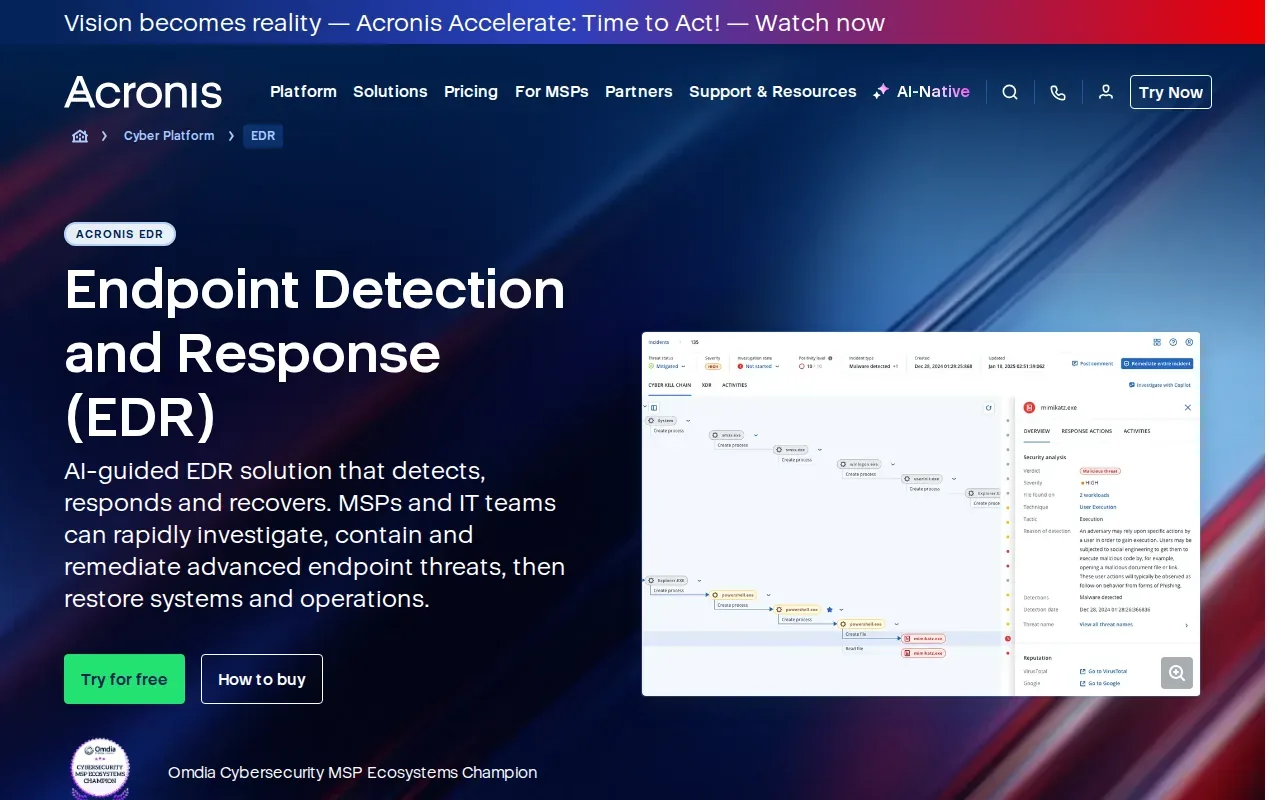
Its detection uses behavioral signals and ongoing endpoint visibility. When an incident appears, AI-generated interpretations and guided response actions can help a technician understand the alert and decide what to do. That can make a handoff clearer: the person responding can see the incident context instead of treating each alert as an isolated event.
Acronis also connects containment with recovery. Its options include attack-specific rollback and backup recovery, so the response can move beyond stopping suspicious activity toward restoring affected systems. Recovery depends on the relevant setup and configuration, so teams should confirm how rollback and backup recovery apply to their systems.
For a small business, this connection can matter when the same IT staff handle daily support and security. A managed provider can help review alerts, guide response, and coordinate recovery with existing backup plans. Advatek provides backup and restoration as part of its broader IT and cybersecurity work, though the right fit depends on your systems and service needs.
Before deployment, ask which endpoints and operating systems the selected edition supports. Support can vary by product, edition, operating system, and configuration. Confirm the needed integrations as well, since available security and service-management connections can vary by deployment.
This option is a strong fit to assess when your team values guided investigation and a link between response and recovery. For round-the-clock monitoring, ask whether the deployment includes a managed service or whether your team will handle alerts itself.
Recovery planning should be discussed before an incident, not during one. Teams can ask how clean system restoration will be checked and who approves the return to service.
3. Trend Micro Vision One: Multi-vector detection across endpoints, email, and servers
Trend Micro Vision One is a detection option built around signals from endpoints, email, and servers. That broader view may suit organizations that want to consider activity across more than one part of their IT environment.
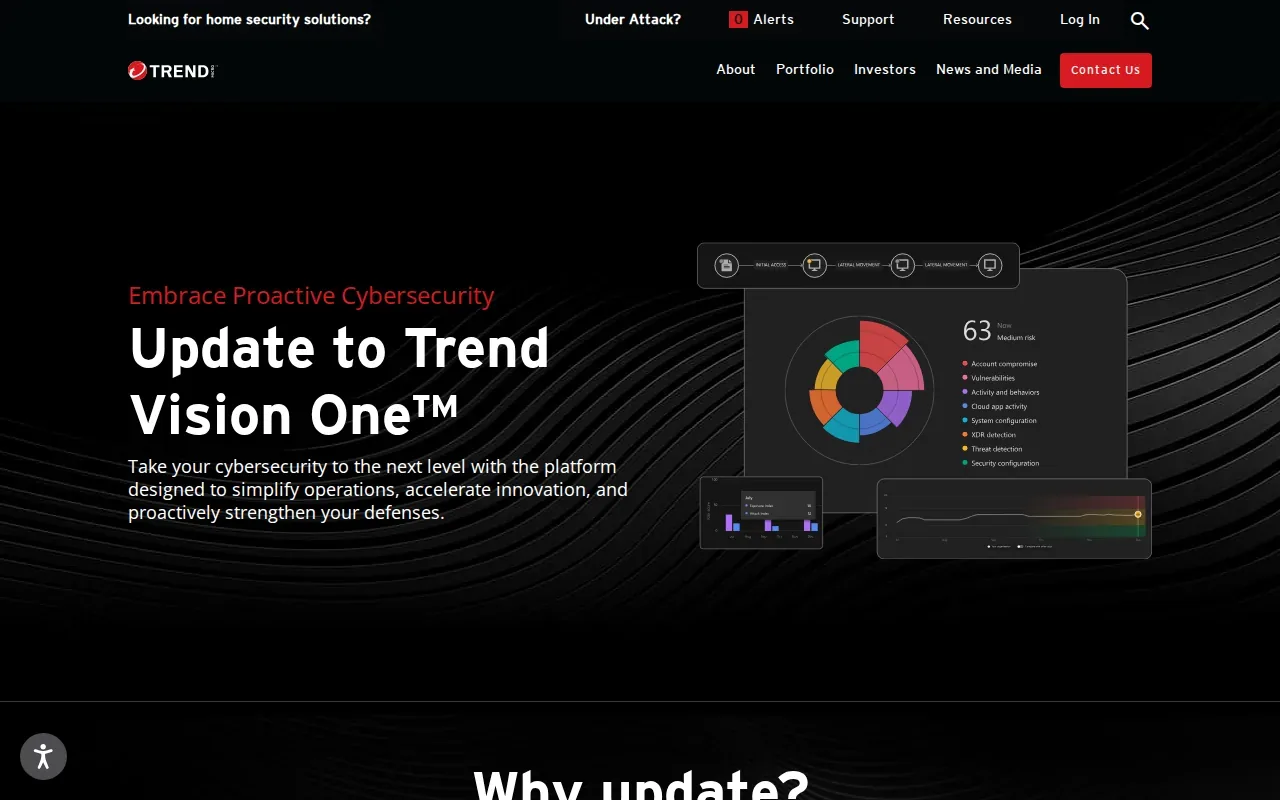
Endpoint-only data can leave an investigation with unanswered questions. For example, a suspicious event on a computer may be easier to assess when a team can also review related email or server activity. Multi-vector detection is intended to help connect those signals, rather than treating every alert as a separate case.
That view can help during threat hunting, when an analyst checks whether a new concern appears elsewhere in the organization. It can also support post-incident review: staff need to understand the sequence of events, which systems may have been involved, and what actions require follow-up.
Before choosing a multi-vector service, map the data sources you expect it to cover. Ask which systems send signals into the service and how analysts can review related activity. Then ask how findings reach your existing security team or reporting process. Those details affect whether the wider view helps your team act or adds another place to check.
For healthcare teams, the operational question is who owns the investigation when a finding touches both a user’s endpoint and another system. A managed IT partner can help define that handoff and keep security work connected to day-to-day support. Advatek’s work includes cybersecurity compliance and 24/7 monitoring, which can be part of that broader operating model.
Consider Trend Micro Vision One when cross-area detection is a key requirement. Make sure the specific data sources and response workflow fit the environment you need to protect.
4. Cynet 360 AutoXDR: An integrated endpoint security approach
Cynet 360 AutoXDR combines several security technologies in one endpoint-focused approach. Its capabilities include next-generation antivirus, device control, continuous monitoring, and EDR capabilities.
That combination may appeal to a small or midsize organization trying to reduce the number of separate security tasks its staff must manage. Continuous monitoring can surface activity as it happens, while endpoint detection helps teams examine suspicious behavior. Device control adds another area for teams to assess when setting endpoint rules.
When investigating an alert, teams need more than a notification. They need to know what device is involved and what happened before and after the event.
Response needs clear limits. Before enabling automated actions, decide which events can trigger containment and which require a person to approve the next step. For instance, isolating a device can affect a staff member’s work, so incident rules should account for business needs as well as security risk.
Organizations considering a wider monitoring partner can compare EDR with a security operations center service. The key question is whether the service includes people to review alerts and respond, or mainly provides the technology your own team will operate.
Cynet 360 AutoXDR is worth a closer look when you want several endpoint security functions in an integrated approach. Match the response rules to your staffing and approval process before turning on automation.
5. Singularity Endpoint by SentinelOne: Autonomous remediation and rollback
Singularity Endpoint by SentinelOne is an endpoint option with Storyline AI, autonomous remediation, and one-click rollback. It may suit teams looking for automated actions when a threat is detected and a way to reverse some attack-related changes.
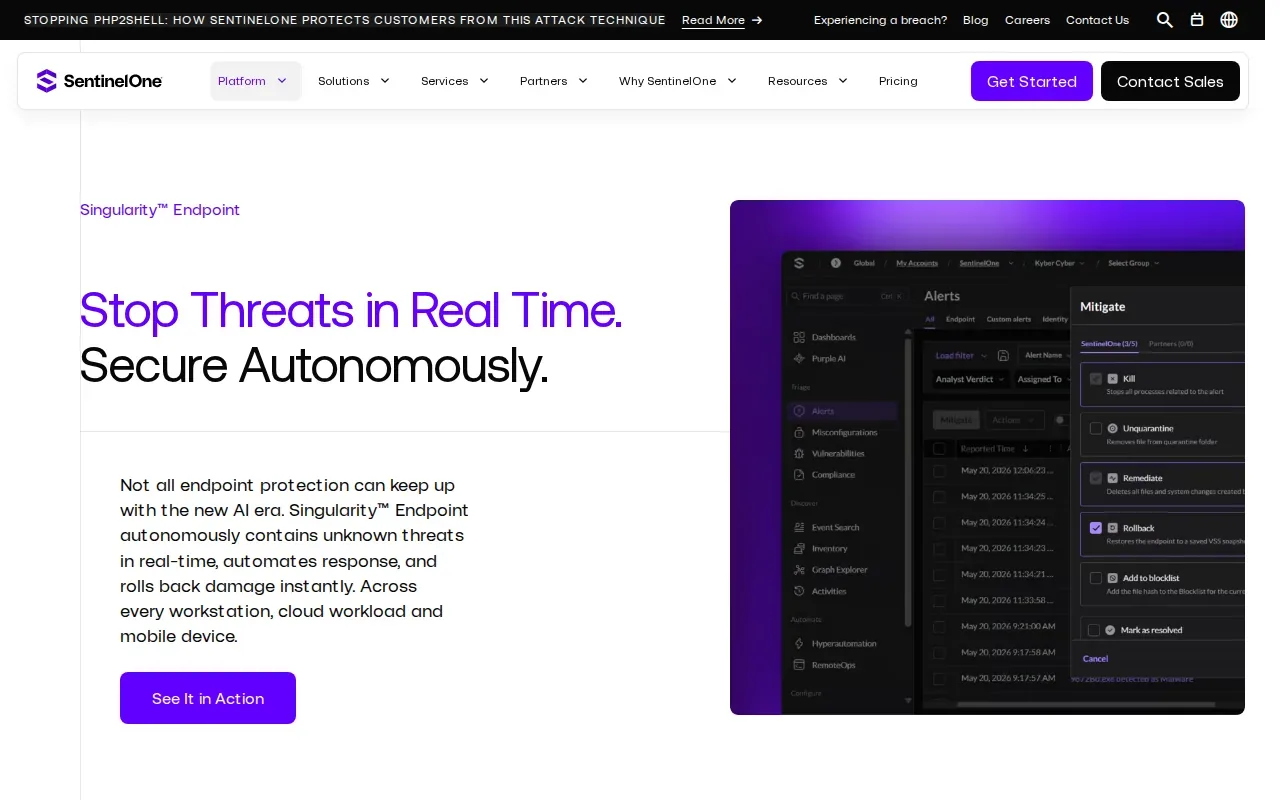
Autonomous remediation can reduce the need for a person to start every response action manually. But automation should follow rules your organization understands. Decide which actions are appropriate to run on their own, which need approval, and how staff will learn that an endpoint has been contained.
Rollback is useful to assess as part of recovery planning. Ask which events can trigger it and how your IT team will check that the affected endpoint is safe to use afterward. A rollback feature does not replace backup planning or a clear recovery process for business systems.
For an organization with a small security team, automation may help with repeat tasks. It does not remove the need for investigation. Staff still need to review the incident record, determine whether other devices need attention, and document the decisions made.
Healthcare leaders should also plan the user and business handoff. If a clinical or administrative workstation is isolated, someone needs to know who can approve its return to service. That decision should be part of the incident process, not left to guesswork during an active event.
Choose this option for closer review if autonomous remediation and rollback are high on your requirements list. Ask for a clear explanation of the controls around each action before enabling them.
6. Sec1: AI-driven detection with cloud-powered analytics
Sec1 uses AI-driven automation and cloud-powered analytics for threat detection. Its response capabilities include automated containment and remediation, and its compliance focus includes PCI DSS.
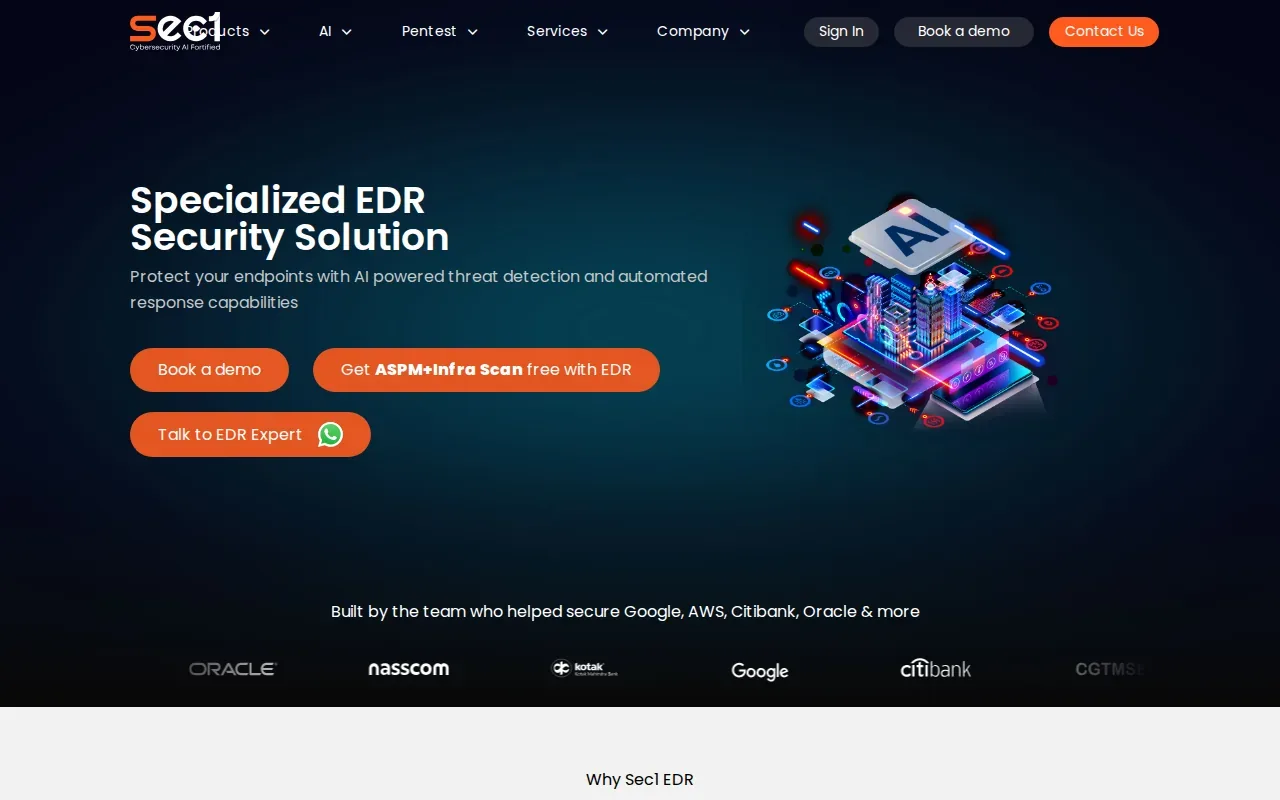
This may fit organizations that want automated response as part of endpoint protection. Before deployment, ask what events can trigger containment and how staff are notified. A fast action can limit an incident, but teams need to understand what it changes and how to restore normal access.
The fit also depends on your reporting needs. PCI DSS is relevant to organizations that handle payment card data, while a healthcare team may need to map its own compliance work separately. A security product can provide useful incident information, but your organization still needs to confirm that its reports support its specific obligations.
Use this shortlist to guide a vendor discussion, not as a substitute for a review of your own environment. The table compares the strengths and the question each option makes worth raising.
| Option | Main strength | Question to ask |
|---|---|---|
| Microsoft Defender for Endpoint | Windows integration, exposure management, and GDPR and HIPAA focus | How does the license and response workflow fit your environment? |
| Acronis EDR | AI guidance connected to response and recovery options | Which recovery actions apply to your systems and setup? |
| Trend Micro Vision One | Detection across endpoints, email, and servers | Which data sources will your team use in investigations? |
| Cynet 360 AutoXDR | Endpoint security functions with continuous monitoring | Which response actions can run automatically? |
| Singularity Endpoint by SentinelOne | Autonomous remediation and one-click rollback | What checks are needed before a device returns to service? |
| Sec1 | AI-driven detection, automated response, and PCI DSS focus | How will its incident reporting fit your compliance process? |
EDR products are only one part of an operating plan. A managed SIEM service may be relevant when your organization needs security events gathered for review across its environment. Ask how the EDR alerts will reach the people responsible for triage and what reports they will need.
Sec1 is a candidate to assess when automated containment and its PCI DSS focus match your needs. Verify the response workflow with the people who will manage incidents.
Frequently asked questions
What does endpoint detection and response do?
Endpoint detection and response watches activity on devices such as computers and servers, then helps teams detect and investigate suspicious behavior. EDR can collect security data, raise alerts, and support response actions. It can also help with threat hunting and post-incident review. No EDR tool prevents every attack, so teams still need a plan for investigation and recovery.
What is the difference between EDR and MDR?
EDR is technology for detecting and responding to threats on endpoints. Managed detection and response, or MDR, adds a service team that monitors and investigates alerts under an agreed scope. Ask who reviews alerts, what actions they can take, and when they contact your staff. The exact work depends on the service agreement.
Can a small business manage EDR without a security team?
A small business can run EDR, but it still needs someone to review alerts and make response decisions. Some services include AI guidance or automated actions that can reduce manual work. If your staff cannot monitor alerts consistently, discuss a managed service with a qualified IT provider and confirm who handles incidents outside normal business hours.
How should healthcare teams assess EDR?
Healthcare teams should check endpoint coverage, alert handling, response authority, and how incident records support their compliance work. They should also plan who approves the isolation or return of a device used in daily care operations. Advatek provides cybersecurity compliance and 24/7 monitoring, so healthcare organizations can discuss how managed IT support fits their needs.
Does EDR work with existing security tools?
It can, but the integrations depend on the product, edition, and configuration. Ask whether endpoint alerts can feed into your current monitoring or reporting process. Then test who receives an alert and how related evidence is reviewed. A smooth technical connection is useful only when the people responsible for response can act on the information.
Conclusion
The right choice depends on your endpoint mix, response staffing, recovery plan, and compliance needs. For a small business or healthcare team, we recommend shortlisting options against those needs, then asking a qualified IT provider to review deployment and alert ownership. Advatek can help assess managed cybersecurity, monitoring, and compliance support so your next step is a plan your team can operate.
Download Franchise Information Report
Want to learn more about opening your own franchise? Fill out this form to get started: