
Best Healthcare AI Solutions for 2026
Healthcare AI solutions can help with charting, imaging, and the daily work that keeps care moving. But a clinical tool won’t replace the need to protect patient data or manage compliance. We’ve shortlisted 10 named options by what they do, then explain where an IT partner like Advatek fits.
We analyzed 28 YouTube comments about healthcare AI solutions and found that 29% mentioned a preference for AI as decision support.
1. Microsoft Dragon Copilot: AI documentation for EHR-based care
Microsoft Dragon Copilot is an AI voice assistant for clinical documentation. It combines Dragon Medical One dictation with ambient listening, and its integration targets include Epic and other EHRs. It’s best for health systems that want to reduce manual note work inside established EHR-based care.
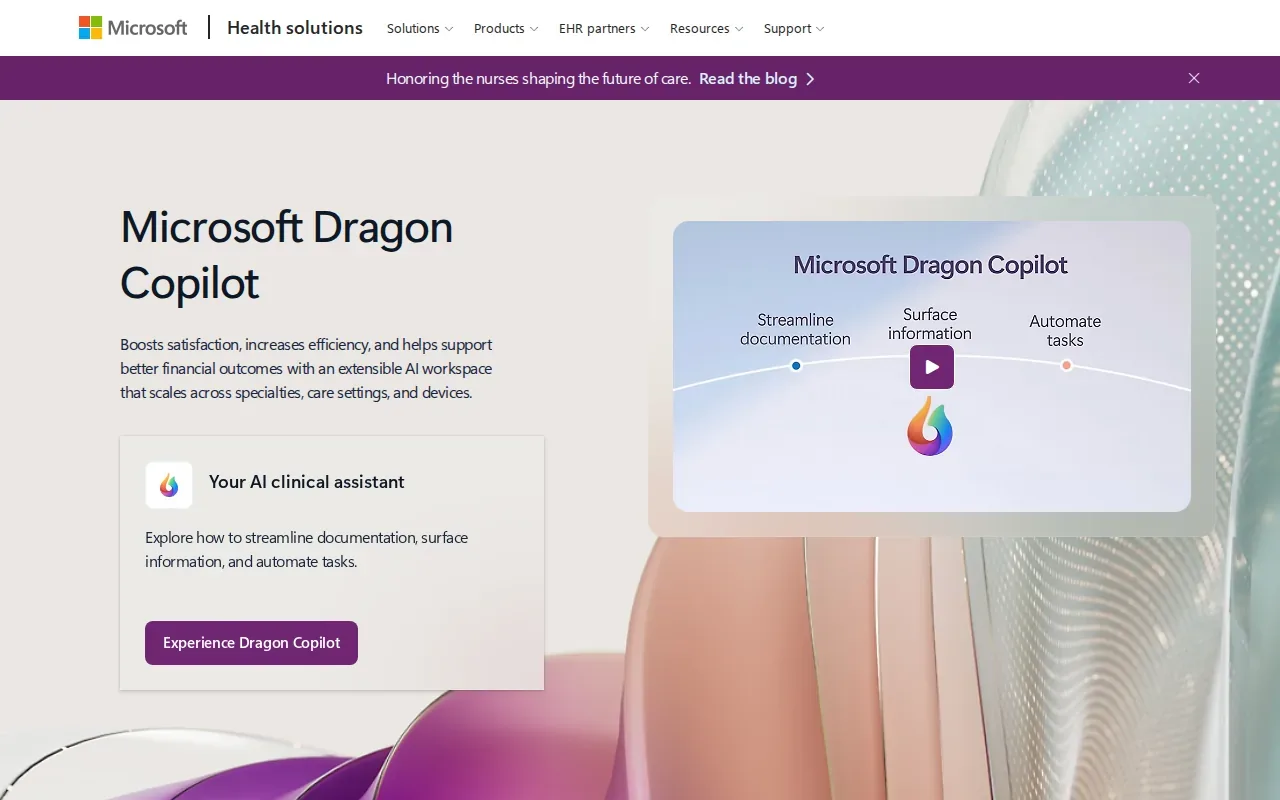
Its uses include draft documentation, referral letters, and order suggestions. Clinicians still need to review and approve generated notes before they become part of a patient record. That review step matters: AI-generated text can’t replace a clinician’s judgment or sign-off.
Before a rollout, we’d check how audio and draft notes move through the system, who can access them, and how staff will review outputs. A qualified IT partner can help map those data flows and access controls before teams use the tool with patient information.
2. Aidoc: AI-enabled imaging workflows for radiology teams
Aidoc is a clinical AI operating system for radiology triage and acute-care pathway alerts. It’s best suited to health systems with radiology departments that want AI support in imaging workflows.
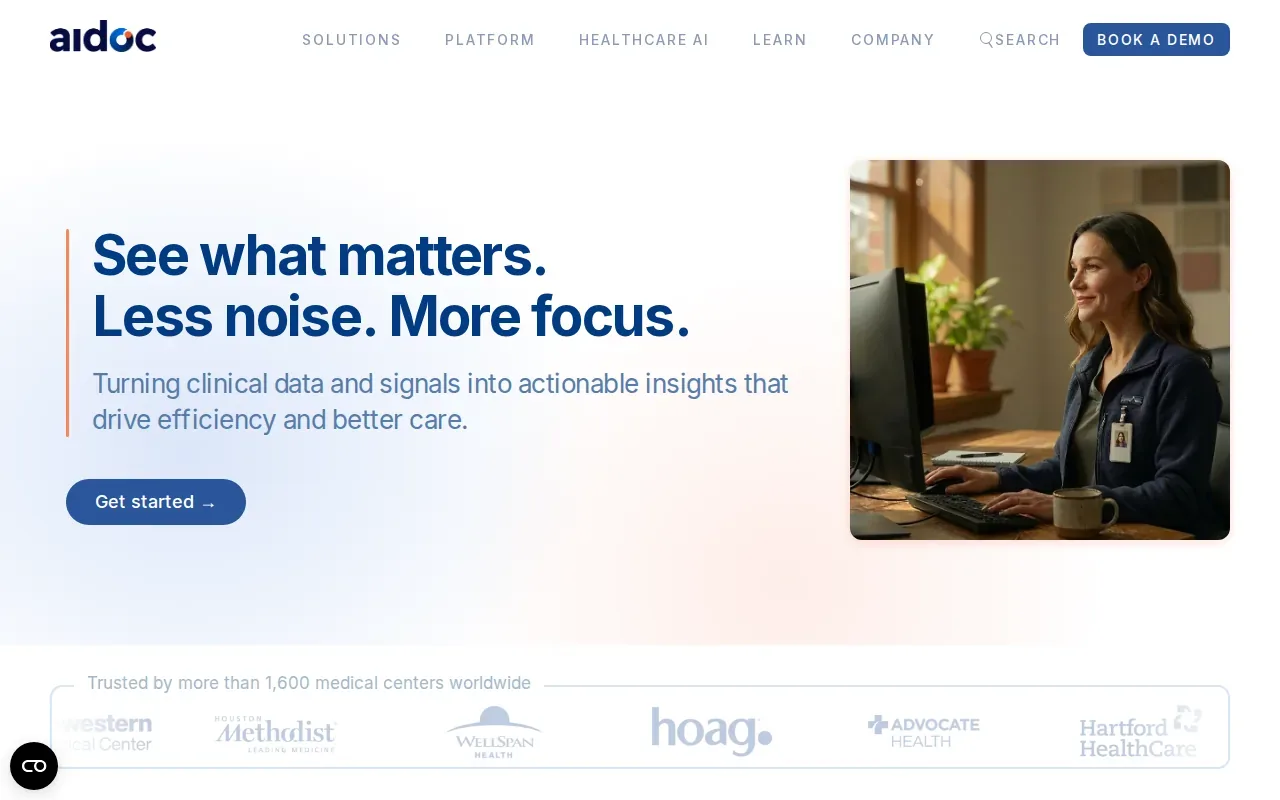
In January 2026, Aidoc received FDA clearance for its CARE foundation model, which covers 14 indications. That makes it relevant to teams assessing AI across more than one imaging indication within a workflow.
Clearance does not remove the need to assess how alerts reach staff or how they fit current work. We’d identify who reviews each alert, what happens when an alert is missed, and how teams will track the tool’s effect on turnaround and handoffs.
3. Ambience Healthcare: Clinical documentation support for larger systems
Ambience Healthcare is an ambient AI documentation platform for multi-specialty clinical settings. It’s best for large hospitals and health systems looking to support documentation across different specialties.
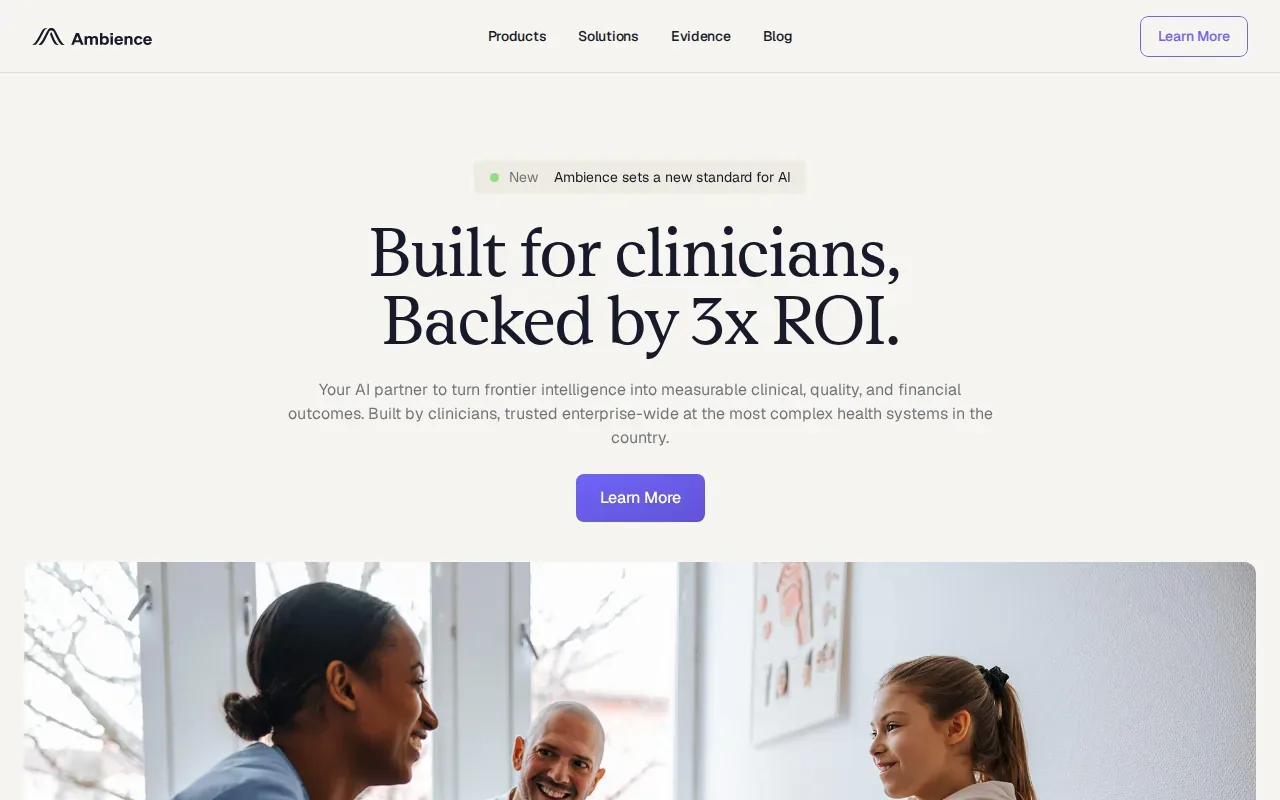
A reported Ardent pilot delivered a 45% decrease in documentation time and a 90% clinician utilization rate. Those figures are tied to that pilot, not a promise of the same result elsewhere. A health system should set its own baseline and measure note time and clinician use during a trial.
For implementation, we’d check EHR fit and agree on which clinicians and visit types will take part first. Teams also need a clear process for correcting drafts and giving staff time to learn the new workflow.
4. Bayesian Health: Continuous AI monitoring in acute inpatient care
Bayesian Health focuses on continuous AI monitoring for sepsis and other signs of acute inpatient deterioration. It’s best for acute-care settings within large health systems, where teams need to review changing patient information in real time.
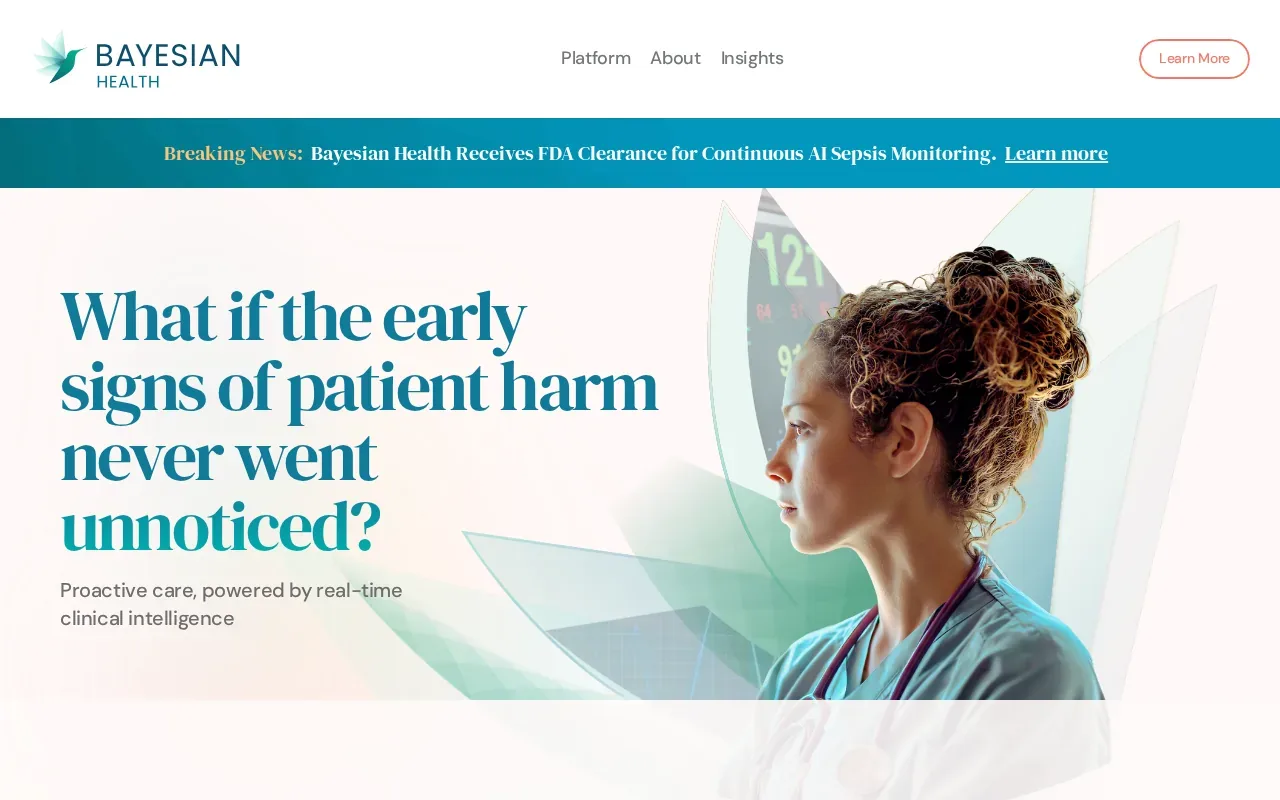
Its sepsis tool has received FDA clearance, and it monitors EHR data in real time. That makes workflow design central: staff need to know who sees a signal and how it enters the care team’s response process.
We’d plan a review of alert ownership, escalation paths, and staff training before deployment. AI monitoring should support clinical teams, not make care decisions on their behalf.
5. LeanTaaS: AI for hospital capacity and operational efficiency
LeanTaaS focuses on hospital capacity optimization through its iQueue suite. It’s best for large hospitals seeking to improve operational efficiency, including operating-room scheduling, infusion-chair use, or bed flow.
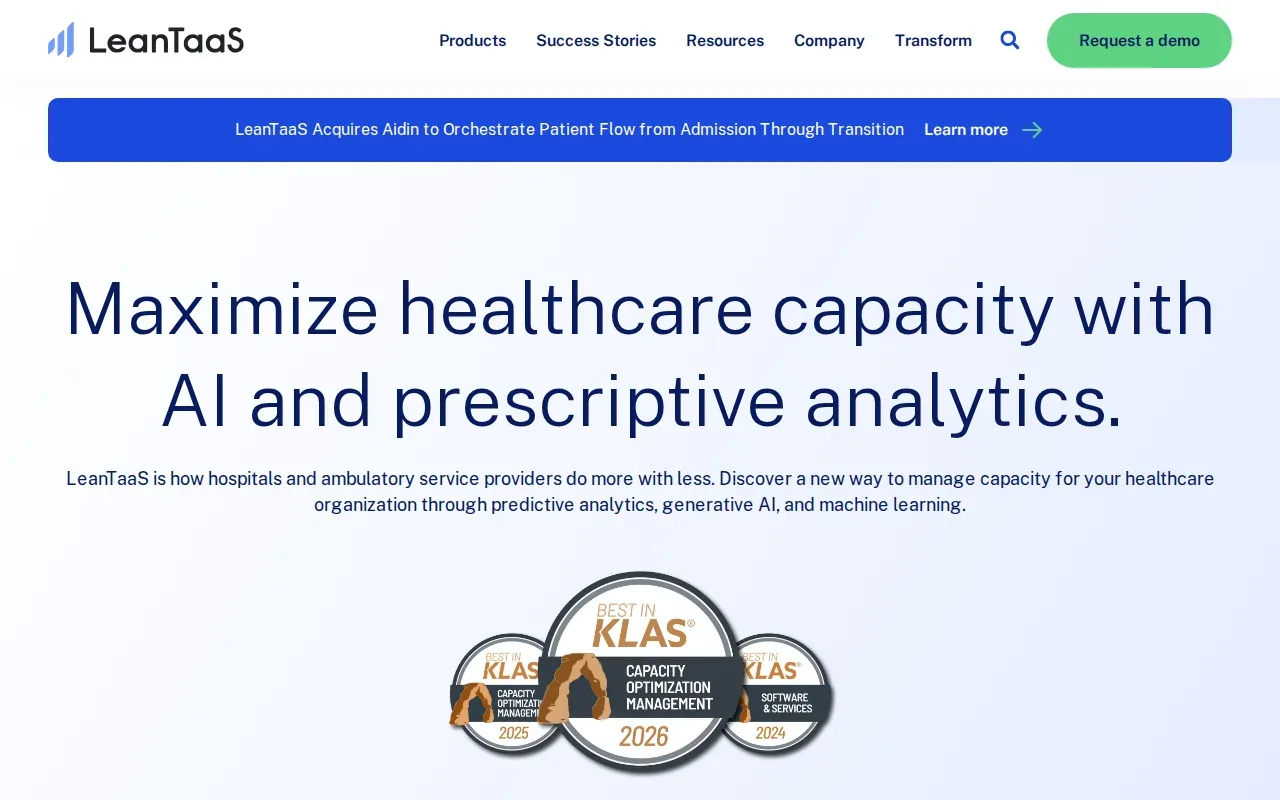
The platform uses machine learning to optimize OR scheduling. It also applies generative AI to hospital operations. This puts LeanTaaS in a different lane from tools that draft notes or analyze images: it targets how a hospital plans and uses limited capacity.
To judge fit, we’d first name the operational bottleneck and decide how the hospital will measure change. For example, a team focused on OR scheduling should agree on a baseline before making workflow changes. That gives staff a way to tell whether the tool is helping the process they chose.
6. Penny by Epic: An AI assistant for routine health-system tasks
Penny by Epic automates routine tasks, surfaces data, and assists with complex operational work. It’s an option for health systems looking to improve workflows and cash flow through an AI assistant.
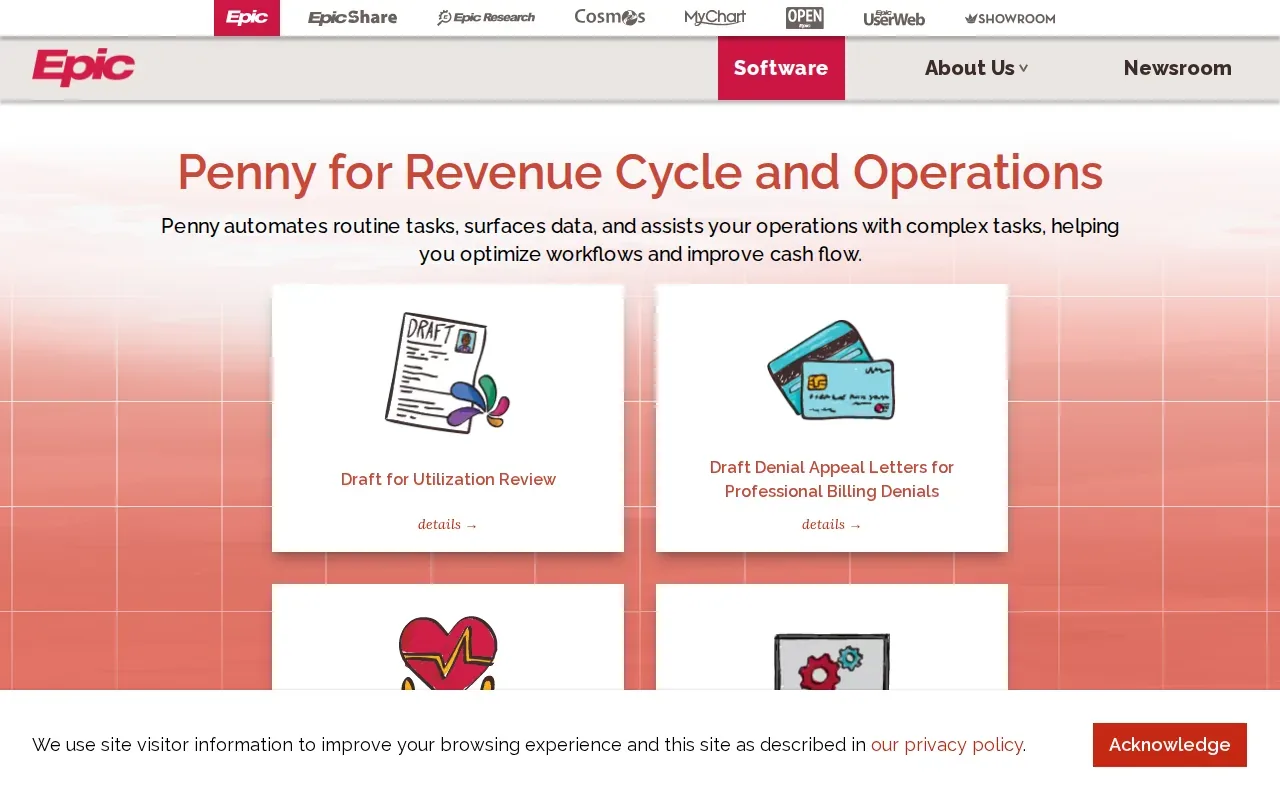
Epic also offers other AI features and has Agent Factory for health systems that want to build their own agents. A growing set of AI features can create work for IT and operations teams, especially when staff need training and each feature needs review before use.
We’d start by choosing one task and naming who owns its results. Then check what data the assistant can reach and how staff can correct an error. A managed IT partner can help coordinate access, testing, and staff readiness as the system adds AI features.
7. Heidi Health AI: A medical scribe option for clinics
Heidi Health AI is a medical scribe for clinics that also automates patient consent management. Its compliance features cover HIPAA and GDPR.
For a clinic, consent is part of the workflow, not a box to check after setup. Staff need a clear process for explaining the tool and handling patient choices. We’d also check how the scribe fits the clinic’s note review and record-keeping steps.
Compliance labels alone don’t settle whether a tool fits a specific organization. We recommend reviewing the data it handles, its access settings, and the clinic’s own policies before use. Our overview of HIPAA-compliant AI tools for healthcare covers questions to raise during that review.
8. Viz.ai: A platform to evaluate for AI-supported care coordination
Viz.ai is a care coordination platform best known for flagging suspected strokes on imaging and alerting the care team. It suits hospitals that want faster handoffs between imaging and specialist teams.
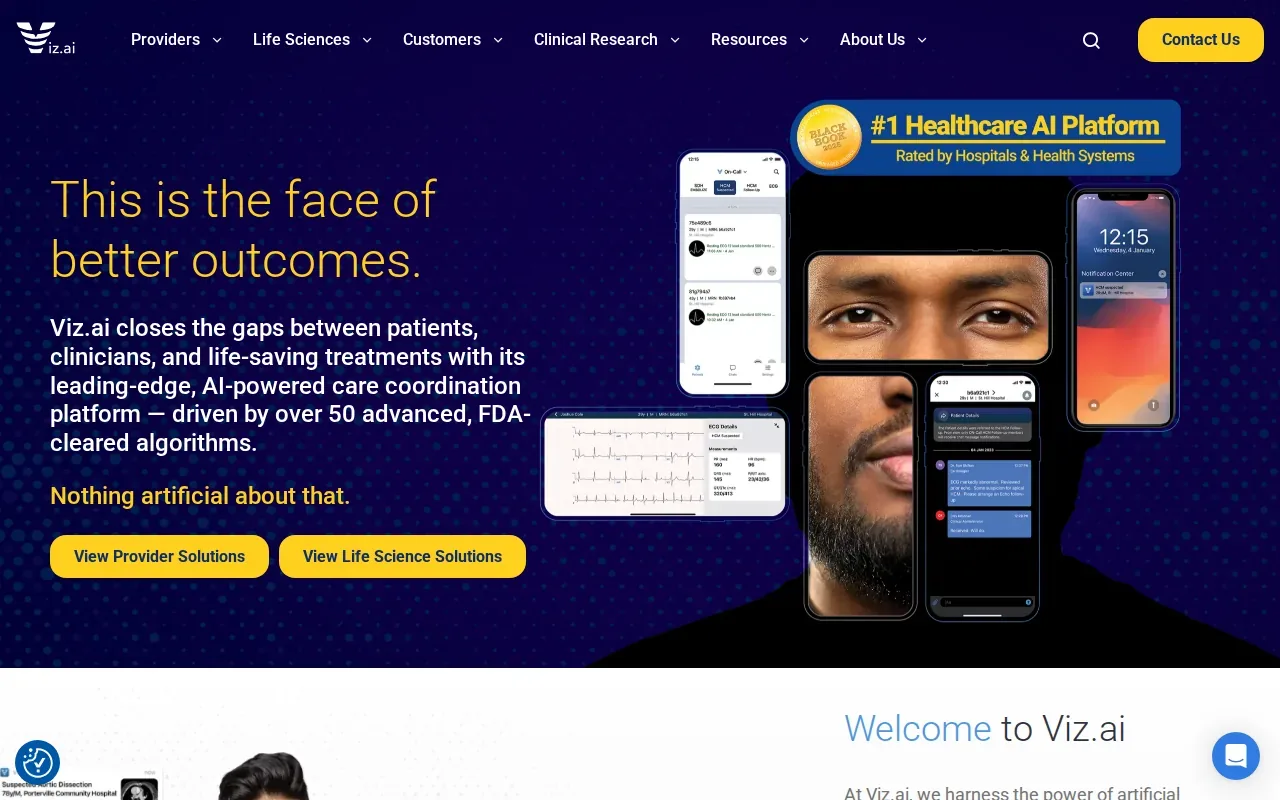
For a care-coordination review, we’d ask how a tool would route information between teams, what data it needs, and who acts on any prompt. A demo should show the intended workflow using the organization’s actual roles and handoffs.
For health organizations with limited IT capacity, involving a qualified service partner early can help surface integration and privacy questions before a pilot begins.
9. HeartFlow FFRCT: AI-supported cardiac diagnostic analysis
HeartFlow FFRCT is an AI-supported cardiac diagnostic analysis option. It has been studied in more than 130,000 patients across over 600 peer-reviewed articles.
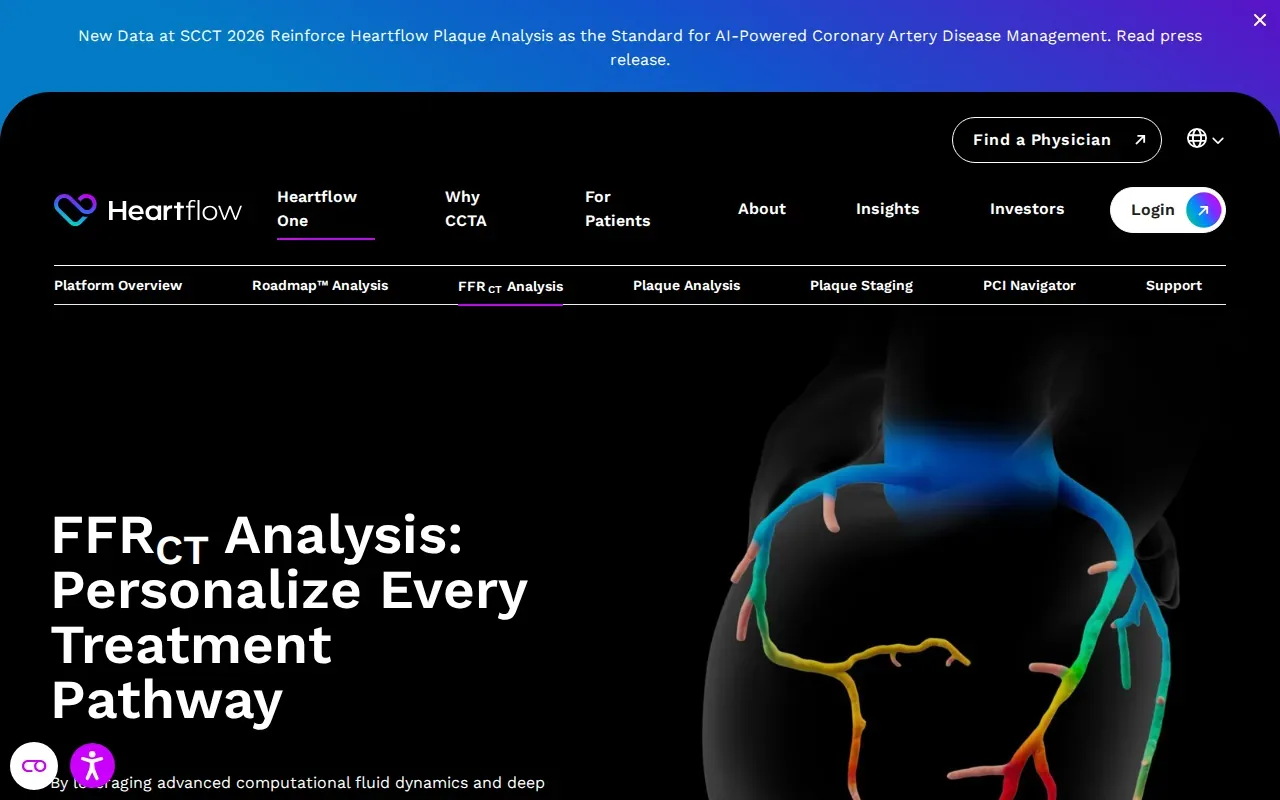
That research history can be part of a clinical team’s evaluation, but it doesn’t answer every local implementation question. A health system should still review how the analysis fits its current care process and how the responsible clinicians will use its output.
We’d bring clinical, IT, and privacy leads into that discussion before planning a pilot. They can define what information is shared, where review takes place, and how the organization will assess whether the workflow fits its needs.
10. AISight Dx by PathAI: Digital pathology workflow automation
AISight Dx by PathAI is a cloud-native digital pathology platform. It aims to simplify diagnostic workflows and support collaboration, with end-to-end automation.
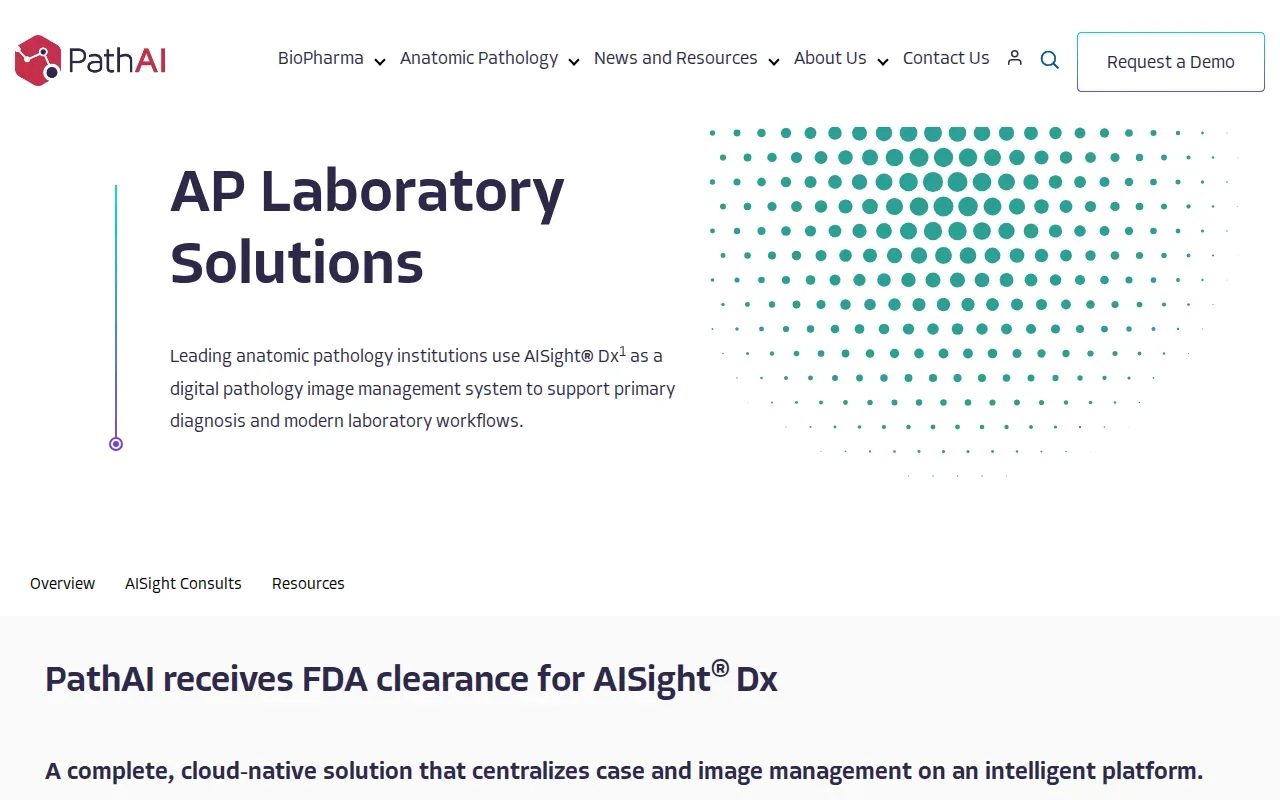
It’s worth considering for organizations assessing digital pathology workflows. A cloud-based setup also makes it important to review how data moves, who has access, and how the platform connects to the organization’s systems. Those checks should happen before patient information enters a new workflow.
For a pilot, we’d define which part of the pathology process is in scope and how staff will handle review. Clear ownership helps teams spot problems early and keeps automation from becoming an extra step.
Healthcare AI Solutions Compared: Use Cases and Fit
These options address different jobs. The table helps us narrow a shortlist by workflow, rather than treating every AI tool as a substitute for another.
| Option | Focus | Best fit | First implementation check |
|---|---|---|---|
| Microsoft Dragon Copilot | Clinical documentation | Health systems using Epic or similar EHRs | Draft review and access to patient audio |
| Aidoc | Radiology triage and acute-care alerts | Health systems with radiology departments | Alert ownership and response workflow |
| Ambience Healthcare | Multi-specialty documentation | Large hospitals and health systems | EHR fit and clinician adoption |
| Bayesian Health | Continuous acute-care monitoring | Large acute inpatient settings | Escalation paths and alert review |
| LeanTaaS | Capacity optimization | Large hospitals focused on operations | Baseline for the chosen bottleneck |
| Penny by Epic | Routine tasks and operations | Health systems using Epic | Data access and task ownership |
| Heidi Health AI | Medical scribing and consent management | Clinics | Consent and note review process |
| Viz.ai | Stroke alerts and care coordination | Teams assessing care coordination | Confirm capabilities and workflow in a demo |
| HeartFlow FFRCT | Cardiac diagnostic analysis | Teams assessing cardiac analysis workflows | Clinical fit and output review |
| AISight Dx by PathAI | Digital pathology workflows | Teams assessing digital pathology | Cloud data flow and access controls |
For any option that touches protected health information, we’d include security and compliance in the same decision as clinical value. HIPAA-focused training, 24/7 monitoring, and patch management are part of Advatek’s services. Our healthcare cybersecurity guidance can help teams frame the safeguards to discuss.
Pro Tip: Set a baseline before a pilot. Track one workflow measure that matches the tool’s purpose, then review the result with the people who use it.
How to choose a healthcare AI solution
We’d compare each candidate against the task it will change, then check the work needed to support it. Don’t treat a vendor’s feature list as the implementation plan.
- Workflow fit: Name the task, the staff who do it, and what should change.
- Data and access: Map the information the tool needs and which roles can see it.
- Human review: Decide who checks drafts, alerts, or analysis before action.
- Governance: Set a review path for privacy, security, and compliance concerns.
- Outcome: Choose a baseline measure before the pilot starts.
Healthcare organizations may have a small internal IT team and a long list of clinical priorities. Advatek helps organizations with cybersecurity compliance, HIPAA-focused training, and 24/7 monitoring and patching. We can also support AI planning so teams consider security and day-to-day operations before a tool goes live. For a broader look at that work, see our AI readiness assessment approach.
Key Takeaway: Pick the tool that fits a defined workflow, then plan security, staff review, and measurement before the pilot.
FAQ
What are healthcare AI solutions used for?
Healthcare AI solutions can support tasks such as clinical documentation, imaging workflows, acute-care monitoring, capacity planning, and digital pathology. Each option has a different purpose, so teams should match the tool to a defined workflow. They should also decide how staff will review outputs and how the system will protect patient information.
How can hospitals reduce risk when adopting AI?
Hospitals can reduce adoption risk by reviewing data access, integration, staff roles, and human review before a pilot. A qualified IT service provider can help map data flows and set up access controls. The clinical team still needs to assess outputs and define when staff should act on them.
Does an AI tool with HIPAA features make a clinic compliant?
No. A tool’s compliance features don’t make the clinic compliant on their own. The organization still needs to review how it uses the tool and protects patient information. We recommend including compliance and IT leads in the review, then confirming that staff know how to follow the clinic’s approved process.
What should we measure in an AI pilot?
Measure an outcome tied to the workflow the tool is meant to change. A documentation pilot might track time spent on notes, while a capacity project might assess the specific scheduling issue it targets. Set the baseline before the pilot, then include staff feedback and review quality before deciding whether to expand use.
Should a healthcare organization build or buy an AI platform?
It depends on the workflow, the organization’s technical capacity, and its governance needs. A ready-made tool may fit a defined task, while a custom build needs in-house skills to design and maintain it. We’d compare the effort to connect, secure, test, and support each option before choosing.
Conclusion
Choose a clinical or operational tool that solves one clear problem, and plan security and oversight alongside the pilot. Advatek can help your team review its IT and compliance needs before implementation. Start with a conversation about the workflow you want to improve and the safeguards it needs.
Download Franchise Information Report
Want to learn more about opening your own franchise? Fill out this form to get started: