
Best HIPAA Compliant Backup Service Options
Finding a backup service that meets HIPAA’s strict rules can feel like hunting for a needle in a haystack. We cut through the hype and give you a short list of the services that actually check the boxes.
1. NinjaOne Backup: A good fit for MSP‑supported healthcare teams
NinjaOne Backup is best suited to MSPs and internal IT teams supporting healthcare clients. It brings device and SaaS backup together in one offering, giving teams a way to address backup needs for the organizations they support.
A qualified IT service provider can help determine which devices and SaaS services need backup, set up and manage the solution, and confirm that backup and recovery procedures fit the client’s needs. Healthcare backup planning should account for sensitive information and applicable compliance requirements; choosing a backup tool alone does not ensure that processes meet those requirements.
Before storing ePHI, work with a qualified IT provider to review the vendor’s terms and determine whether a signed Business Associate Agreement (BAA) is needed and available. Confirm service capabilities and contractual terms rather than assuming they meet your organization’s needs.
2. AWS Backup: For healthcare organizations built around AWS
AWS Backup is the native backup engine that sits inside your Amazon account. It inherits the provider’s BAA, so you don’t have to negotiate a separate contract for the backup layer.
The service encrypts data at rest with AES‑256 and uses TLS for all transfers.
AWS Backup integrates with AWS and is best for healthcare teams running entirely on AWS.
Keep in mind that cross‑account isolation can be tricky; you may need extra IAM policies if you run multiple AWS accounts for separate clinics.
3. Azure Backup by Microsoft: For Microsoft Azure environments
Azure Backup is the Microsoft‑hosted counterpart to AWS Backup. Like its Amazon sibling, it comes with a BAA and offers AES‑256 encryption at rest plus TLS in transit.
You can back up VMs and SQL databases.
One benefit for health‑care teams is tight integration with Microsoft 365. You can protect cloud services from the same portal, simplifying policy enforcement.
Because Azure’s pricing is usage‑based, you’ll want to monitor storage growth to avoid surprise costs.
4. Commvault: Broad coverage across on‑premises and cloud systems
For organizations comparing backup options for patient records, Commvault is a traditional enterprise backup choice with broad coverage across on‑premises and cloud environments. Its integrations include on‑premises systems and cloud services.
Commvault supports AES‑256 encryption at rest and TLS in transit.
For health‑care teams, these capabilities can help inform an evaluation of whether Commvault fits their environment. A qualified IT provider can help assess how an enterprise backup platform aligns with the organization’s needs.
5. Google Cloud Backup and DR: For healthcare teams running primarily on Google Cloud
Google Cloud Backup and DR is best for healthcare teams running primarily on Google Cloud. Healthcare organizations can evaluate it as part of a backup plan with a qualified IT service provider.
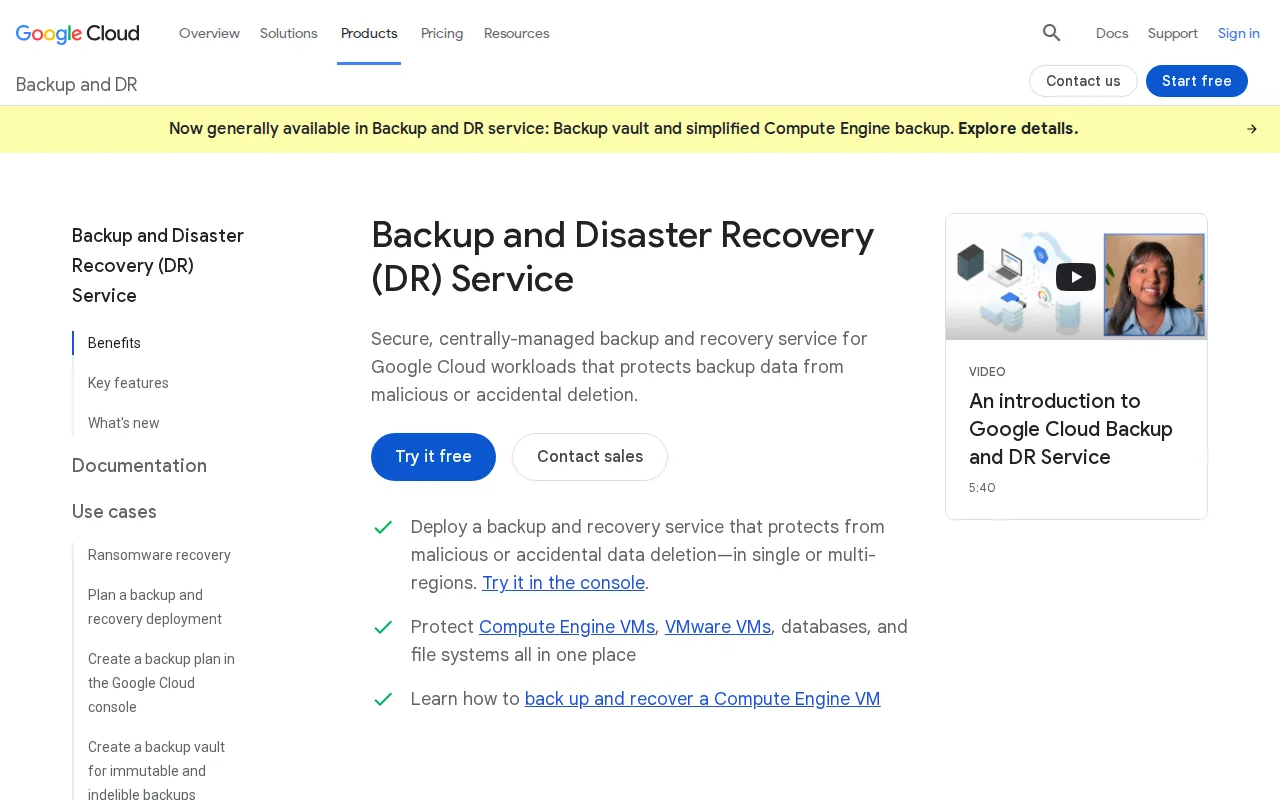
Pricing is based on gigabytes of protected data and backup storage consumed, with standard GCP egress charges for cross-region data transfers. Costs depend on the amount of data protected and storage used.
A capable MSP can help assess backup needs, review pricing factors, and manage the service as part of the organization’s broader compliance and cybersecurity work. Implementation should be planned with qualified IT guidance to account for the organization’s requirements.
6. Rubrik Security Cloud: An enterprise option for established Rubrik deployments
Rubrik Security Cloud is best for large healthcare enterprises with significant on-prem footprints and existing Rubrik deployments. Pricing is subscription-based, with custom quotes available.
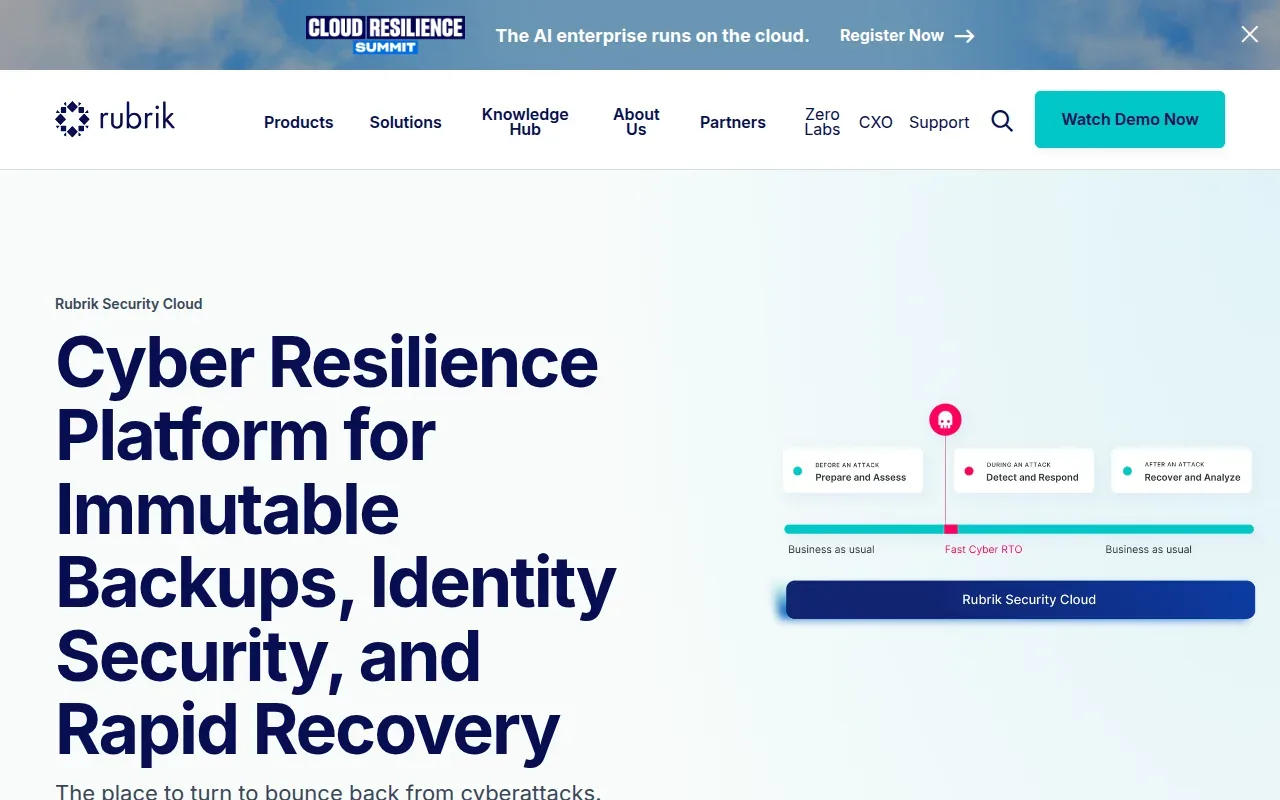
A qualified IT service provider can help assess how this option fits your organization’s needs and manage its implementation.
Compare the HIPAA compliant backup service options
| Service | BAA? | Encryption (at rest / in transit) | Immutability | Hybrid/on‑prem support |
|---|---|---|---|---|
| NinjaOne Backup | Yes | AES‑256 / TLS | Yes (legal hold) | Cloud‑only |
| AWS Backup | Yes (provider) | AES‑256 / TLS | See website | AWS only |
| Azure Backup | Yes (provider) | AES‑256 / TLS | See website | Azure only |
| Commvault | Yes | AES‑256 / TLS | Yes | On‑prem & multi‑cloud |
| Google Cloud Backup & DR | Yes (provider) | AES‑256 / TLS | See website | GCP only |
| Rubrik Security Cloud | Yes | AES‑256 / TLS | Yes | On‑prem + major clouds |
Key Takeaway: The deciding factor is where your workloads live and how much on‑prem control you need.
FAQ
What makes a backup service HIPAA compliant?
No tool is HIPAA compliant on its own. A backup service supports compliance when the vendor signs a Business Associate Agreement, encrypts data at rest and in transit, and logs access so you can show who touched PHI. Immutable copies are not required by the rule, but they help with ransomware recovery.
Do I need a BAA for every backup vendor?
Yes. Any provider that stores or processes ePHI must have a signed BAA; without it you cannot legally place patient data on their platform.
Can I use a mix of cloud and on‑prem backups?
Absolutely. Hybrid approaches let you keep critical EMR servers on‑prem while sending less‑sensitive archives to a cloud service, as long as each tier meets encryption and BAA requirements.
How often should I test my restores?
We recommend a quarterly restore test for high‑priority data and an annual full‑environment recovery drill. That shows the backup works and gives you records for your HIPAA risk analysis.
Is AI needed for HIPAA‑compliant backups?
AI isn’t required by the rule, but it can automate anomaly detection and policy enforcement, reducing manual errors. Ask each vendor what automated detection it includes before you buy.
What retention period does HIPAA require?
HIPAA requires covered entities to keep their compliance documentation, such as policies and risk assessments, for six years. How long you keep the medical records themselves is set by state law, so check your state’s rules with your compliance officer.
Conclusion
For most midsize clinics, NinjaOne Backup gives the right mix of simplicity, legal hold, and managed service without extra contracts. If you already run a large on‑prem estate, Rubrik Security Cloud or Commvault provide the depth you need. Want a managed partner to take the burden off your team? Advatek can help you choose, set up and manage a backup service that fits your compliance needs, with 24/7 monitoring as part of its managed IT services. Our guide to HIPAA compliant cloud backup covers more options. Reach out to talk through your backup plan.
Download Franchise Information Report
Want to learn more about opening your own franchise? Fill out this form to get started: