
Best AI Knowledge Management Tools for 2026
When answers sit buried in files and old messages, even a simple question can slow down a team. AI knowledge management tools can help people search in plain language, get answers from company content, and find the source behind a response. Here are eight options, with a focus on what each is suited to and what your team should check before rollout.
We analyzed 35 YouTube comments about AI knowledge management and found that 43% asked about details of tool integration and setup.
1. Microsoft Copilot: AI search across Microsoft 365
Microsoft Copilot searches across Teams, SharePoint, Outlook, and OneDrive using natural language. It’s best for organizations that already keep much of their work in Microsoft 365 and want staff to ask questions in everyday terms instead of hunting through folders.
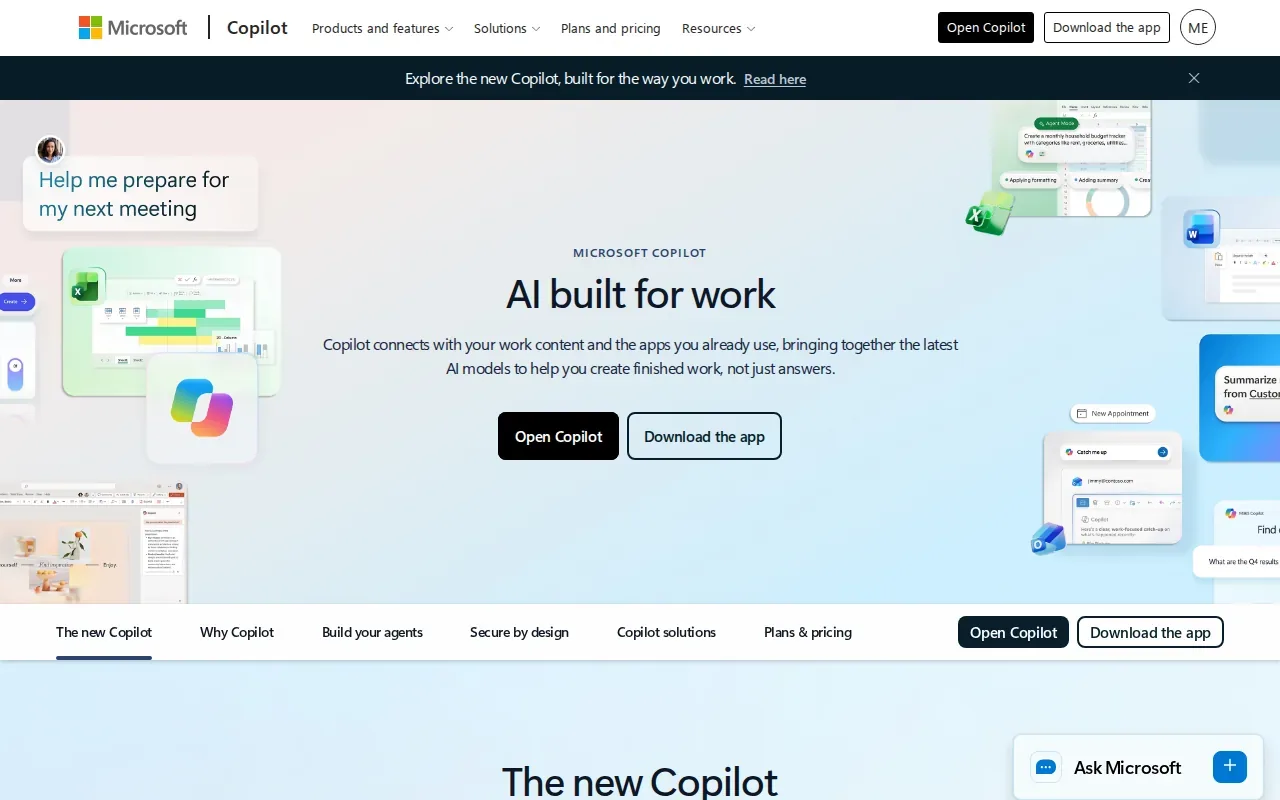
For example, a manager could look for a project update across shared files and team messages. The value depends on the source content being current and on staff having the right access to it. A clear permissions plan matters, especially when files include employee, client, or patient information.
Microsoft offers healthcare AI tools for administrative workflow support and for care teams. Those tools don’t replace an organization’s review of privacy, security, or compliance needs. For healthcare teams, we recommend deciding which information is in scope before enabling AI search.
At Advatek, we help businesses assess how AI tools fit their IT environment and security requirements. That work is especially useful when a Microsoft-based search plan touches regulated data or staff access rules.
2. Denser: Turn internal documents into an AI chatbot
Denser turns SOPs, manuals, and PDFs into an AI chatbot. It’s a fit for teams that want employees or customers to ask questions about existing documents and receive answers through natural-language search.
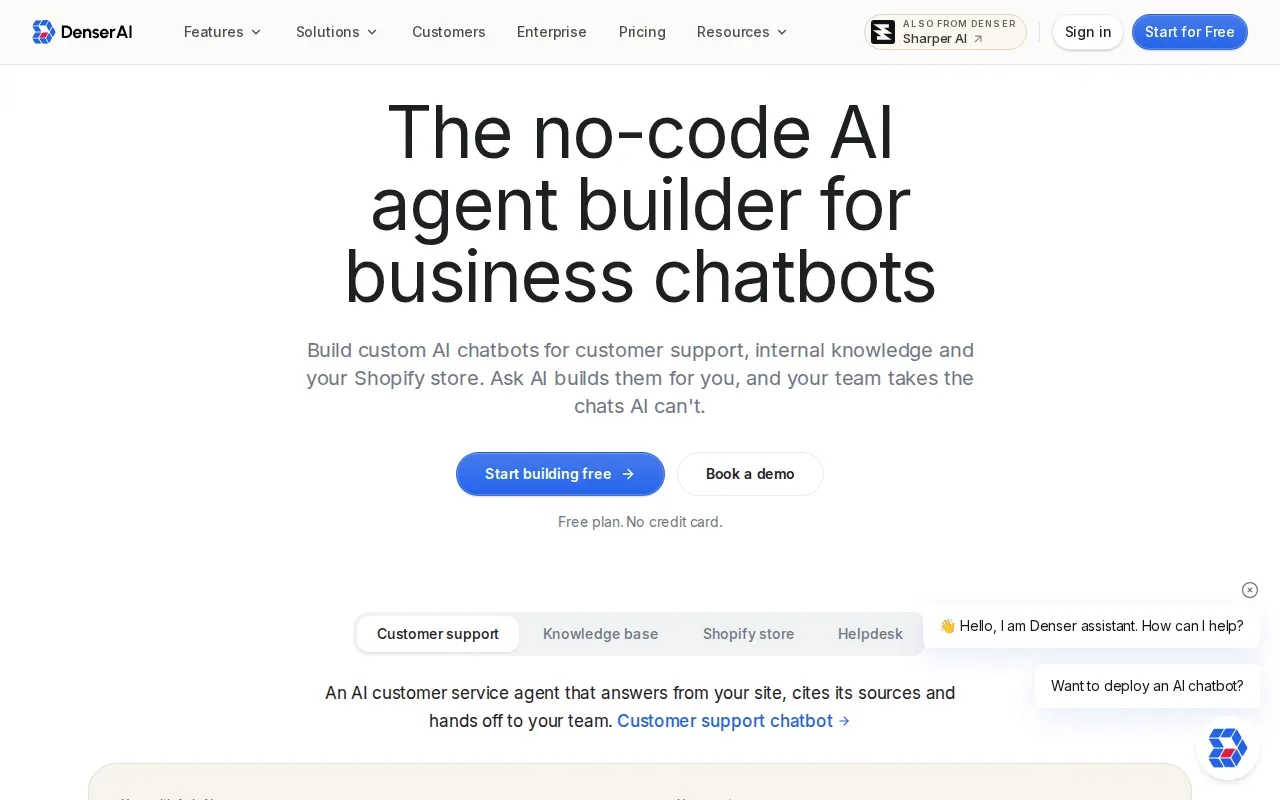
That can help with onboarding: a new employee might ask where to find a policy instead of asking a coworker or reading a long handbook. The quality of the answer still depends on the quality of the source documents. Outdated versions or conflicting guidance can lead to confusion, so assign someone to review and maintain the content.
Denser supports SOC 2 Type II compliance. Treat that as one part of a security review, not as proof that a tool meets every requirement for your organization. Healthcare teams should separately assess how the tool will handle protected health information and whether the planned use fits their obligations.
When an AI assistant answers a question, staff should be able to check where the answer came from. A source citation helps them verify a policy before acting on it, particularly when the answer affects a customer or an internal process.
3. Document360 by Kovai.co: Structured product documentation with AI
Document360 by Kovai.co is built for product documentation and internal knowledge bases. Its AI features include search, writing support, FAQ creation, and glossary generation. Custom workflows give documentation teams a way to shape review and publishing tasks around their process.
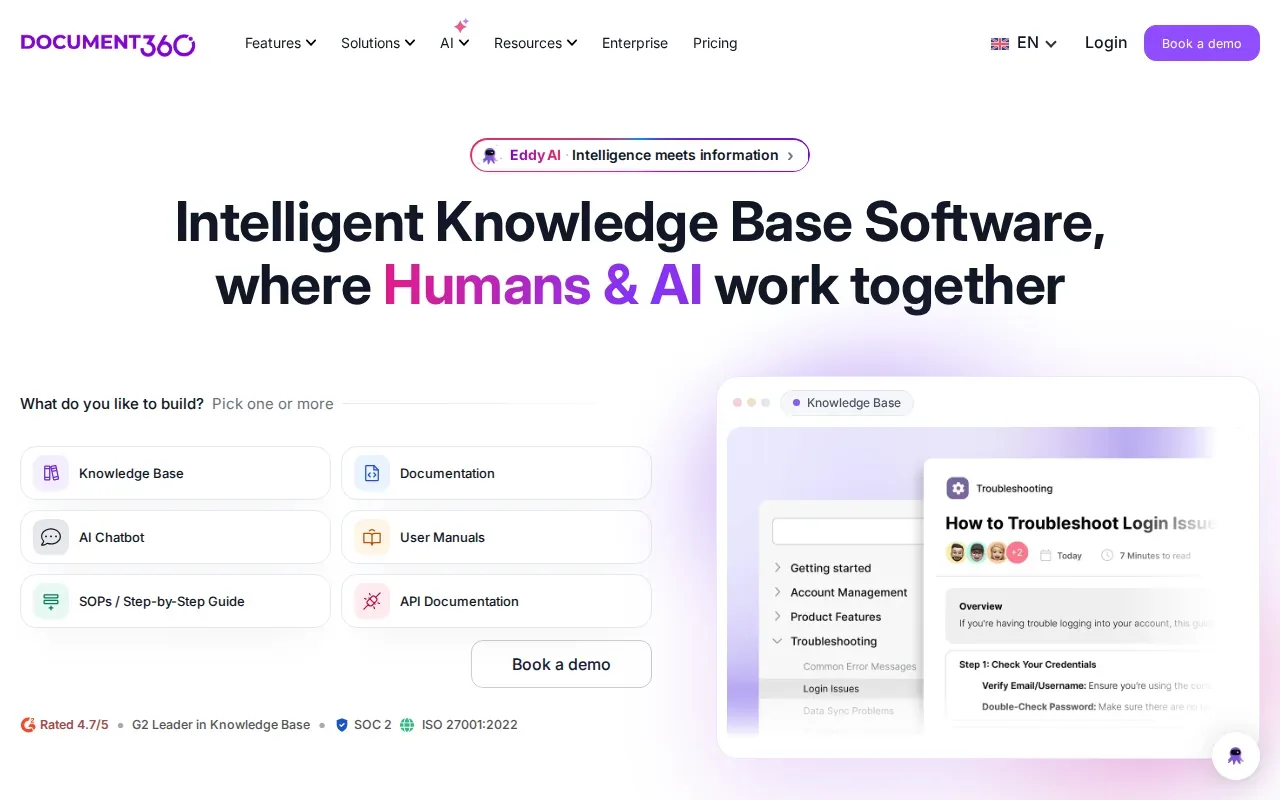
This option may suit a team that maintains detailed help content for a product. For example, a support group could use a structured knowledge base to keep answers aligned with current product documentation, while writers use AI features to prepare or update content for human review.
Document360 also offers connectors for tools such as Slack, other workplace tools, Zendesk, Salesforce, and GitHub. Check which connections your team needs and how the content will stay in sync. A connector alone doesn’t settle questions about access, content quality, or how staff should review AI-generated text.
For a regulated organization, map the documentation workflow before launch. Decide who can draft, approve, and publish guidance. Advatek can help assess the surrounding IT setup, so AI-assisted writing fits existing controls rather than creating a separate process staff have to remember.
4. Bloomfire: Enterprise search and shared knowledge
Bloomfire combines AI-powered search with generative AI-assisted authoring. It’s aimed at large enterprises that need enterprise search integrations, reporting, moderation, customizable layouts, and role-based access.
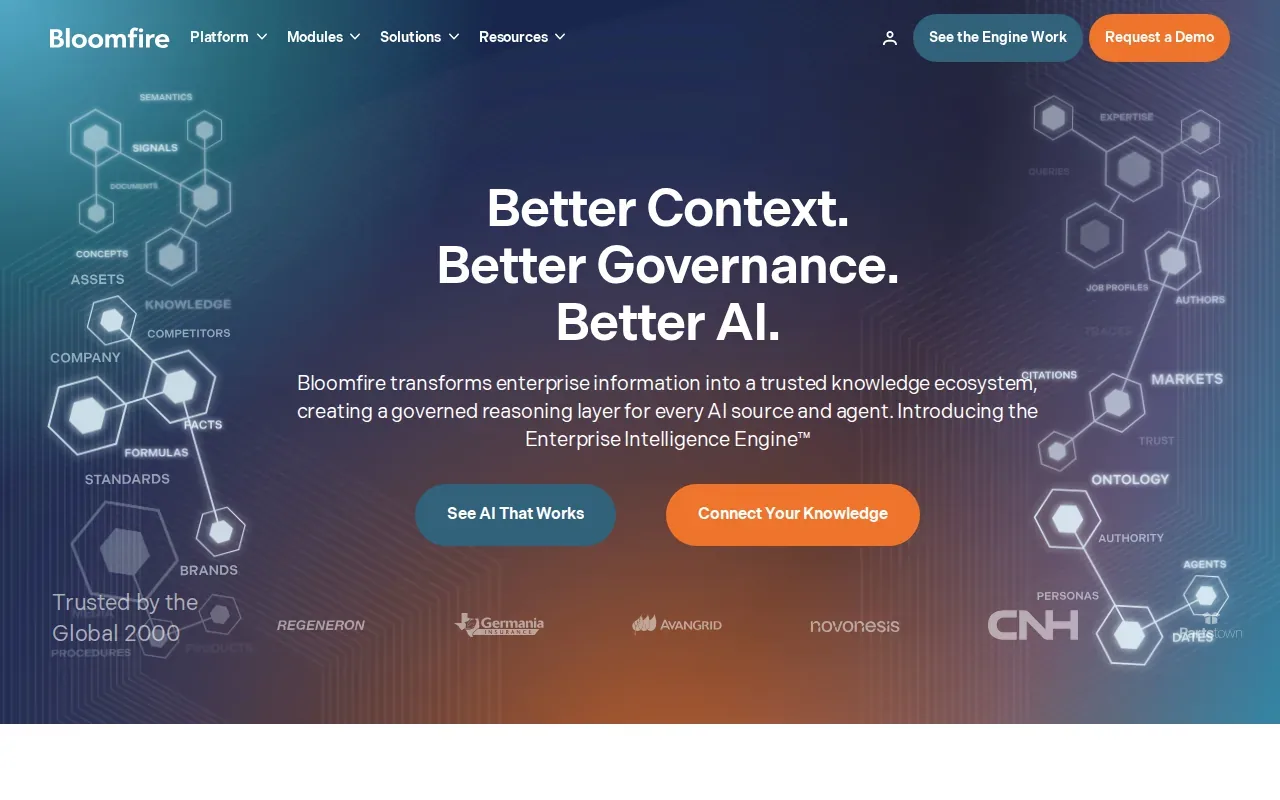
That mix may be useful when knowledge lives across business teams and the organization needs rules for who can see or manage content. Role-based access helps shape those boundaries. Teams still need to check whether the access setup matches their own data categories and day-to-day work.
Moderation and reporting can support ongoing content management. For example, a knowledge manager can review how the system is being used and decide which materials need attention. That matters because search can only help when the underlying guidance is accurate and the right people can reach it.
AI search can also surface information from connected sources, but the result should not be treated as approved policy without review. A useful rollout defines who owns the source material and how staff flag a stale or incorrect answer.
5. Helpjuice: AI-powered customer self-service knowledge bases
Helpjuice is suited to customer-facing help centers and self-service at scale. Its capabilities include AI content tools, AI search, the Swifty chatbot, PDF and image search, analytics, customizable themes, and multilingual support.
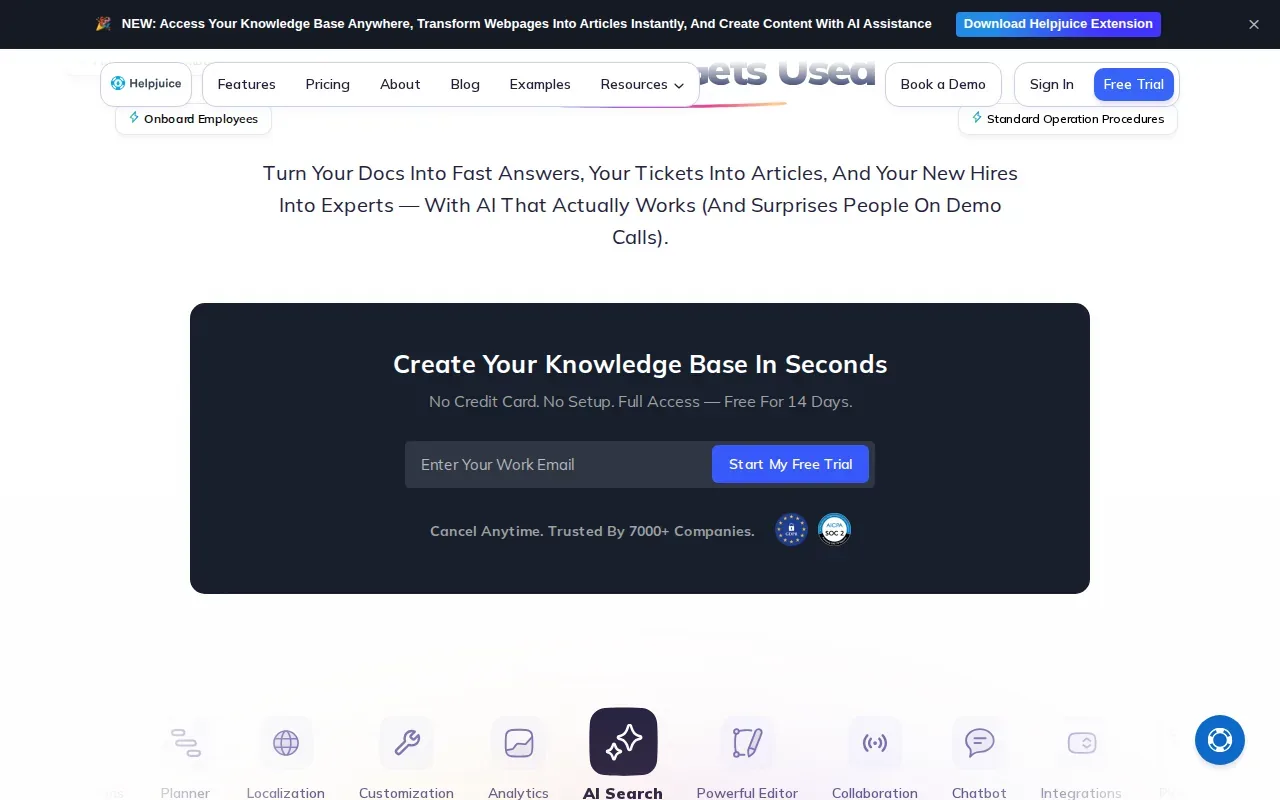
A customer could use a chatbot or search tool to find help content without starting with a support request. The content team can use analytics to spot where readers search, then review whether the relevant article answers the question clearly. That review remains important: AI can make an answer easier to find, but it can’t make an inaccurate policy correct.
Multilingual support may matter to organizations that serve customers in more than one language. Before deployment, check that translated guidance reflects the current approved source and that staff know how to handle questions the assistant cannot answer.
For a support leader, the key fit question is where self-service ends and a human agent takes over. Set that handoff clearly, then test it with common customer questions before making the assistant widely available.
6. monday service: AI-assisted service workflows and knowledge
monday service is an AI-powered service management platform for tickets, workflows, service operations, and task management. It’s suited to IT, HR, operations, finance, and support teams that want to manage service requests alongside work tasks.
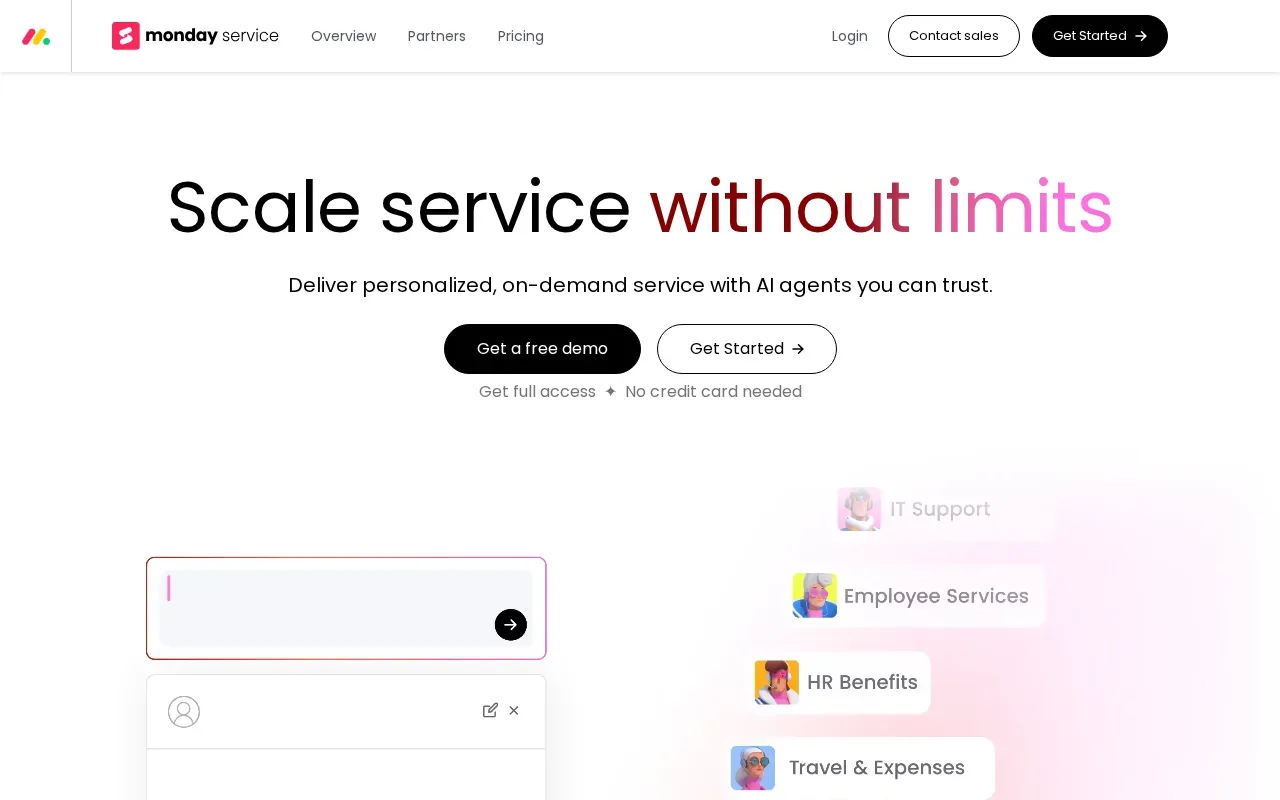
Its AI capability includes ticket triage. Workflow automation and email or form intake can help route requests into a defined process. For example, an employee submitting an IT issue could enter through a form, then the service team can direct it through its ticket workflow.
This is a service workflow choice, rather than only a place to store reference material. Teams should define which requests can be routed automatically and which need a person to assess them. That distinction helps keep unusual or sensitive cases from being treated like routine tickets.
Automation can save handoffs only when the steps match how the team actually works. Advatek can help review the IT and security side of an AI workflow before it becomes part of everyday operations.
7. Knowmax: Knowledge management for contact centers
Knowmax is an AI-powered knowledge management platform for contact centers and support operations. It focuses on CX teams that need agents to find guidance during customer interactions.
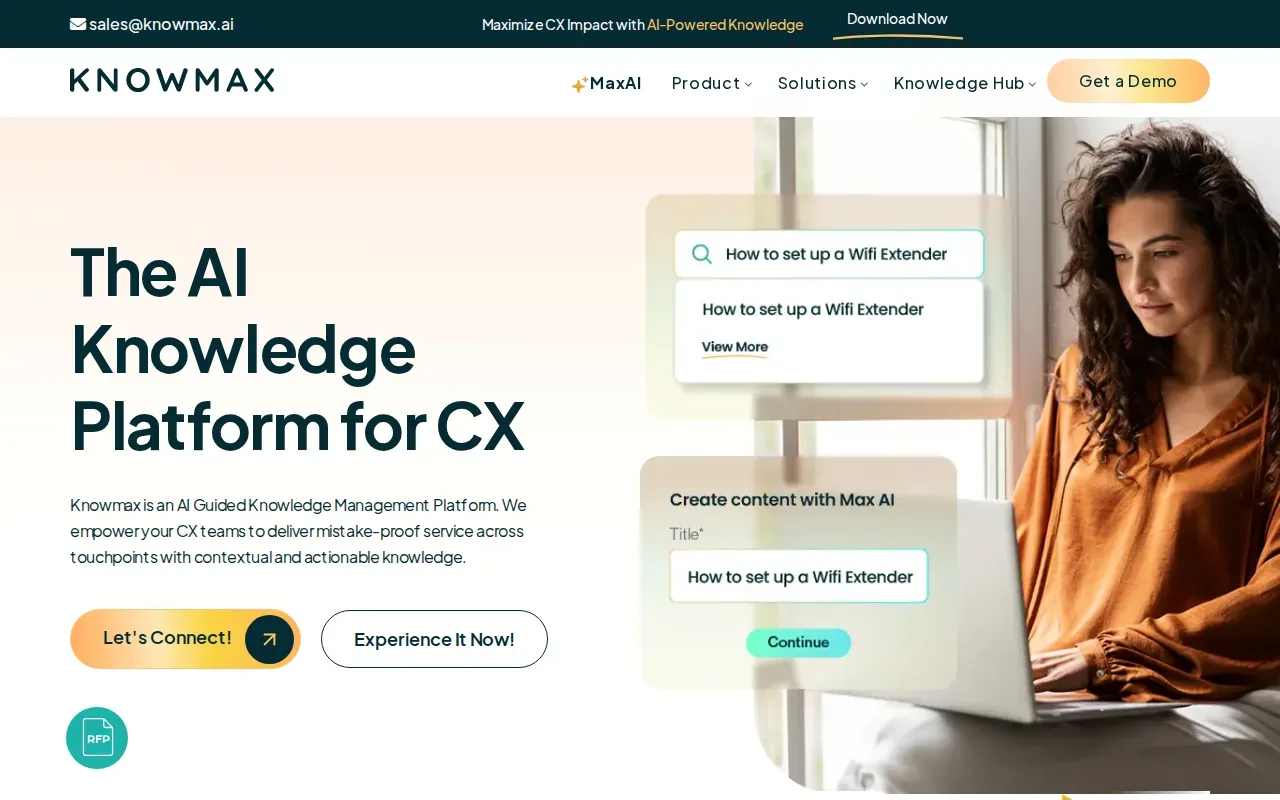
Its capabilities include search, structured content, analytics, and delivery across support channels. Knowmax also offers decision trees that guide agents through next steps, plus visual how-to guides and self-help content. Those features can suit a team that needs consistent guidance for repeat customer questions.
The platform has APIs for connecting with CRMs, help desks, and ticketing systems. That can place knowledge closer to the agent’s existing workflow. Before connecting systems, check which data moves between them and who can view it. This is especially important when support records contain sensitive customer information.
A contact center should also decide who keeps each article current. An agent who finds an outdated step needs a clear way to flag it, and a content owner needs time to review that report.
8. Sana: Search and chat across organizational knowledge
Sana lets teams chat, search, and interact with organizational knowledge, including meeting content. That makes it worth considering for teams that want a conversational way to reach information across their work.
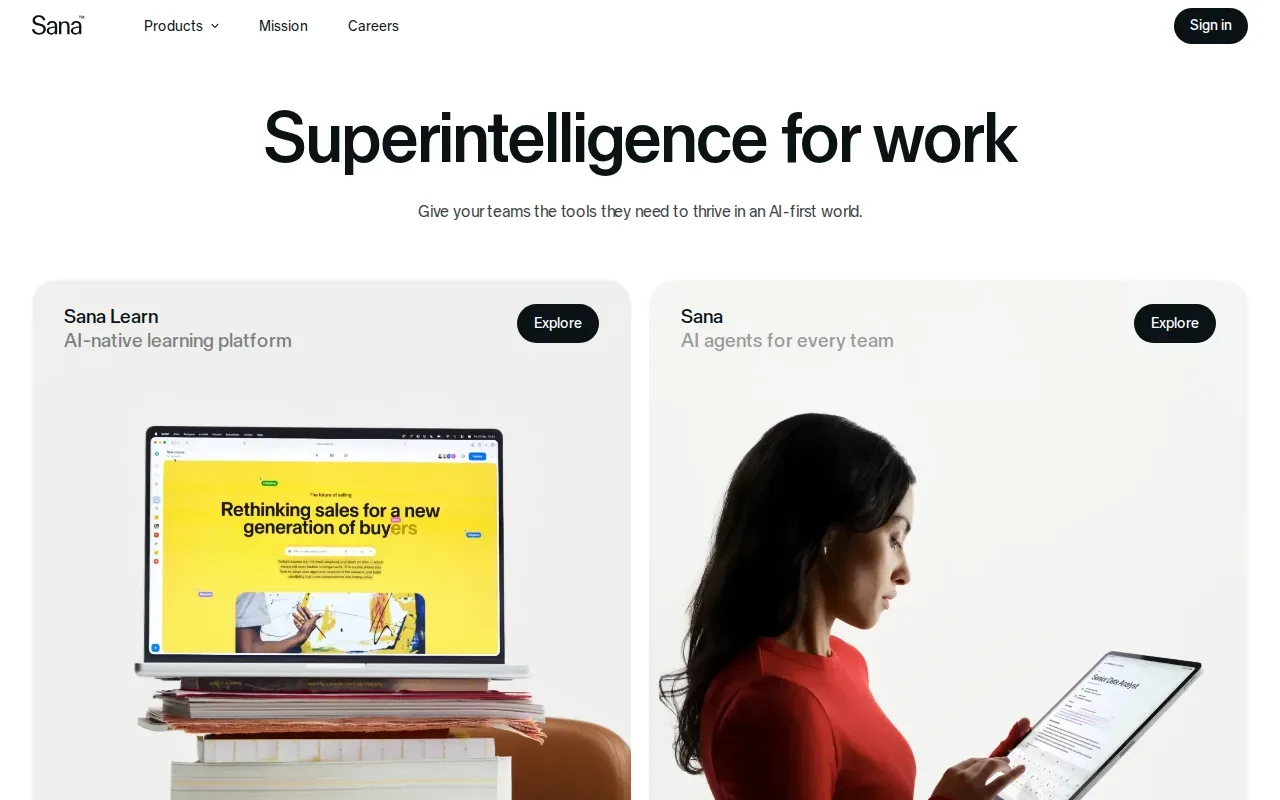
That is a broad use case, so compare it against your own sources and workflow before choosing it. Ask which knowledge people need to search, how the system treats meeting information, and how staff can confirm that an answer reflects an approved source.
The eight options serve different business needs. Use the table below to narrow the shortlist, then check the details that matter to your own security and content rules.
| Option | Best fit | What to assess |
|---|---|---|
| Microsoft Copilot | Organizations using Microsoft 365 | Permissions across connected work content |
| Denser | Internal knowledge, onboarding, or customer self-service | Source accuracy and compliance requirements |
| Document360 by Kovai.co | Product documentation and internal knowledge bases | Content review and workflow ownership |
| Bloomfire | Large enterprises needing search and governance | Access roles and moderation rules |
| Helpjuice | Customer help centers and self-service | Customer handoff and content updates |
| monday service | Service teams managing requests and workflows | Ticket routing and human review |
| Knowmax | Contact centers and support operations | Knowledge ownership and system connections |
| Sana | Chat and search across organizational knowledge | Sources, meeting content, and answer checks |
If an assistant also needs current public information, consider how it will distinguish that material from internal policy. A separate web-search service can provide real-time information, but it is not a replacement for reviewing internal knowledge or setting access rules.
AI knowledge management also changes the work of knowledge owners. They move beyond storing files: they review gaps, correct stale guidance, and help staff judge when an answer needs a human check. Track whether people find answers faster and whether repeat requests fall, then use those signals to improve the content and workflow.
Key Takeaway: Pick the tool that fits the work, then assign people to maintain its content, access rules, and answer review.
How to choose an AI knowledge tool
Use a short review before a pilot. The goal is to test the system against real work without giving it broader access than it needs.
- Choose a clear task. Start with one recurring question or workflow, such as finding an approved internal procedure.
- Check the source material. Remove duplicates and mark which documents are current before making them searchable.
- Set access rules. Match permissions to staff roles, especially when information is sensitive.
- Keep a human check. Decide which answers need approval before staff act on them or share them with customers.
- Measure the pilot. Track answer usefulness, unresolved questions, and the time staff spend finding information.
These checks matter in healthcare, finance, and legal work, where an answer can affect compliance or client service. Advatek can support AI planning alongside cybersecurity and managed IT services. Our AI risk assessment guidance can help teams frame the risks before they connect systems or content.
AI systems can return a fluent answer that still needs checking. A small pilot gives staff a chance to report gaps, test access settings, and confirm the answer points to a source they’re allowed to use.
Frequently asked questions
What is AI knowledge management?
AI knowledge management uses AI to help people find, understand, and work with information held by an organization. A system may search documents in natural language or answer questions from approved content. People still need to check that source material is current and that the response fits the task.
How does AI search differ from a regular knowledge base?
AI search can interpret a question written in everyday language and return a relevant answer or source. A standard knowledge base often asks users to search for matching words or browse categories. Neither approach fixes outdated or conflicting content, so someone must keep the source material accurate.
Can AI knowledge tools be used in healthcare?
They can support internal search or administrative workflows, but healthcare organizations should assess data handling, access, and the intended use before deployment. Don’t assume that a tool’s general security claims make a particular workflow suitable for protected health information. Get qualified IT and compliance guidance for the planned setup.
Does an AI chatbot replace a knowledge manager?
No. A chatbot can help people find information, but staff still need to own the source content, check errors, and resolve conflicting guidance. Knowledge managers also review unanswered questions and decide which information needs an update. The tool changes how people reach knowledge, not who is accountable for it.
How should a business measure an AI knowledge tool?
Start with the task the tool is meant to improve. Track how long staff spend finding an answer, how often they need to ask someone else, and whether users can verify the response. Also watch for unanswered questions and incorrect results. These measures can show where the tool helps and where the process needs work.
Conclusion
Choose a tool around the work your team needs to improve, then review its data access and content controls before rollout. For regulated organizations, we recommend involving a qualified IT partner early. Advatek can help you assess the fit and plan a safer implementation. Start by reviewing our AI governance framework, then talk with our team about your next step.
Download Franchise Information Report
Want to learn more about opening your own franchise? Fill out this form to get started: