
Best AI Risk Management Tools for 2026
AI can help teams work faster, but a model can also expose data, drift from its intended use, or make unfair calls. AI risk management tools help teams track those risks and set clear controls. Here are 10 options, with a focus on who each may suit and what to verify before adoption.
We analyzed 45 comments and questions from Reddit, YouTube and Quora about AI risk management tools and found that 27% mentioned lack of prompt-level visibility.
For small businesses and healthcare teams, software is only part of the work. Advatek also helps organizations plan and manage cybersecurity, compliance, and AI consulting, so the controls fit the way staff use technology day to day.
1. Credo AI: For building an inventory of AI systems
Credo AI is a governance platform for organizations that need a dedicated inventory of AI systems. It may suit teams that need shared oversight across departments and a way to keep governance records in one place.
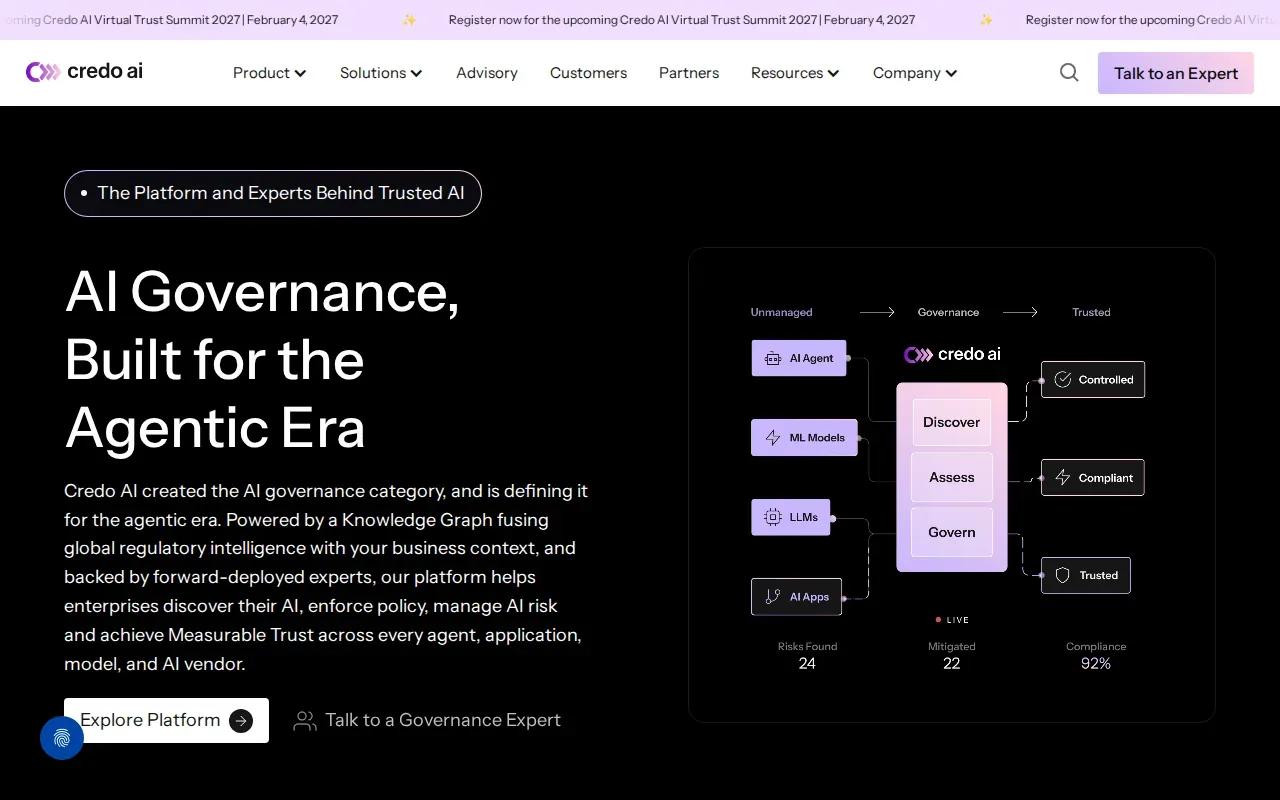
Its policy packs help teams set consistent governance requirements. Credo AI also supports governance workflows across teams and creates artifacts that can be shared with internal or external stakeholders. Its focus on policy management and audit-ready documentation may help when leaders need to show how a system was reviewed and what rules apply.
That record can help teams keep a clear view of which systems are in use and who owns their review. Before choosing it, check how its inventory connects to your systems, what monitoring it covers, and whether its reporting fits your rules and audit needs.
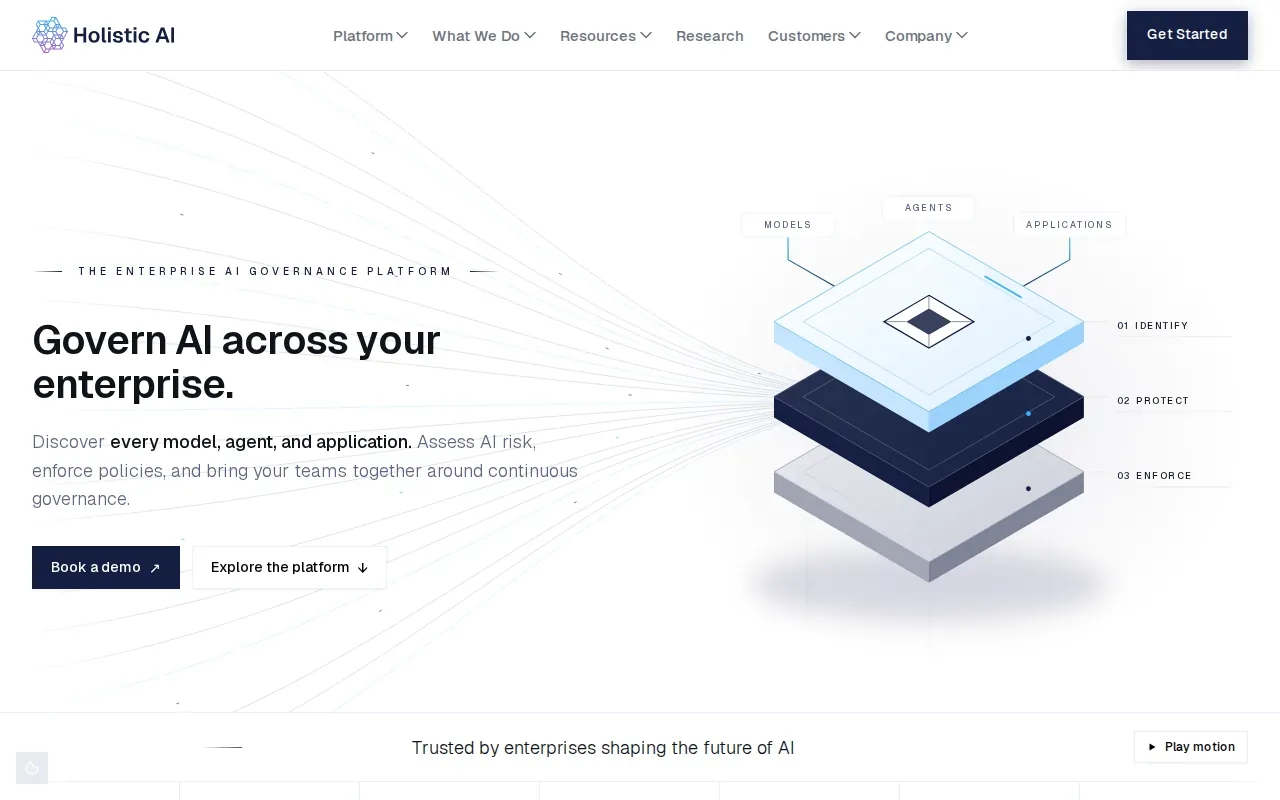
2. Holistic AI: For establishing a formal AI governance program
Organizations setting up a formal AI governance program should define how AI systems are reviewed and who is responsible for acting on identified risks. A qualified IT service provider can help connect that process to business workflows and compliance needs, including for healthcare, financial institutions, and law firms.
Before adoption, teams should clarify internal responsibilities, review practices, and how changes will be documented. Without professional guidance, implementation and ongoing oversight can be difficult to coordinate. An experienced MSP can help assess the work and manage the solution over time.
3. SAS AI Governance: For banks, insurers, and government organizations
SAS AI Governance is a specialized option for banks, insurance firms, and government organizations. It may suit institutions with established model risk management practices and formal review steps.
Its stated risk assessment focus is traditional model risk management. That makes it a closer fit for organizations that already assess conventional predictive models as part of institutional controls. A bank, for instance, may need a process that ties model review to existing risk oversight, with clear ownership and records for review.
Its architecture is poorly optimized for non-deterministic generative tools and autonomous AI agents. If your teams use those systems, confirm whether your planned governance covers them before treating this as a single platform for all AI work.
4. DataRobot AI Governance: For model checks and approval workflows
DataRobot AI Governance is a module within the broader DataRobot platform. It may suit teams that want model risk checks and approval steps within that environment.
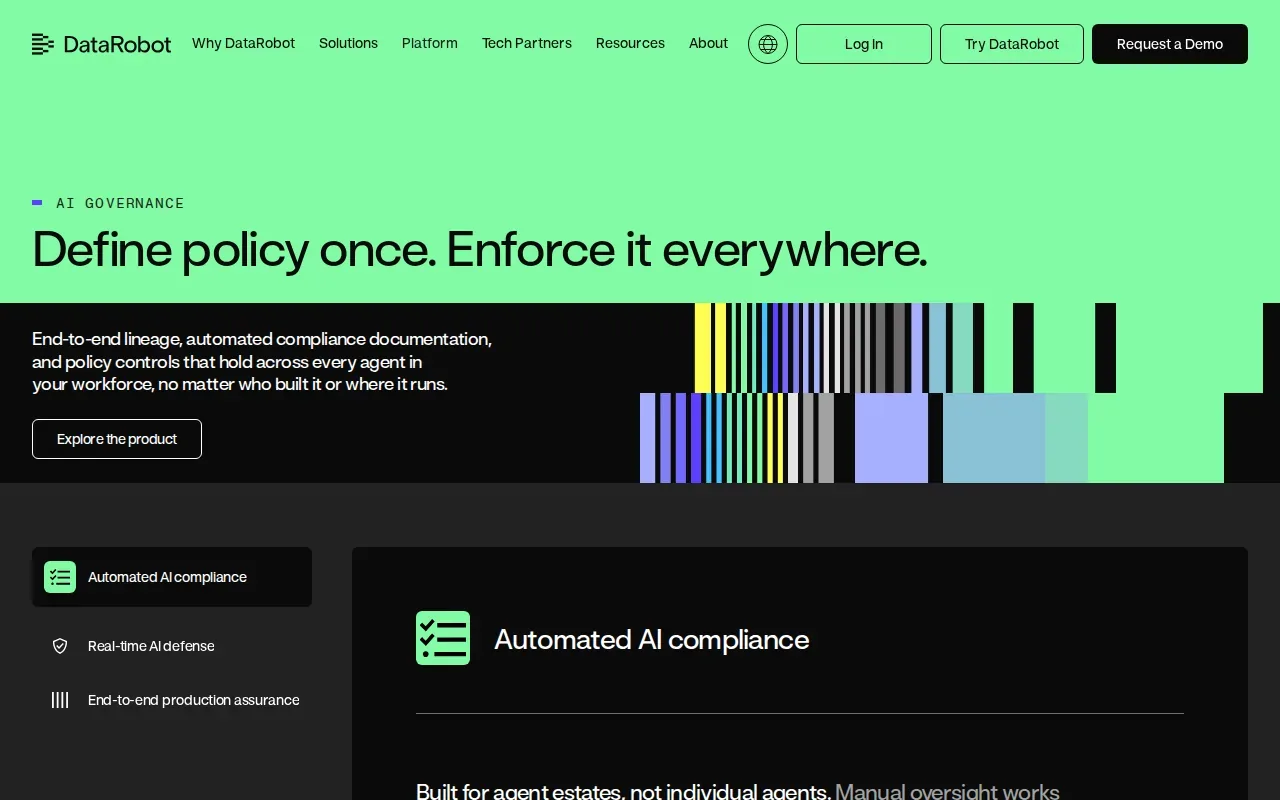
The module provides bias detection, performance monitoring, and approval workflows. Its risk framework can be applied at several stages, including a use case, a registered model version, or a deployment. The platform can assess mitigation methods when it can infer status from an asset’s setup. Some evidence still requires a person to provide details or confirm a control.
This distinction matters in an audit. An automated status can help show what has been configured, while a staff member may still need to document an operational or policy control. Ask which checks apply to your model type and where the team must add evidence by hand.
5. Diligent AI Risk Essentials: For connecting AI risk to enterprise risk management
Diligent AI Risk Essentials is a module within an enterprise risk platform. It may fit organizations that want AI risks handled alongside the wider enterprise risk management program, rather than in a separate technical workflow.
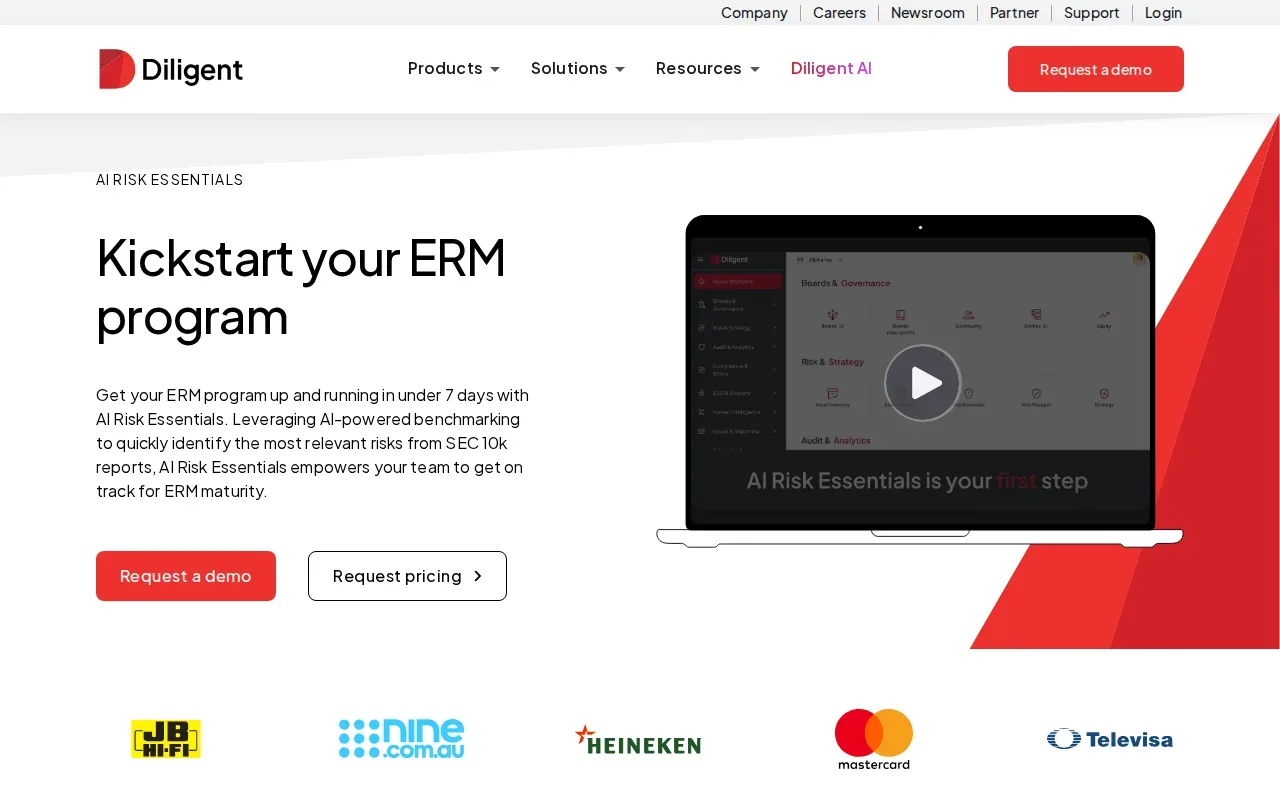
Diligent describes the module as a way to kick-start an enterprise risk management program, using AI-powered benchmarking to help identify relevant risks. That orientation can help risk leaders frame AI as part of the organization’s broader risk register and review process. For example, an executive team can discuss an AI concern in the same setting as other business risks.
Before adoption, confirm how AI risks move from identification into assigned action, and who updates the record as use changes. The risk team and the technical owner need a clear handoff. A risk list is useful only when the right person can assess and address each item.
6. Microsoft Purview: For managing AI-related data risks
Microsoft Purview is suited to organizations that need to manage data risks linked to AI use, especially within Azure and Microsoft 365 environments. It may help teams see where employees use AI apps and whether sensitive data could be exposed.
Purview’s Data Security Posture Management for AI includes insights into AI activity, policies to protect data in prompts, and data risk assessments for potential oversharing. It can also show activity details such as the AI app used and files referenced, subject to permissions. A team could use those records to review whether staff are sending sensitive business data to an AI service.
Microsoft Purview is not, by itself, a complete answer to every AI governance job. It focuses on data protection and activity visibility, so organizations may still need separate workflows for model approval or broader risk ownership. Advatek can help healthcare teams connect these controls with cybersecurity and compliance work, including safeguards for sensitive health information.
7. IBM watsonx.governance: For a structured enterprise AI risk program
IBM watsonx.governance is designed for enterprises that need a formal AI risk program. It may suit organizations that want governance records and workflows across generative AI assets and machine learning models.
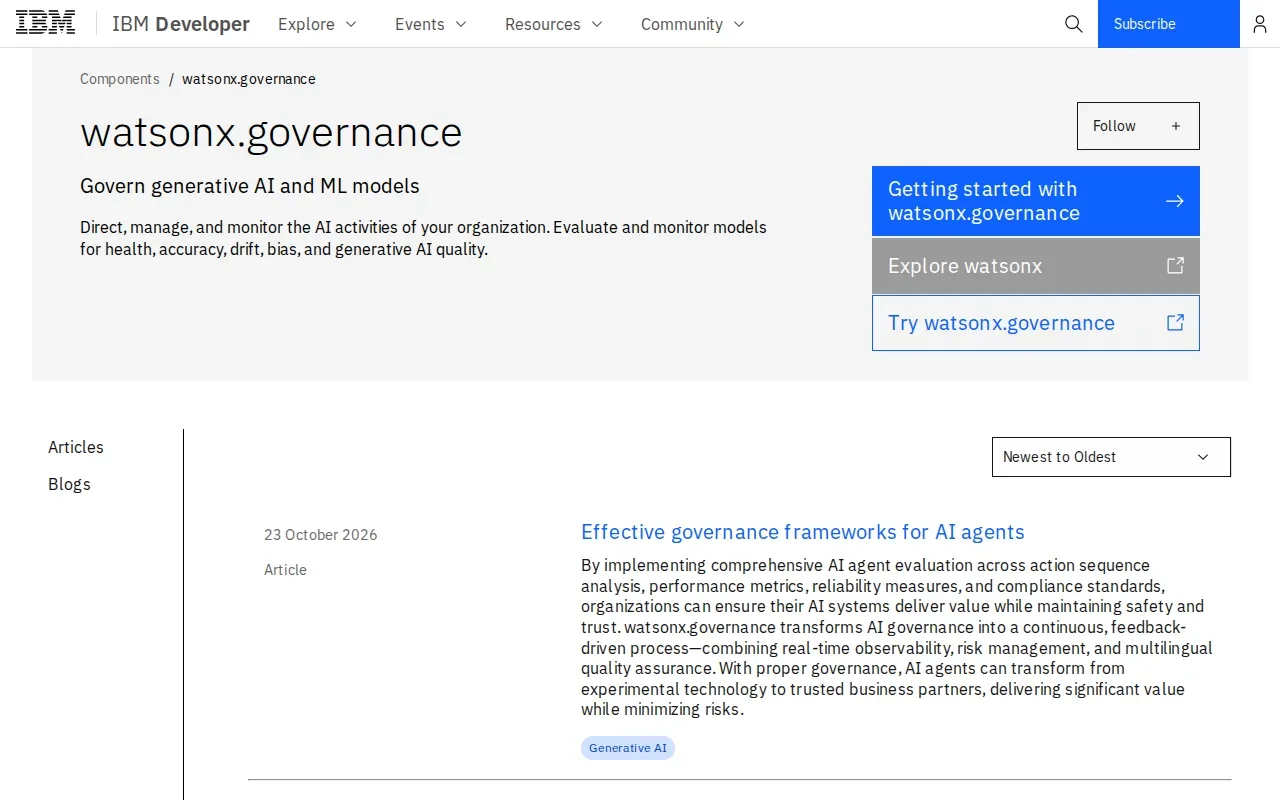
Its Governance console supports risk and regulatory compliance work across an enterprise. Teams can collect metadata about models, then build workflows that support governance processes. Its functions include inventories, risk assessments, documentation, approval workflows, policy controls, monitoring, and audit support.
That breadth can help large teams coordinate reviews, but fit depends on how well the platform connects to your current data and AI systems. Review implementation effort and the roles needed to keep records current. IBM’s broader data, AI, and automation ecosystem may matter to organizations already using it.
8. Arize AI: For model observability and troubleshooting
Arize AI is an AI observability platform for data science and MLOps teams. It may suit technical staff who need to monitor model behavior and investigate changes after deployment.
Its focus is monitoring, troubleshooting, and optimization. It also supports automated tracing for large language model evaluation. In a day-to-day review, that kind of observability can help technical teams follow a model’s behavior and inspect an issue when results change.
Arize AI does not provide the organizational workflows, policy controls, or automated regulatory documentation compliance teams need. A technical monitoring system should not be treated as the full governance program. Pair its model-level view with clear owners for policy decisions and audit records.
9. Airia: For governing generative AI applications
Airia is an AI orchestration and governance layer for enterprises deploying generative AI applications. It may fit teams that need to manage applications built around large language models.
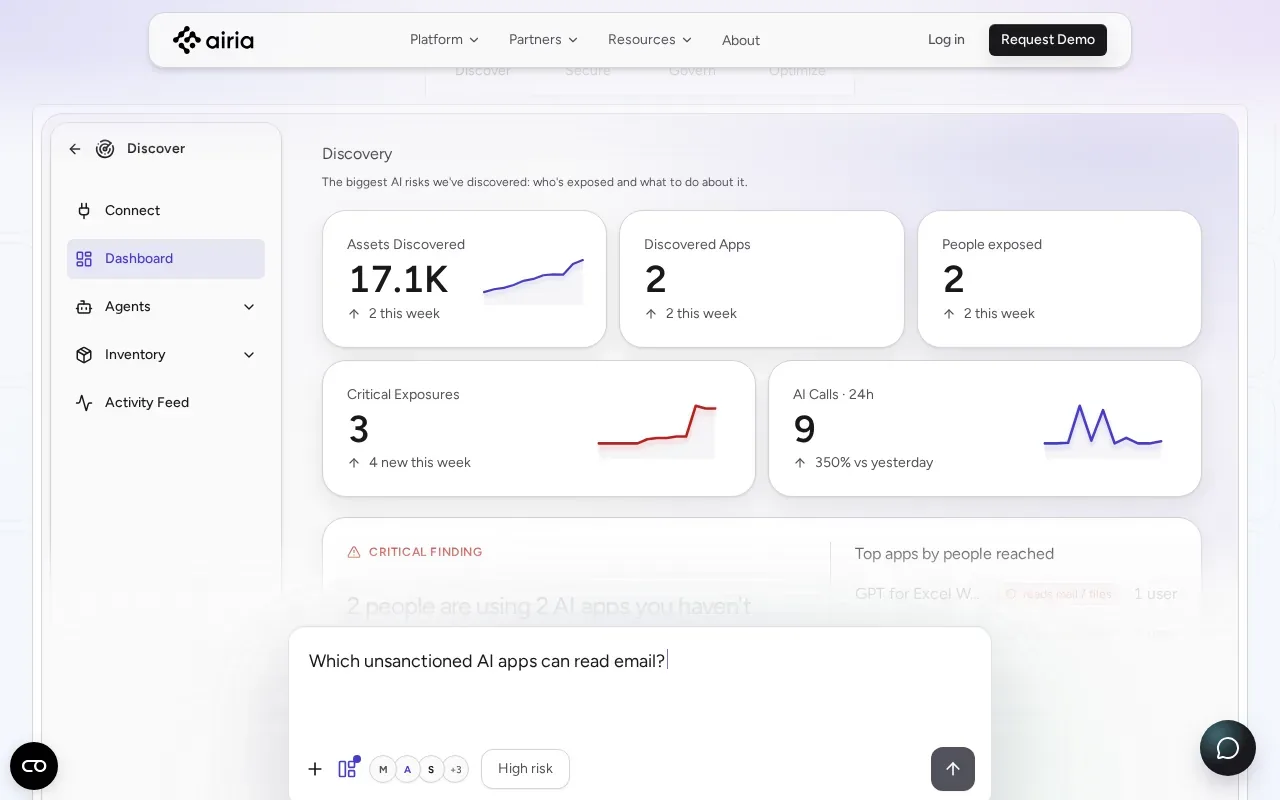
Its focus is GenAI and LLM governance. That scope can matter when staff use AI applications in daily work and leaders need to manage how those applications are deployed. A good evaluation should include the actual use case, the data it can reach, and the team responsible for reviewing changes.
Airia’s stated limitation is that it leaves a gap for organizations that also need to govern legacy credit scoring, fraud detection, or traditional machine learning models. If those systems are in scope, check how governance responsibilities will be covered for each model type. One GenAI layer may not cover a mixed AI estate.
10. Arthur AI: For model monitoring in smaller teams
Arthur AI provides model monitoring for teams that need to track AI systems. It may suit small and mid-sized teams or startups without a dedicated MLOps group.
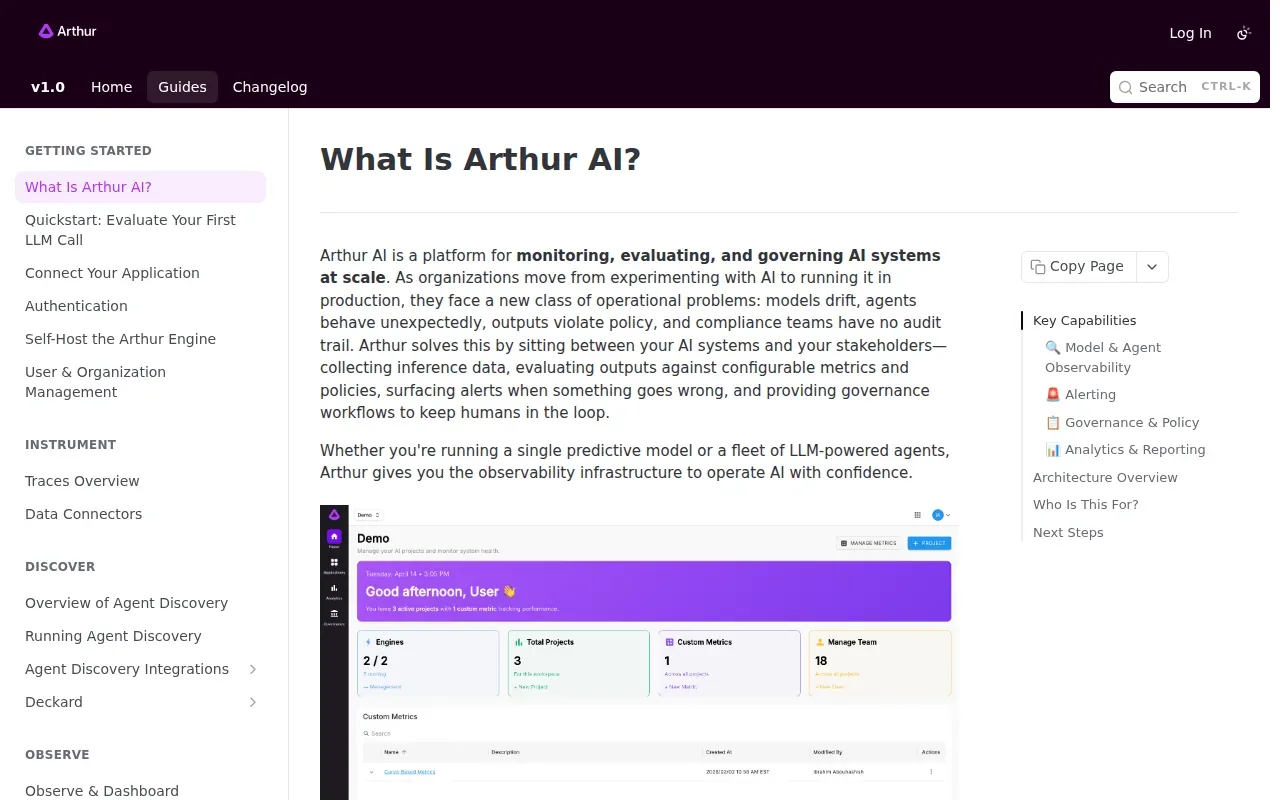
Its capabilities include automated alerts and custom metric integrations for drift and bias detection. It supports monitoring for model drift and bias, plus LLM evaluation that can use ground truth or human feedback. That can help a smaller team notice a change and decide whether a person needs to investigate it.
Monitoring is only one part of risk management. Before adopting Arthur AI, decide who receives alerts and what action each alert should trigger. A drift notice without an owner or review process can sit unnoticed. A simple escalation plan makes the monitoring more useful.
Compare the 10 AI risk management tools
The right fit depends on where risk work happens. Some options focus on governance records; others focus on data exposure or model behavior. Use this view to narrow the shortlist, then test the workflow that matters most to your team.
| Tool | Best fit | Main focus |
|---|---|---|
| Credo AI | AI system inventory needs | Policy packs and governance records |
| SAS AI Governance | Banks, insurers, and government | Traditional model risk management |
| DataRobot AI Governance | Teams using the DataRobot platform | Bias checks, performance monitoring, approvals |
| Diligent AI Risk Essentials | Enterprise risk programs | AI risks within enterprise risk management |
| Microsoft Purview | Microsoft-centered data protection | AI activity and data exposure risks |
| IBM watsonx.governance | Enterprise AI risk programs | Governance console and process workflows |
| Arize AI | Data science and MLOps teams | Model observability and LLM tracing |
| Airia | Generative AI application governance | GenAI and LLM governance |
| Arthur AI | Smaller teams needing monitoring | Drift, bias, and LLM evaluation |
For a company with several AI use cases, start with the system that has the highest impact on customers, staff, or sensitive data. Then check whether the tool can support the review, evidence, and follow-up that system needs. Responsible AI depends on human accountability as well as software controls, and an AI governance framework can help define the roles and review steps.
What to check before adopting an AI risk management tool
A demo should show the work your team will actually do, not only a polished dashboard. Bring one real use case and ask the vendor or implementation partner to walk through the full review.
- Inventory: Can staff record each AI system, its owner, and its intended use?
- Risk review: Can your team assess bias, data exposure, model changes, and the effect on people?
- Evidence: Can reviewers keep decisions and supporting records in a form your organization can use?
- Monitoring: What changes can the tool detect, and who receives an alert?
- Integration: Does the tool fit your current identity, data, and cloud setup?
- Ownership: Who reviews alerts, approves changes, and closes follow-up tasks?
Use the NIST AI Risk Management Framework as a voluntary structure for organizing risk work. It can help teams discuss how they govern, map, measure, and manage AI risk without treating a software purchase as proof of compliance. For a more focused starting point, our AI risk assessment steps can help define the systems and risks to review.
Implementation takes more than turning on a dashboard. A qualified IT service company can help map systems, set access rules, connect monitoring to response workflows, and train staff on what data they may share. Advatek’s cybersecurity and compliance work can support that operational setup, especially for healthcare organizations handling sensitive information.
Pro Tip: Ask the team that will own alerts to join the product demo. Their questions often reveal whether the workflow will fit daily operations.
Frequently asked questions
What do AI risk management tools do?
AI risk management tools help organizations identify and track risks tied to AI systems. Depending on the product, they may support system inventories, model monitoring, bias checks, policy workflows, or data protection. They help organize controls and evidence, but staff still need to set rules, review findings, and decide what action to take.
What features should we look for in an AI risk platform?
Look for features that match your actual risks. A team overseeing models may need performance or drift monitoring, while a team focused on generative AI may need visibility into app use and data exposure. Also check whether the product supports review records, assigned owners, approvals, and a clear path from an alert to action.
Can one tool cover every AI risk?
Usually, you should not assume one tool covers every need. Some products focus on governance processes, while others focus on data security or model observability. Map your systems first, then check where each product fits and what work remains. A managed IT partner can help connect tool controls with staff training and response processes.
How can healthcare organizations manage AI risk?
Healthcare organizations can start by listing the AI systems in use and identifying who owns each one. Then review what data each system can access, how staff use it, and how concerns are reported. Teams handling protected health information should include privacy and security staff in the review and confirm that each use fits their compliance obligations.
Does buying a tool make an organization compliant?
No. A tool can help document reviews or monitor certain risks, but buying it does not by itself make an organization compliant. Teams still need suitable policies, assigned owners, staff training, and review steps. They should confirm how each control applies to their use case and keep records of decisions and follow-up.
Conclusion
Choose a platform based on the risks and workflows your team needs to manage, not the length of its feature list. For small businesses and healthcare organizations, involve an experienced IT provider early so system access, staff use, and compliance work fit together. Contact Advatek to discuss the AI use cases you need to assess and the support your team will own after rollout.
Download Franchise Information Report
Want to learn more about opening your own franchise? Fill out this form to get started: